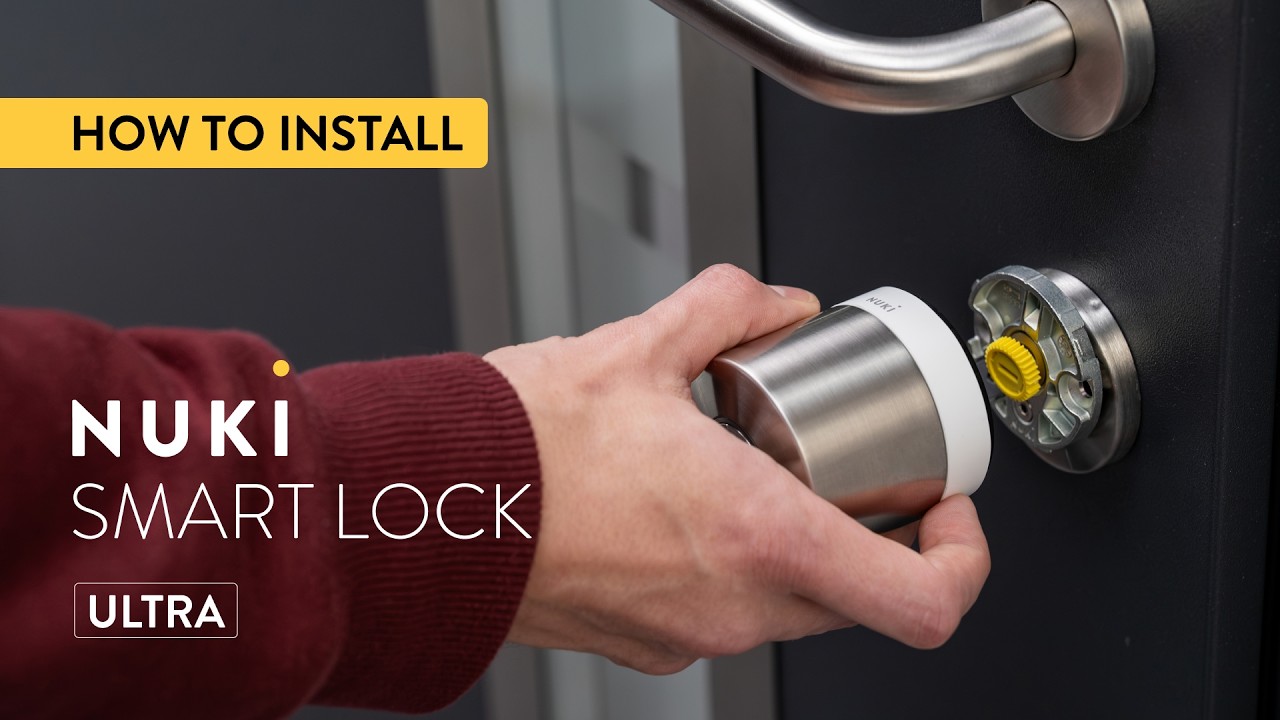
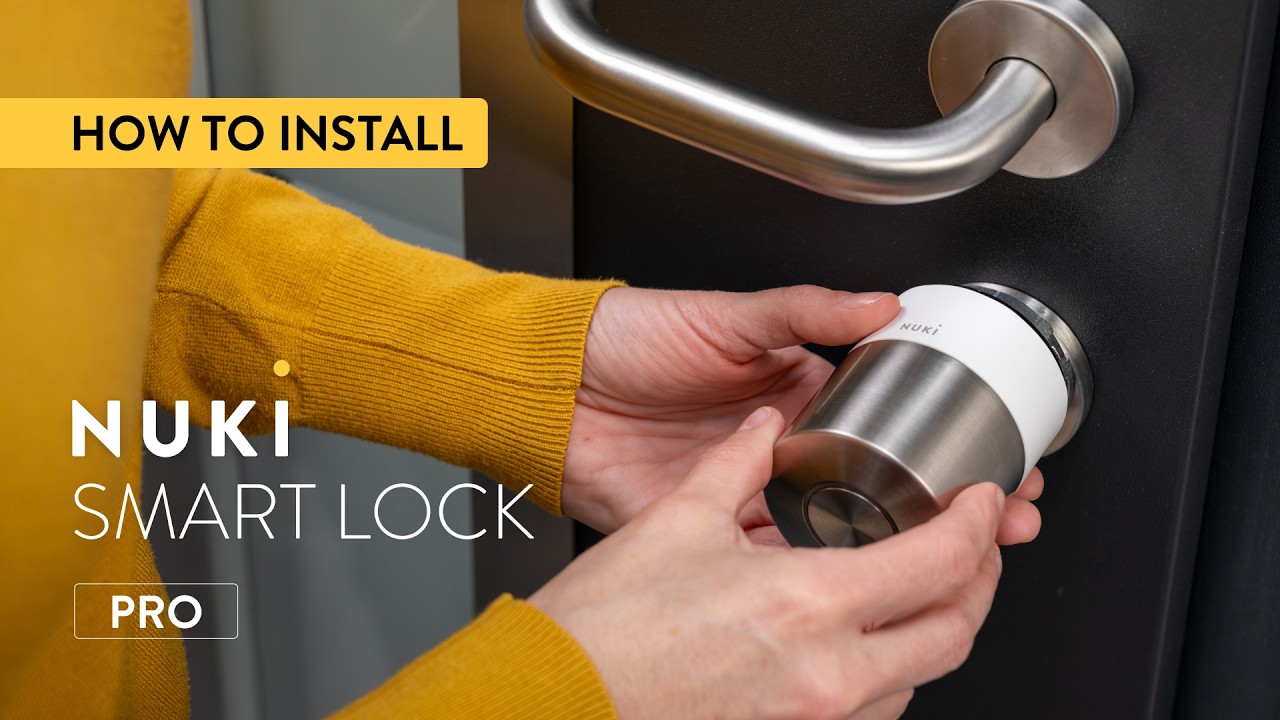
How to: Nuki Smart Lock Go Installation - Step-by-step
Автор: Nuki Smart Lock
Загружено: 2026-02-17
Просмотров: 195
Описание:
In this video, we show you step by step how to install the Nuki Smart Lock Go on your door.
The Smart Lock Go is a retrofit solution that mounts onto your existing cylinder from the inside – no drilling required and only minimal tools needed.
In this guide, you’ll learn:
• What’s inside the packaging
• How to choose the correct mounting plate
• How to attach the mounting plate
• How to position and secure the Smart Lock Go
• How to get started
Installation usually takes just a few minutes. Get your Smart Lock Go up and running quickly by following the steps in the free Nuki app.
Find out which smart lock fits your door: https://nuki.io/en-en/find-your-solution
Chapters in the video:
00:00 Intro
00:07 What’s inside the box
00:19 Let’s get started
00:27 Download the Nuki app
00:33 Bluetooth pairing
00:36 Start step-by-step guide in the Nuki app
00:50 How to measure your cylinder
01:00 How to choose the correct mounting plate
01:18 How to attach clamp-on mountain plate (B)
01:31 How to attach stick-on mountain plate (A)
01:43 How to mount the smart lock to the door
01:56 How to replace the standard batteries for a Nuki Power Pack
02:07 Calibrating the smart lock
If you’re looking for a quick visual overview instead, check out our short 3D installation preview on the channel.
Learn more about the Nuki Smart Lock Go:
https://nuki.io/en-at/products/smart-...
👍 Please like, share, and subscribe for more smart home content!
💬 Drop your questions or experiences in the comments – we’d love to hear from you.
🔔 Subscribe for updates: / @nukismartlock
Stay updated and follow us on social media for the latest news:
/ nuki_smart_lock
/ nuki.smartlock
https://nuki.io/
Повторяем попытку...

Доступные форматы для скачивания:
Скачать видео
-
Информация по загрузке: