How to Make Motion Control Weapons in Game Builder Garage
Автор: DaveNodon
Загружено: 2023-10-02
Просмотров: 17005
Описание:
It's dangerous to go alone! Take this box!
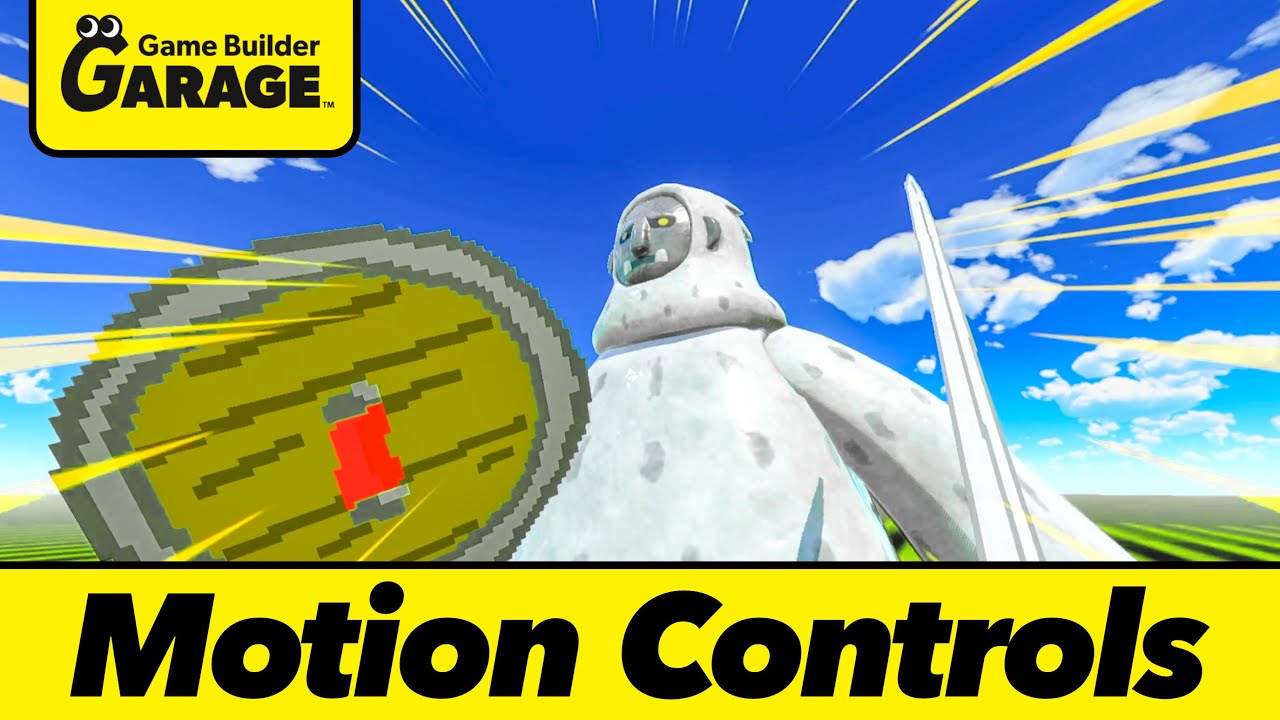
A somewhat simple tutorial on how to set up some cool motion control weapons in Game Builder Garage. Since the joy-cons are so precise, motion controls are actually really responsive and easy to make things for in this game! You can think of it like an advanced development feature since you'd need tons of gear and code to get this done in other game engines.
The Game ID for the Test Wing is - G 007 2CP 2X7
You can jump right in and see how it all works!
I apologize in advance for the video quality, I've been having one of the worst few weeks ever due to personal problems but I still wanted to post something!
Some ideas on extending this project?
The Jab on the Shield to deflect projectiles
Different Arm Cannons that can be swapped out
Add Ammo to the arm cannon
Questions, suggestions, requests? Let me know in the comments.
Thanks for watching, and have a lovely day!
Timestamps
00:00 Intro
00:35 Motion Control Test Wing GameID
00:53 Swinging Sword
03:50 Multi-Hit Enemy
05:30 Jab/Thrust Attack
06:42 Arm Canon
07:48 Dual Wielding
08:00 Grab / Switch Weapons
09:05 Re-Skinning Sword & Shield
09:29 Shield and Sword Complete
─────────────────
Game: Game Builder Garage
Genre: Programming Game
Platforms: Nintendo Switch
Developer: Nintendo
Publisher: Nintendo
Release Year: 2021
─────────────────
#GameBuilderGarage #MotionControl
Повторяем попытку...
Доступные форматы для скачивания:
Скачать видео
-
Информация по загрузке: