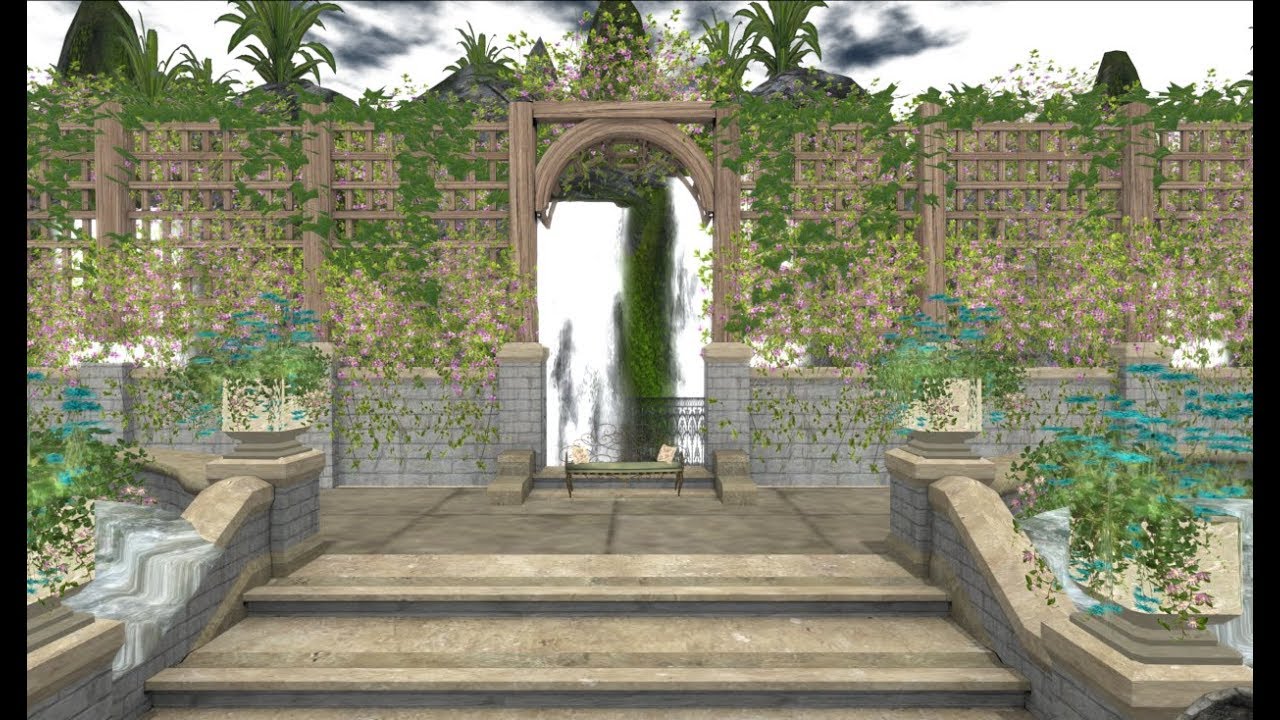
Tutorial: Creating 360 Panoramic Images Part 3
Автор: Lusus Studio
Загружено: 2019-02-16
Просмотров: 1125
Описание:
In this tutorial we'll cover four subjects relating to panoramic images:-
1/ Editing the images metadata so websites can recognise it as a 360 degree image.
2/ Viewing the panoramic image on the desktop before uploading it online.
3/ Uploading the panoramic image to Facebook.
4/ Embedding the panoramic image on a blog or website.
Some free software will be needed to carry out these steps, and a couple of websites will be used. All links are provided below.
Images from Second Life were used in the creation of this tutorial, but using real world photos will work just as well.
If you found this tutorial useful please like and subscribe. We appreciate each follower we recieve!
You can also find a version of this tutorial on our blog and you can also follow us on Facebook.
====================================================
https://www.sl-inspiration.com/2019/0...
/ slinspiration
There is also an SL-Inspiration Zazzle store where you can pick up some merch! https://www.zazzle.co.uk/sl_inspiration
SOFTWARE DOWNLOADS
====================
EXIF FIXER
Allows metadata to be added to the the panoramic image:
http://panoramaphotographer.com/softw...
LIZARDQ VIEWER
Enables panoramic images to be viewed on a PC:
https://www.lizardq.com/en/viewer/
WEBSITES
=========
MOMENTO360
A website dedicated to 360 panoramas:
https://www.momento360.com/
MAKING DIFFERENT
Generates an iframe tag so panoramas can be embedded on a blog or webpage:
https://www.makingdifferent.com/widge...
=====================================================
Thank you for watching our tutorial and come back soon for more!
Повторяем попытку...

Доступные форматы для скачивания:
Скачать видео
-
Информация по загрузке: