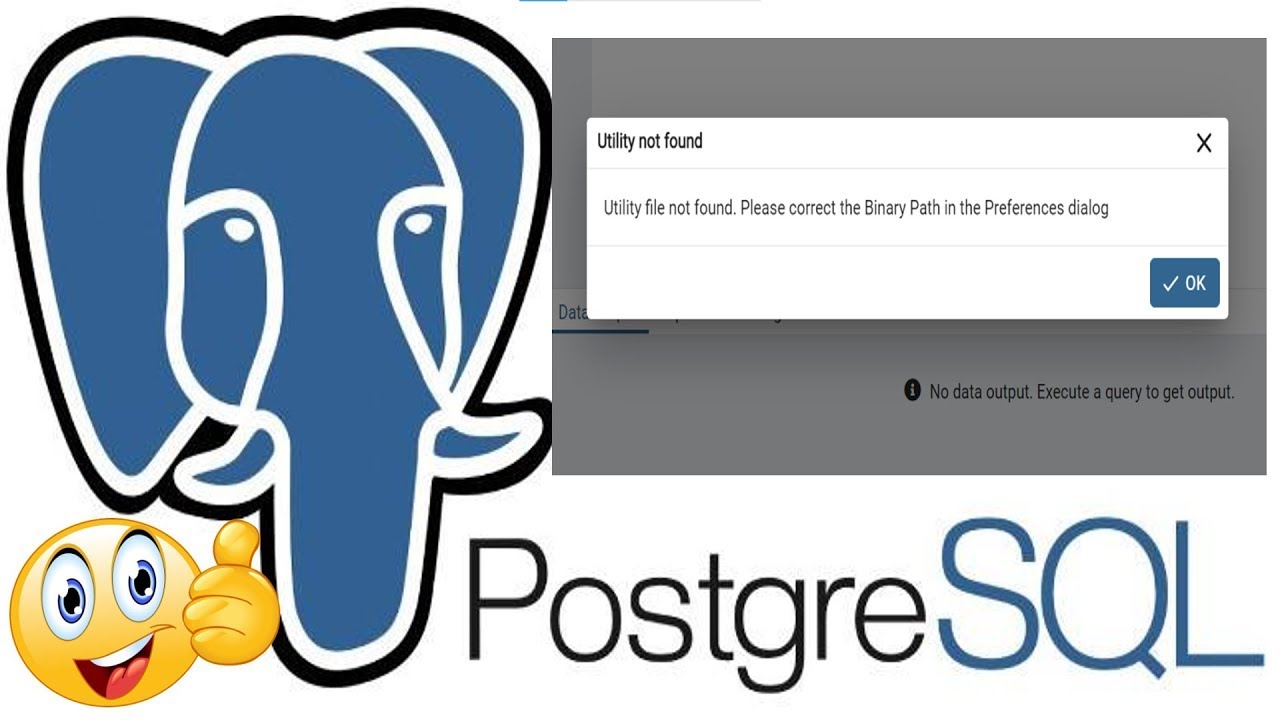
Utility file not found. Please correct the Binary Path in the Preferences dialog in PostgreSQL
Автор: IT Issue Fixers
Загружено: 2023-06-10
Просмотров: 1198
Описание:
Welcome to our video tutorial on solving the error "Utility file not found. Please correct the Binary Path in the Preferences dialog" when creating a backup in the #pgadmin 4 program.
If you're encountering this error message while attempting to create a backup using pgAdmin 4, don't worry, we've got the solution for you. This error usually occurs when the program is unable to locate the required utility file needed for the backup process.
In this video, we will walk you through the step-by-step process of resolving this error and ensuring a smooth backup experience in pgAdmin 4. We'll start by accessing the Preferences dialog, where we can configure the correct Binary Path.
Our experienced instructor will guide you through the necessary settings and show you how to locate and set the proper path for the utility file. We'll provide troubleshooting tips and best practices to avoid similar errors in the future.
By the end of this video, you'll have a clear understanding of how to rectify the "Utility file not found" error and successfully create backups in pgAdmin 4. Say goodbye to frustrating error messages and confidently manage your #postgresql databases.
Don't let technical hiccups halt your progress. Subscribe to our channel and be notified when this video tutorial goes live. Join us as we unravel the mysteries of pgAdmin 4 and empower you with the knowledge to overcome common backup errors. Get ready to take control of your database backups and elevate your #postgresql management skills. Let's dive in and solve the "Utility file not found" error together!
Повторяем попытку...
Доступные форматы для скачивания:
Скачать видео
-
Информация по загрузке: