MOTOROLA Signature – How to Add Audio or Video to a Text Message
Автор: TUTORIAL_info
Загружено: 2026-02-05
Просмотров: 16
Описание:
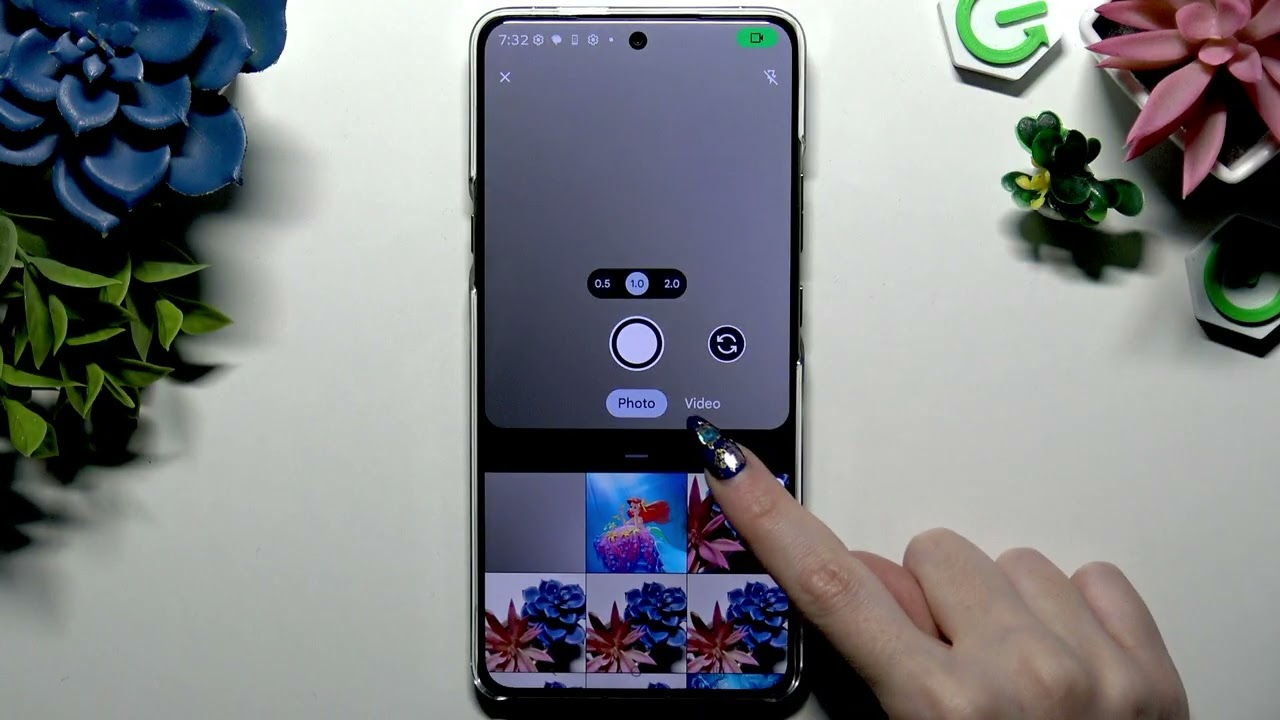
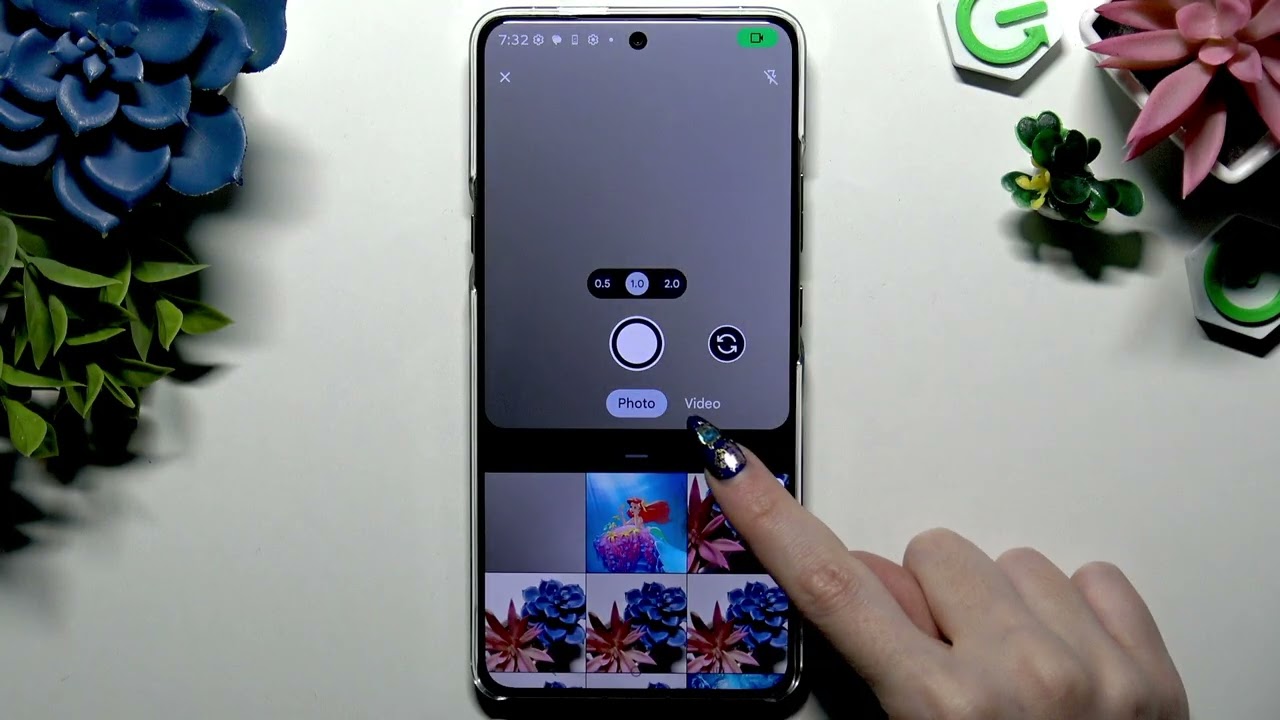
In this short video we show how to add an audio or video file to a text message on the MOTOROLA Signature using the Messages app. You will learn how to record and attach a voice note with the built-in microphone icon, how to pick an existing audio file from Files or other sources, how to record a video from the camera view, and how to attach a saved video from your phone. These simple steps make it easy to send multimedia (audio, video, MMS) from your MOTOROLA Signature and improve your messaging experience.
How to add an audio file to a text message on MOTOROLA Signature?
How to add a video file to a text message on MOTOROLA Signature?
How to attach an existing audio or video file using the Messages app on MOTOROLA Signature?
0:00 Introduction and what you will learn
0:09 Open Messages and select or create a chat
0:27 Record and attach a new audio message (microphone icon)
1:00 Attach an existing audio file via + → Files → Audio or sources menu
1:37 Record a new video using the photo icon switched to Video
1:59 Attach an existing video from your gallery or files and hit Done
2:23 Wrap up and closing (like, comment, subscribe)
#Motorola #MotorolaSignature #TextMessage #MMS
Find out more:
https://www.hardreset.info/devices/mo...
Follow us on Instagram ► / hardreset.info
Like us on Facebook ► / hardresetinfo
Tweet us on Twitter ► / hardreseti
Support us on TikTok ► / hardreset.info
Use Reset Guides for many popular Apps ► https://www.hardreset.info/apps/apps/
Повторяем попытку...
Доступные форматы для скачивания:
Скачать видео
-
Информация по загрузке: