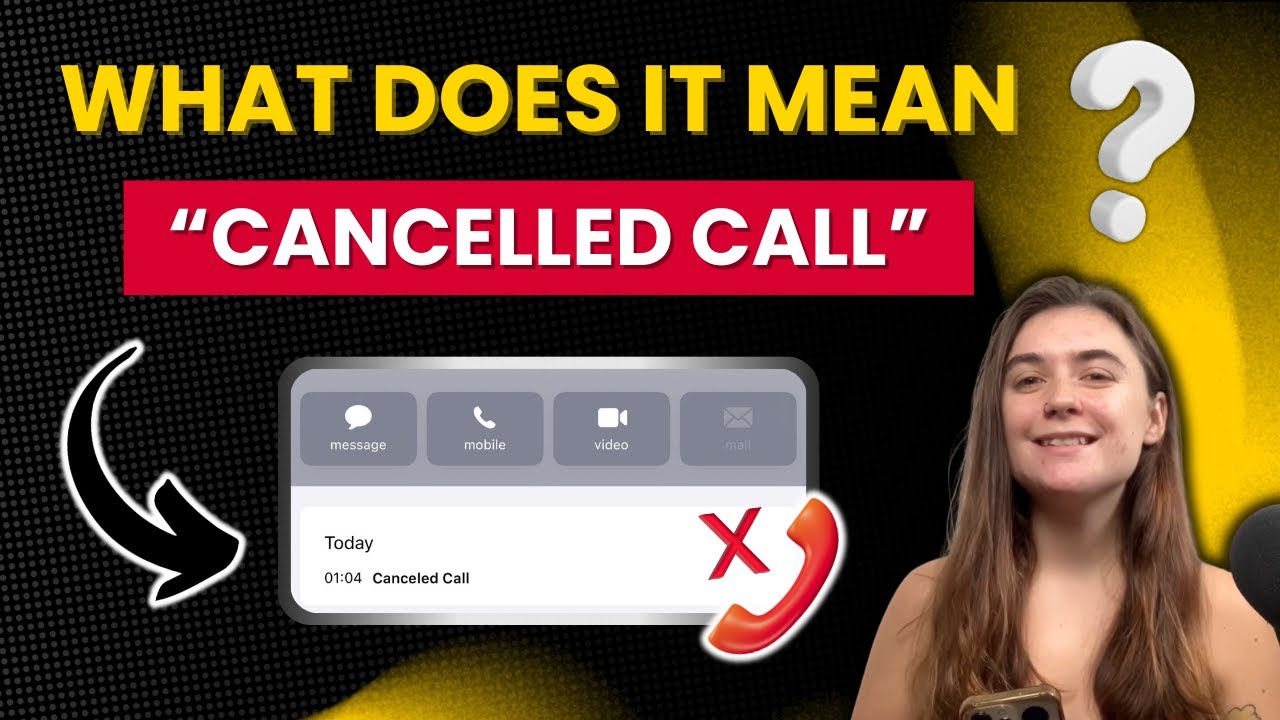
What does a "Cancelled Call" mean on an iPhone ? How to fix it ?
Автор: How-To Authority
Загружено: 2024-11-17
Просмотров: 9858
Описание:
A "Cancelled Call" on iPhone happens when your call doesn’t reach the other person's device. In this video, we explain why calls get cancelled and how to fix it if this keeps happening on your phone.
🔗 Read our full article: https://www.androidauthority.com/canc...
📚 Chapters:
0:00 - Introduction
0:04 - What Is a Cancelled Call?
1:12 - Troubleshooting Cancelled Calls
1:15 - Restart iPhone
1:49 - Move for Better Signal
2:02 - Check Airplane Mode
2:26 - Update iPhone
2:59 - Reset Network Settings
📲 Fixing Cancelled Call Issues on iPhone:
1️⃣ Restart iPhone: Press Power + Volume buttons to restart.
2️⃣ Check Airplane Mode: Slide down Control Center and ensure Airplane Mode is off.
3️⃣ Move for Better Signal: Try a location with a stronger signal or enable Wi-Fi Calling.
4️⃣ Update iPhone: Go to "Settings" ➡️ "General" ➡️ "Software Update" to check for updates.
5️⃣ Reset Network Settings: Go to "Settings" ➡️ "General" ➡️ "Transfer or Reset iPhone" ➡️ "Reset Network Settings."
⭐ Thanks for Watching! If you found this helpful, don’t forget to like and subscribe for more iPhone tips!
Повторяем попытку...
Доступные форматы для скачивания:
Скачать видео
-
Информация по загрузке: