Using the THICKEN TOOL in Autodesk Fusion 360 to Create Solids from Surfaces
Автор: The Fusion Essentials
Загружено: 2020-02-05
Просмотров: 52458
Описание:
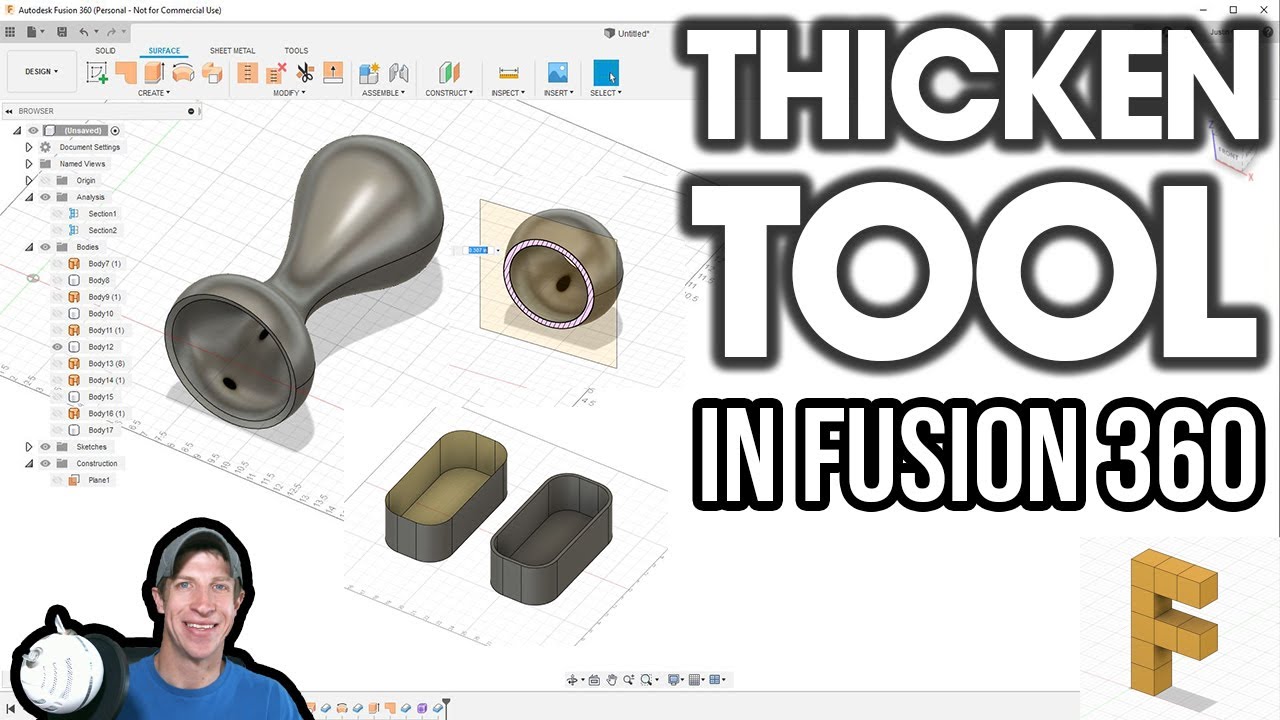
In today’s video, we’re going to talk about a tool inside of Fusion 360 that allows us to add thickness to different objects – the thicken tool!
The thicken tool is a tool inside of Fusion 360 designed to help you add thickness to objects to make them solids. You’re usually going to use this tool in conjunction with the surface function, rather than the solid function, because solids are already…solid.
We’ll talk a bit more about surfaces in another video, but generally, while the solids tool creates objects with thickness, the surface function uses edges to create surfaces that don’t have any thickness. This is fine for some kinds of models, but if you’re going to do any 3D printing or anything with any real-world application, your models need to be solid to work.
The way the tool works is fairly simple – simply take a shape, activate the tool, and select the object you want to thicken. Notice that this will not work with an object that already has thickness.
Use to give both inside and outside thickness
Can select multiple objects and they’ll thicken together
Leaves the original object in place
Has the same functions as other tools – symmetric, one sided
Can do join, cut, etc
If you want straight up and down – extrude. If you want to thicken relative to the shapes you have selected, use thicken
Повторяем попытку...
Доступные форматы для скачивания:
Скачать видео
-
Информация по загрузке:


