Shadowplay Not Recording in-Game Audio Fix
Автор: MDTechVideos2
Загружено: 2021-01-28
Просмотров: 139
Описание:
Shadowplay Not Recording in-Game Audio Fix.
Issues addressed in this tutorial:
shadowplay not recording game audio
shadowplay not recording discord audio
shadowplay not recording desktop
shadowplay not recording my voice
shadowplay not recording game
shadowplay not recording audio
shadowplay not recording any audio
shadowplay not recording certain games
shadowplay not recording fix
shadowplay not recording in game sound
ShadowPlay is one of the widely used software that is used to record gameplay. One of the great advantages of ShadowPlay is that it comes built-in with the Nvidia GeForce Experience. Although it is only available to Nvidia users, the popularity of the software cannot be denied. While this all great, there are still some issues that you may face with it. One of the issues that have affected many users is when the ShadowPlay captures the gameplay but does not record the audio of the gameplay alongside it. This makes the videos useless since they look dull and boring without the audio.
Now, this issue can be caused by some known reasons that we are going to mention in detail down below. One of the said causes of the problem turns out to be the default audio capture device for the Nvidia software. Basically, what happens is that Nvidia relies on the settings that you have specified on your Windows machine. So if you have an incorrect device selected as your input, it may result in the issue. Nonetheless, the issue is really easy to solve. However, before we get into that, let us first go through the different causes of the said issue.
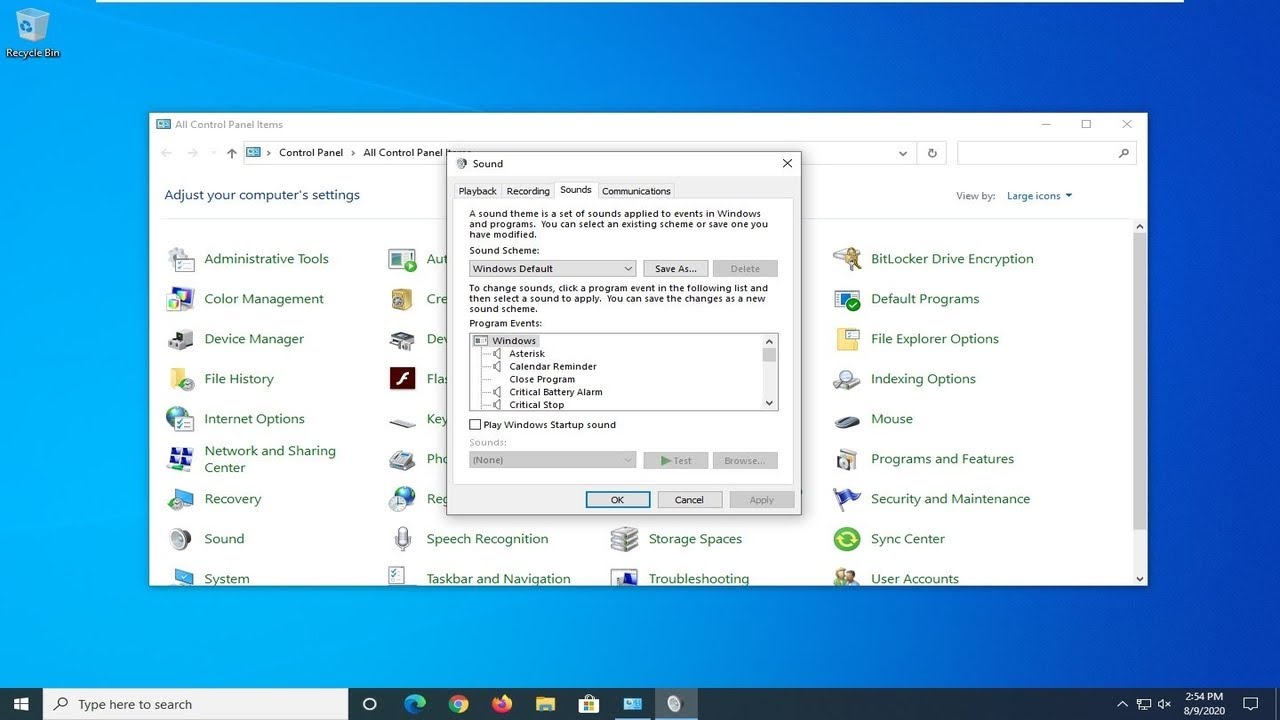
Nvidia Audio Device — As it turns out, in most of the cases, the issue is caused due to the incorrect audio device selected for the Nvidia category in your Windows sound settings. When this happens, there will be no audio since the device that Nvidia is using isn’t being used by you. In such a case, what you have to do is simply change the audio device for Nvidia in sound settings.
System Sounds Turned Off — In some scenarios, the issue may present itself when your system sounds are set to zero. As Nvidia tries to record the system sound, it won’t be able to pick up anything if it has been disabled i.e. the value is set to zero. To fix this, you will have to increase the value of system sounds.
Damaged Installation — Finally, another cause of the issue can turn out to be damaged installation of the Nvidia GeForce Experience software. You probably have noticed that Nvidia GeForce Experience comes with additional drivers for your audio and more. In some cases, if the files are damaged, the issue may occur and thus you will have to reinstall everything to resolve the issue.
Now that we have gone through the possible causes of the said, let us go through the various different methods that you can use to get the audio back on your ShadowPlay recordings. Follow through.
This tutorial will apply for computers, laptops, desktops, and tablets running the Windows 10, Windows 8/8.1, Windows 7 operating systems. Works for all major computer manufactures (Dell, HP, Acer, Asus, Toshiba, Lenovo, Samsung).
Повторяем попытку...
Доступные форматы для скачивания:
Скачать видео
-
Информация по загрузке: