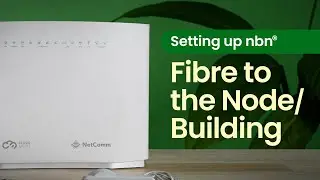
How to Get your Router Set up with FTTP
Автор: Tangerine
Загружено: 2025-09-10
Просмотров: 916
Описание:
Right, let's get your Tangerine BYO Wi-Fi Router set up with FTTP. You’ll want to make sure it is Wi-Fi 6 or 7 compatible. It's dead simple.
1. Find your NBN connection box inside your place.
2. Gently lift the cover by pressing those clips on each side.
3. Connect your Wi-Fi Router to a UNI-D port on the NBN connection box - make sure it matches the port - and power it up. Wait for the DSL light to stop flashing and go steady.
4. Connect your device via cable or Wi-Fi.
5. Pop into the router's configuration page to finish setup. Make sure your router is in WAN mode, and encapsulation is set to IPoE.
6. Sorted!
You're ready to squeeze every drop of speed from your new connection.
Learn more: https://www.tangerine.com.au/modem-se...
🔗https://www.tangerine.com.au/contact
*nbn® Speed Tier refers to the speed of the technology installed at your premises. Speeds listed are not equivalent to the download/upload speeds you will achieve in practice. See Key Fact Sheet at tangerine.com.au for details.
Повторяем попытку...
Доступные форматы для скачивания:
Скачать видео
-
Информация по загрузке: