Connect Phone to Bluetooth | INFINITI Q50
Автор: Austin INFINITI
Загружено: 2016-12-22
Просмотров: 34723
Описание:
Step one is preparing your phone. For iPhone users, select your Setting screen, Bluetooth. Be sure that Bluetooth is on and discoverable.
For Android users, begin by selecting Settings, Bluetooth. Confirm it's on and discoverable. And select Search.
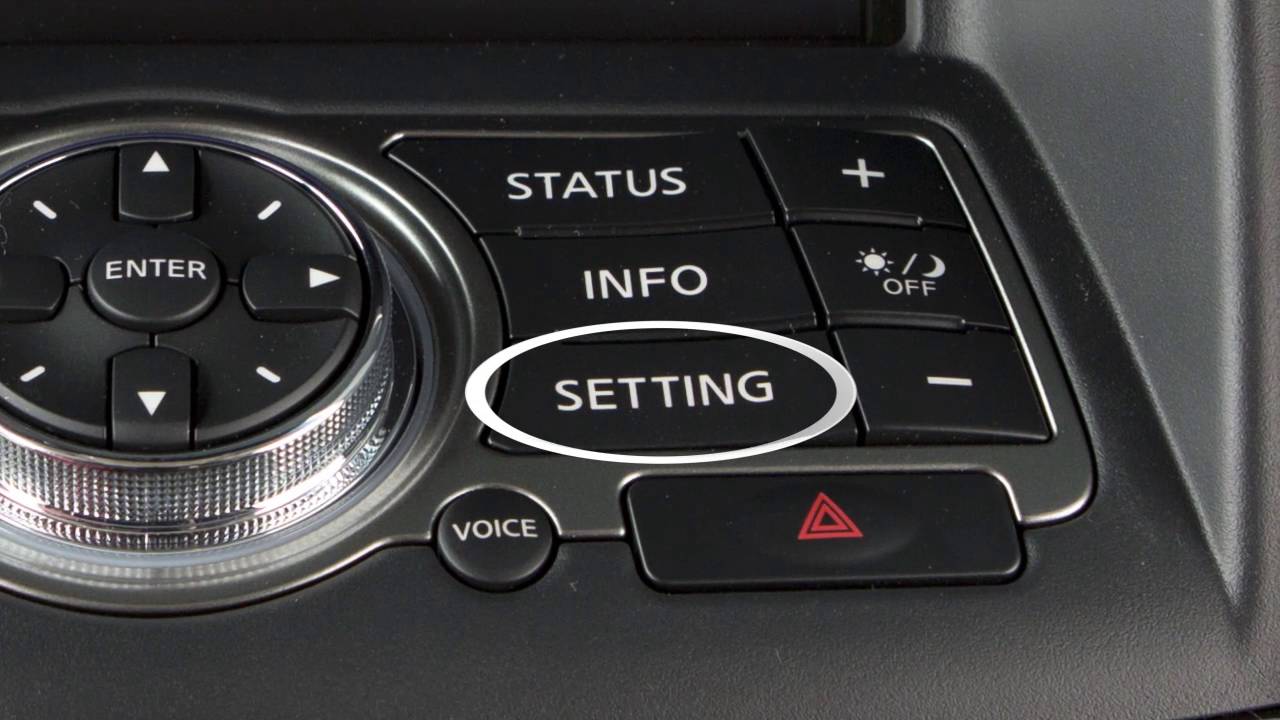
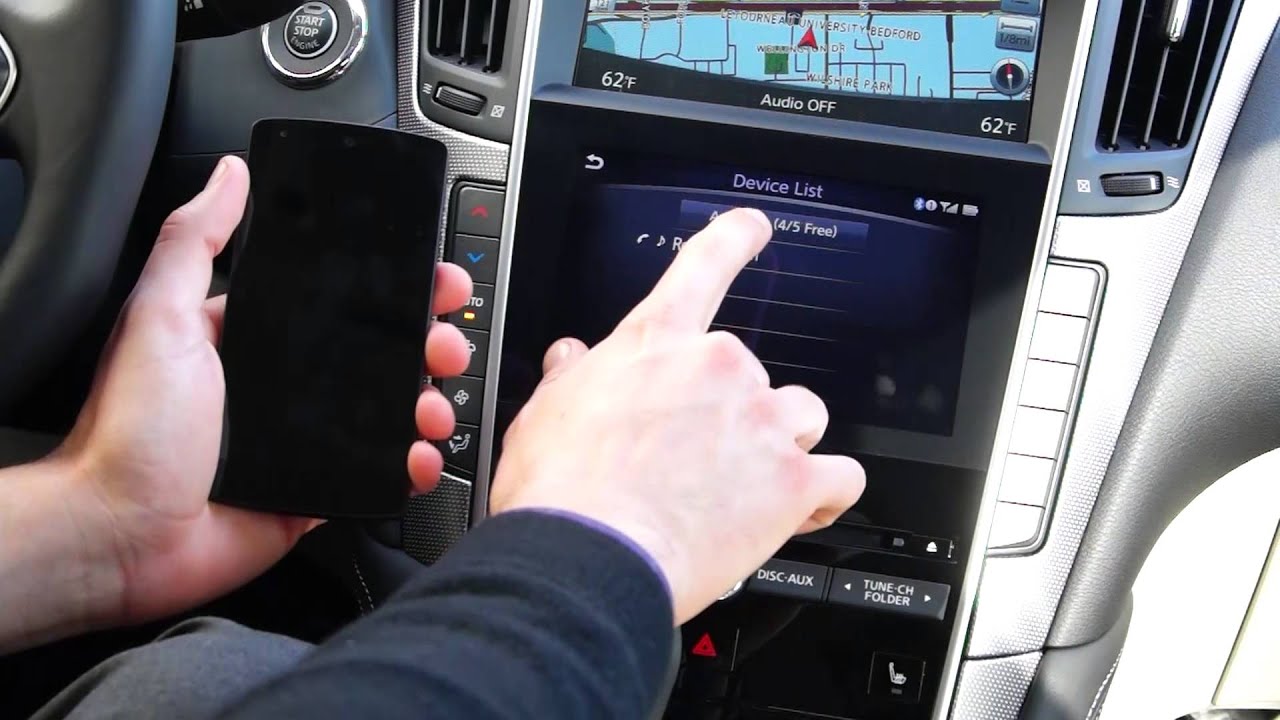
The second step is setting up your vehicle. Start by pressing your menu button in the center of the screen. From there, press your settings button. Select Bluetooth in the top left corner, and Connect Device. You'll see, "Add New(5/5 Free)". You can pair up to 5 phones to this vehicle. Select Add New. It will begin searching for your phone. The vehicle will appear as, "MY-CAR" on your device. The vehicle is paired!
One tip, if you have another INFINITI in your family, is to change the discovery name of your Q50 Bluetooth. Start again by selecting your settings screen. And Bluetooth from the top left corner. Choose, "Vehicle Bluetooth Device Info", it will be your very last option. From there, select Device Name. I will update mine to read Q50. Now I can be sure that I am pairing to the correct car.
Empower the Drive at our Austin, Texas location:
Austin INFINITI
8140 Burnet Road, Austin, TX 78757
(512) 220-0920
http://www.austininfiniti.com/
Повторяем попытку...

Доступные форматы для скачивания:
Скачать видео
-
Информация по загрузке: