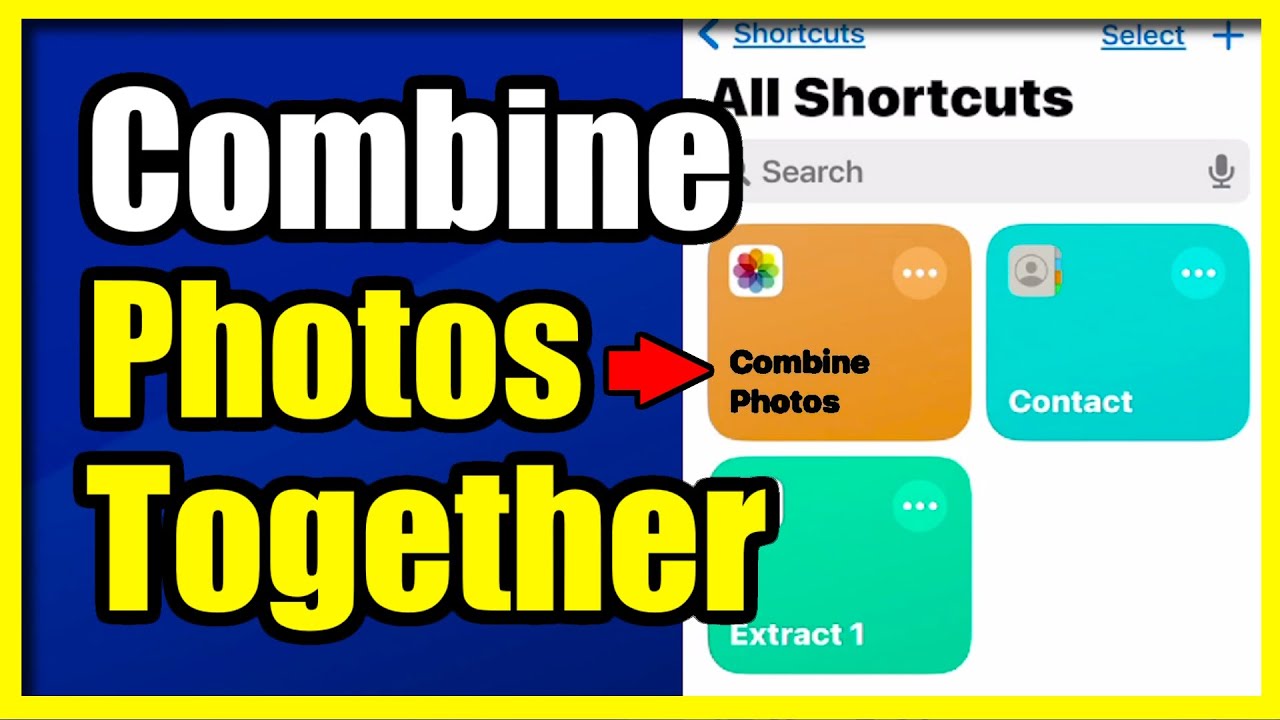
How to Combine Photos Together on your iPhone (Easy Method)
Автор: YourSixStudios
Загружено: 2024-11-16
Просмотров: 7527
Описание:
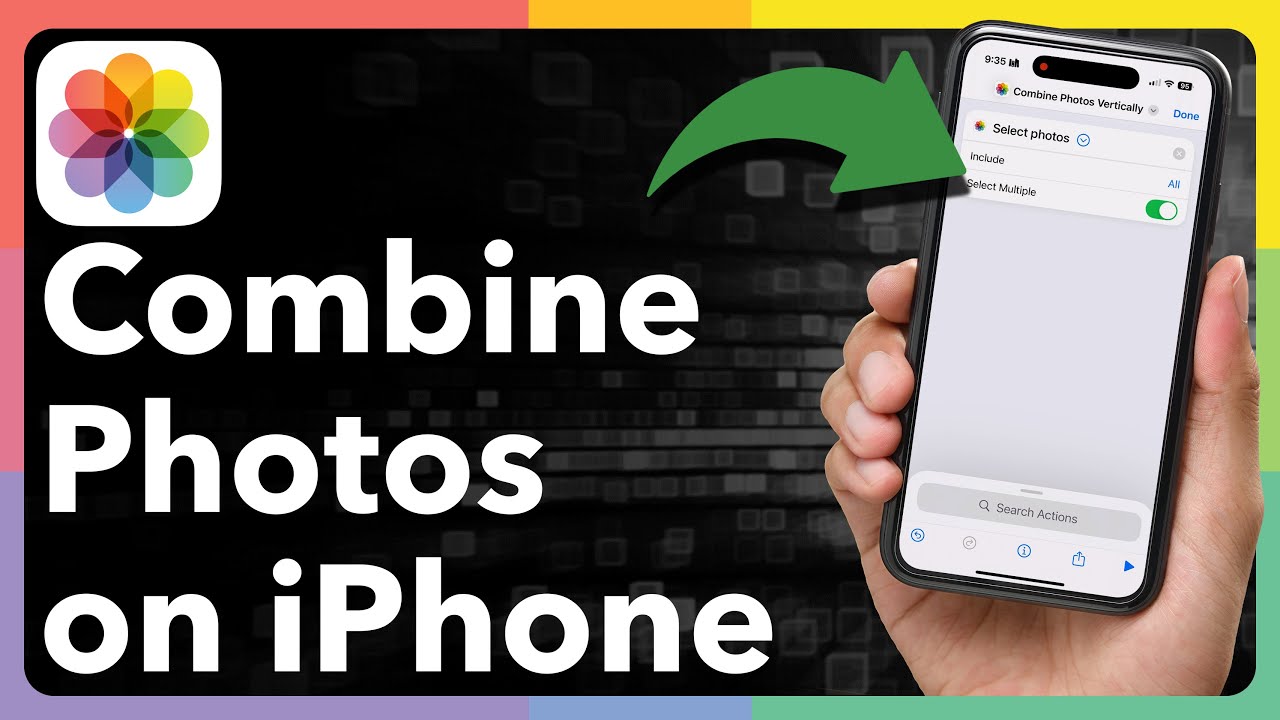
To combine photos together on your iPhone, you can use the built-in features or a third-party app like PicsArt or Layout from Instagram. Here's how to do it with both options:
Option 1: Using the Shortcuts App (Built-in)
You can create a custom shortcut to combine images:
Open the Shortcuts app on your iPhone (pre-installed on most devices).
Tap the "+" icon in the upper-right corner to create a new shortcut.
Tap "Add Action".
In the search bar, type "Combine Images" and select it.
Customize the combination method:
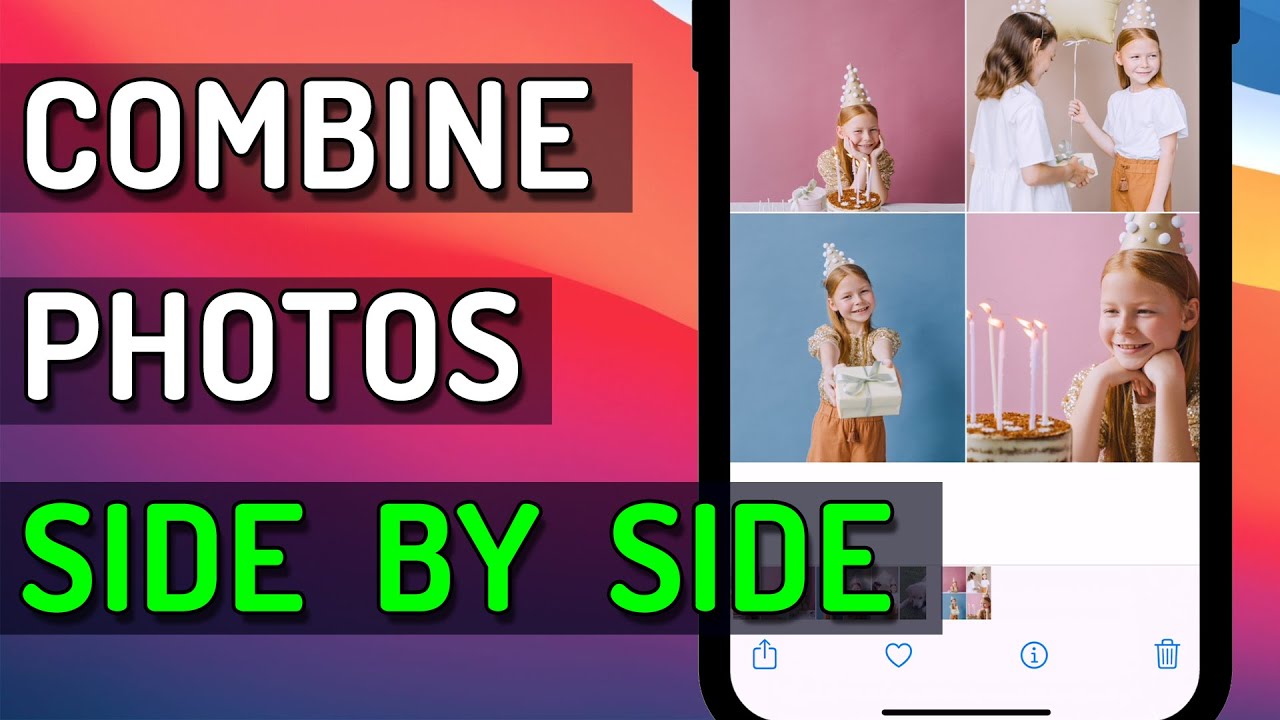
Choose "Side-by-Side", "Top-to-Bottom", or adjust spacing if needed.
Tap the image input to select "Photos", then choose the photos you'd like to combine.
After setting up, tap the "Play" icon to run the shortcut and combine the photos.
The combined image will appear, and you can save it to your Camera Roll.
...
Twitter: https://twitter.com/YourSixStudios?la...
Twitch: / yoursixstudios
Discord: / discord
Instagram: / yoursixstudios -
((( Subscribe to my LIVE STREAMING )))
((( Gaming Channel "YourSixGaming" )))
/ @yoursixgaming ...
((( Subscribe to my ADVENTURE CHANNEL )))
((( Travel, Cameras & More "YourSixAdventures)))
/ @yoursixadventures
Повторяем попытку...
Доступные форматы для скачивания:
Скачать видео
-
Информация по загрузке: