Turn Basic Video Clips into Stunning Anamorphic Footage In DaVinci Resolve Studio – Easy Guide
Автор: Josh Chappell
Загружено: 2025-01-06
Просмотров: 12911
Описание:
My Davinci Resolve Quick Start Course: https://payhip.com/b/gvF3G
Soundstripe: https://soundstripe.com/start/?fpr=jo...
10% off Code: JOSHCHAPPELL10
DaVinci Resolve Studio License: https://amzn.to/4gl4RXI
LUT I Use: https://payhip.com/b/S5vw1
Video Retainer Contract Template: https://payhip.com/b/S5vw1
ACAM: https://amzn.to/3ZLHfEC
BCAM: https://amzn.to/4gE5nje
Lens(ACAM): https://amzn.to/4iGFFMy
Lens(BCAM): https://amzn.to/3ZB0n89
Mic: https://amzn.to/49NiYlZ
Main Light: https://amzn.to/49NiYlZ
Studio light: https://amzn.to/3VDaKXW
Hair Light: https://amzn.to/41Eu9vc
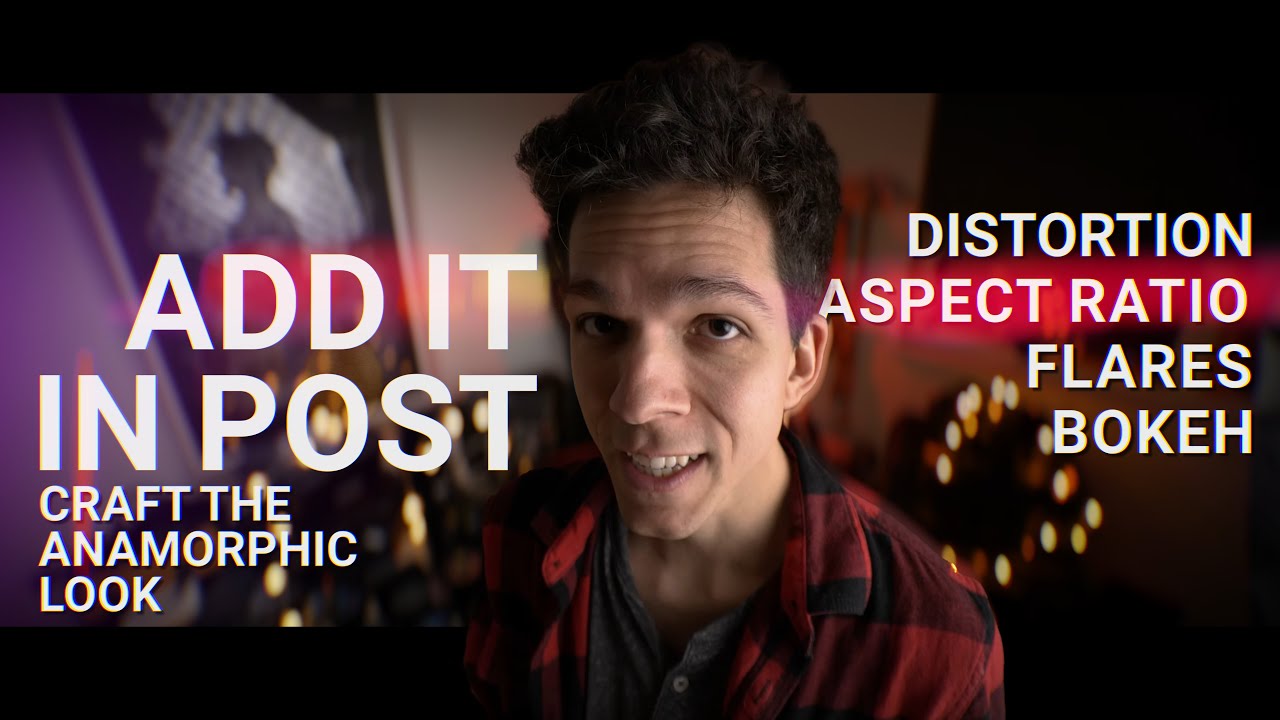
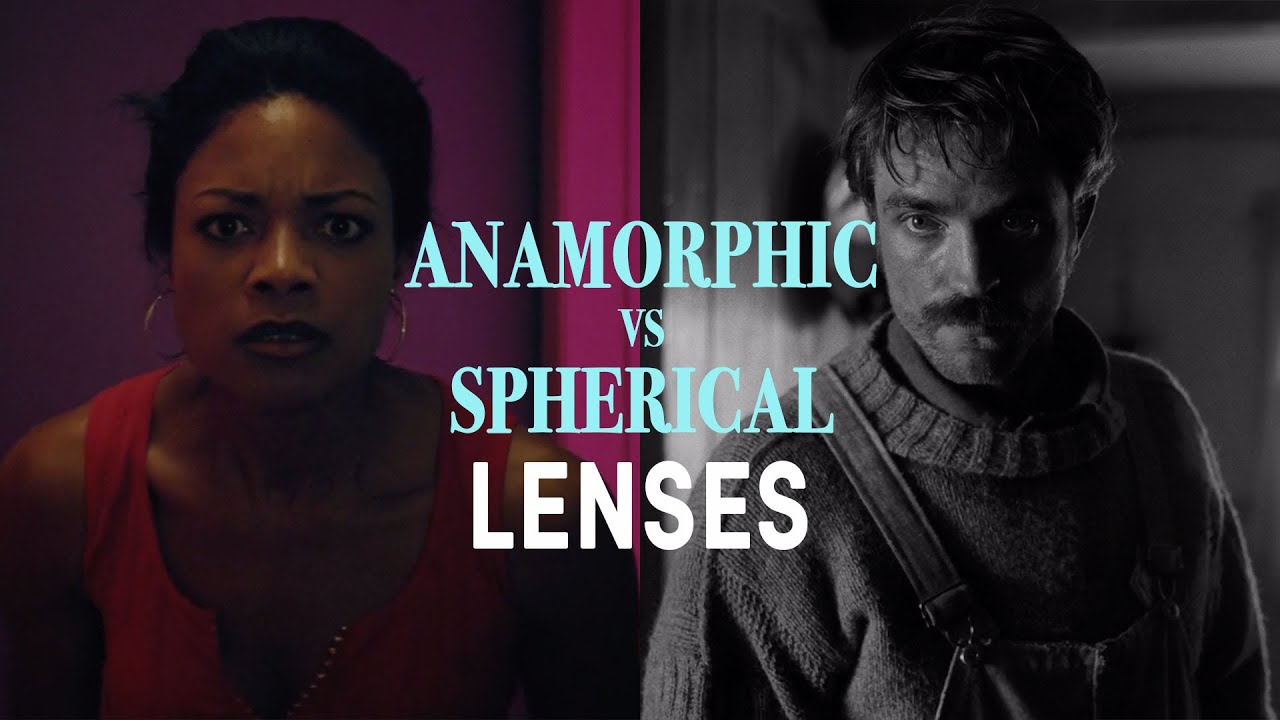
Learn how to transform your video footage into stunning cinematic anamorphic visuals with this step-by-step DaVinci Resolve tutorial! This comprehensive guide covers everything you need to know, from setting up an anamorphic timeline and adjusting height, position, and lens distortion to using advanced tools like the Magic Mask for precise background and subject edits. Discover how to enhance your videos with professional film effects such as blur, grain, halation, bloom, and split tone while fine-tuning contrast, skin tones, and global blending for a polished, natural finish. Perfect for creators looking to elevate their content, this tutorial will help you achieve a Hollywood-style cinematic look with subtle yet impactful adjustments.
Повторяем попытку...

Доступные форматы для скачивания:
Скачать видео
-
Информация по загрузке: