Master Text Selection in Minutes with Photoshop's Hidden Gem
Автор: Dana Digital Tutorials
Загружено: 2024-09-24
Просмотров: 213
Описание:
In this video, you will learn how to convert 20 oz designs to 40 oz wraps.
How I Can Save You Time and Money on Your Journey!! ⬇️⬇️
Join my email list and receive a guide for converting your 20 oz tumbler designs to 40 oz designs: https://bit.ly/Subscribe-DANA
_______________________________________
Tools I use:
⭐️ Seamless Wraps in Seconds with Photoshop Actions! https://danadigitaltutorials.etsy.com
⭐️ MyDesigns: https://bit.ly/MyDesigns-DANA
⭐️ https://bit.ly/retouch4me-DANA
_______________________________________
Full Description:
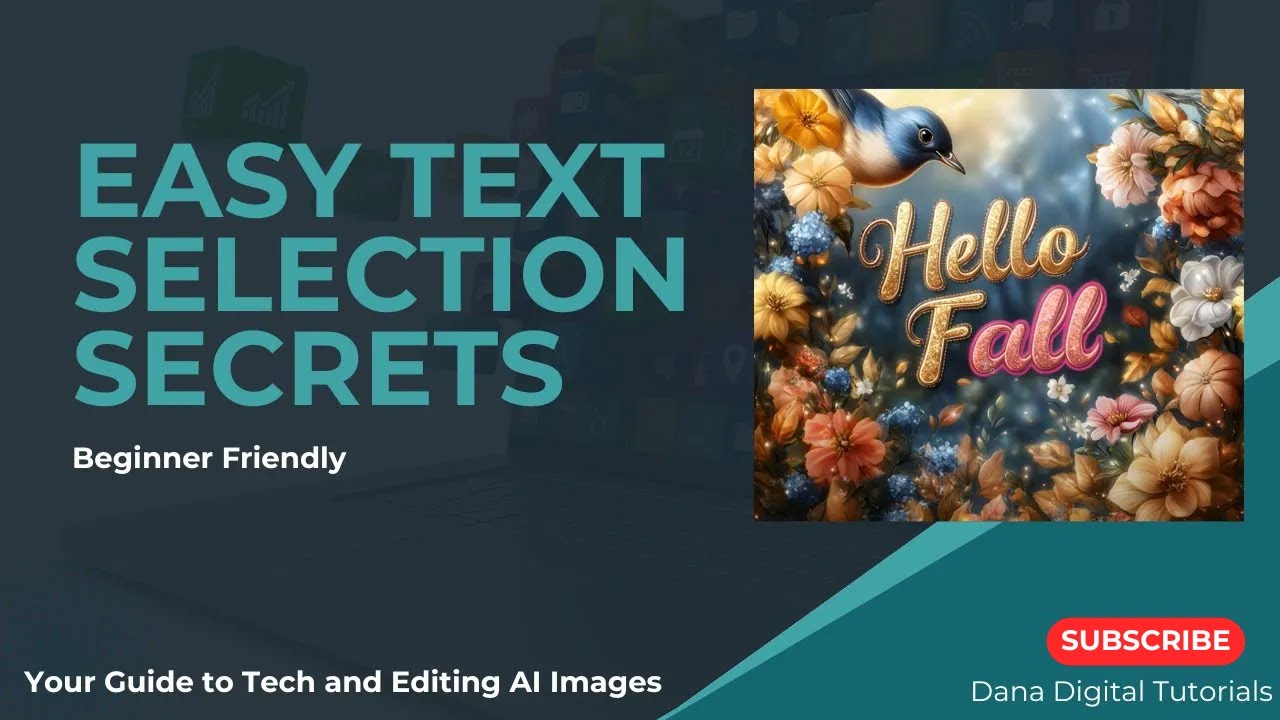
Enhance your product designs with Photoshop's Object Selection tool for swift text removal and replacement. This tutorial is tailored for Etsy and POD creators. Learn how to quickly select and remove text to ready it for your new text.
Related Videos:
• To learn more about adding text to your designs: • How to Fix Text in Your AI Image: Essentia...
• Photoshop 101 Series: • Photoshop 101
🔔 Don't forget to like, comment, and subscribe for more design tips and tutorials!
(some of the links above are affiliate links and support the channel)
#PhotoshopTips #EtsySellers #PODDesigns #ObjectSelection #TextReplacement #DigitalDesign #CreativeEditing #DanaDigitalTutorials
Повторяем попытку...
Доступные форматы для скачивания:
Скачать видео
-
Информация по загрузке: