How to Enable Email Notifications on Facebook (Updated)
Автор: Smart Fixer
Загружено: 2024-08-15
Просмотров: 569
Описание:
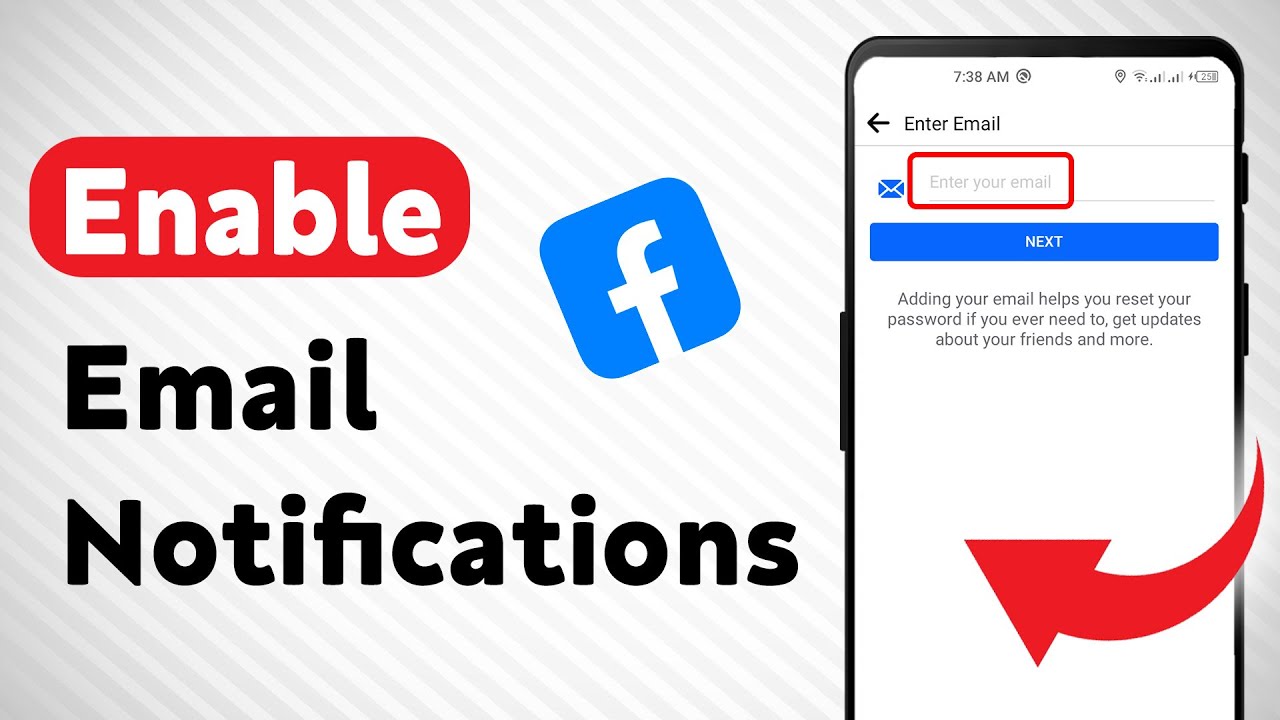
Learn how to enable email notifications on Facebook with this updated tutorial! In this video, we will guide you through the steps to ensure you never miss an important notification from Facebook again.
1. Open Facebook app on your android device.
2. Tap your profile picture at top right.
3. Tap the gear icon at top right to access settings.
4. Tap "Notifications".
5. Scroll down then Under "Where you recieve Notifications" tap "Email".
6. Add your email then turn on the notifications you want.
Don't miss out on any notifications from Facebook - stay informed and connected by enabling email notifications today!
#Facebook #EmailNotifications #StayConnected
For advertiser contact us via email : [email protected]
Повторяем попытку...
Доступные форматы для скачивания:
Скачать видео
-
Информация по загрузке: