How to rip (copy) music from an Audio CD to a computer in Windows 10 (easy way)
Автор: EasyTechGuides
Загружено: 2017-02-05
Просмотров: 479262
Описание:
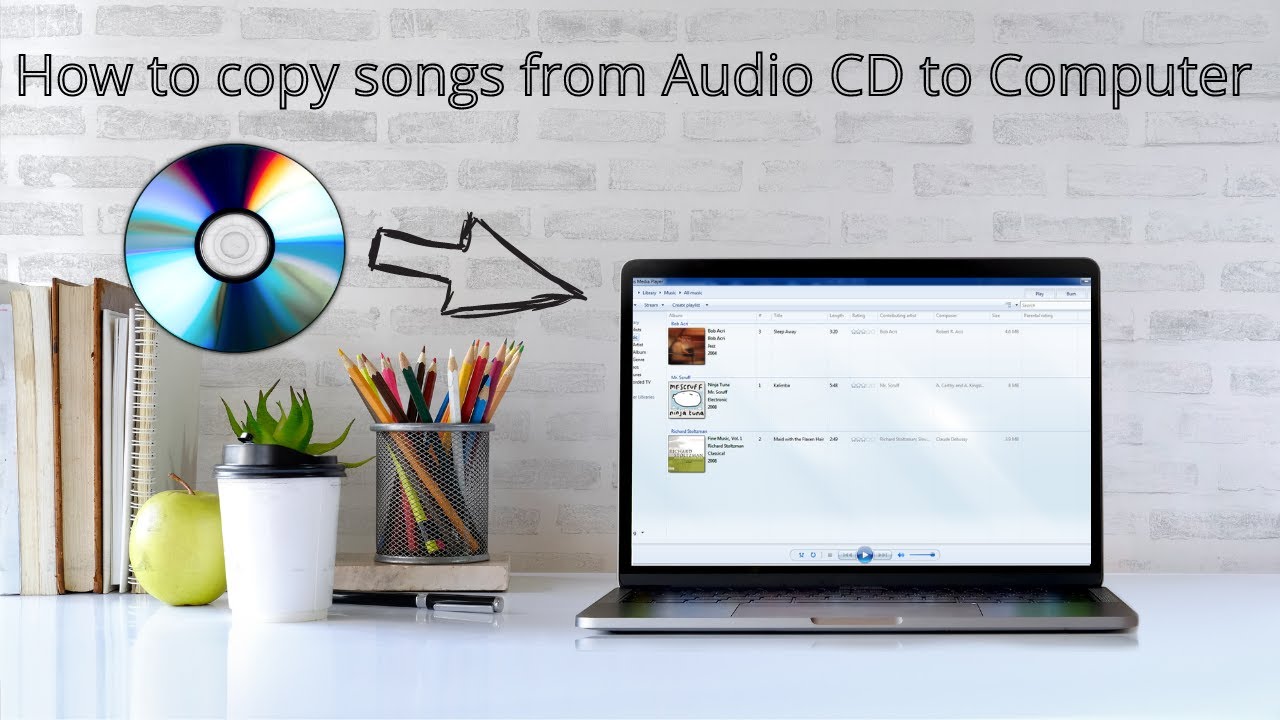
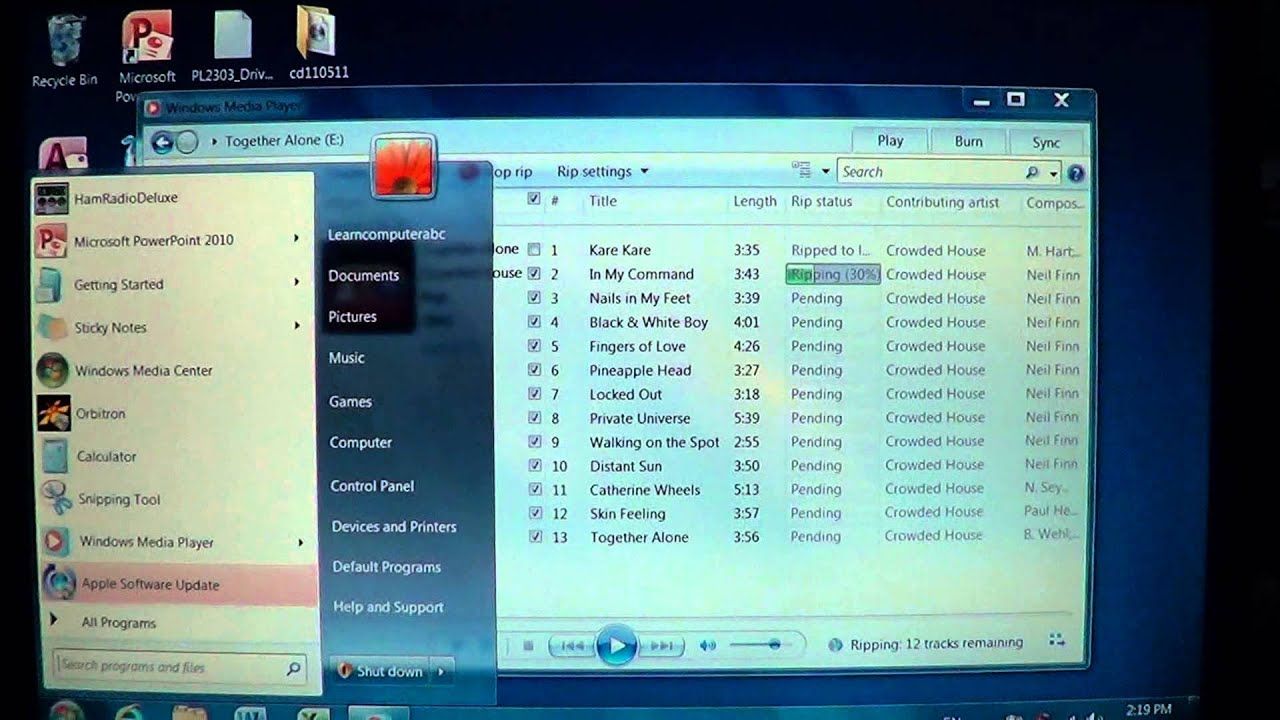
This step-by-step tutorial will show you how to easily and quickly rip (copy) music from an audio CD to your desktop computer or laptop in MP3 audio format using Windows Media Player in Windows 10.
When it's finished you can easily copy the music songs to your USB flash drive, portable MP3 player or your smartphone.
You don't need to install any extra third-party software for ripping CDs, because Windows Media Player has a great CD ripper feature built-in.
With Windows Media Player you can easily select an audio format, like MP3, select an audio quality, like 256 Kbps or 320 Kbps, and uncheck the songs you don't want to rip and that's all you need from a CD ripper, right?
Повторяем попытку...
Доступные форматы для скачивания:
Скачать видео
-
Информация по загрузке: