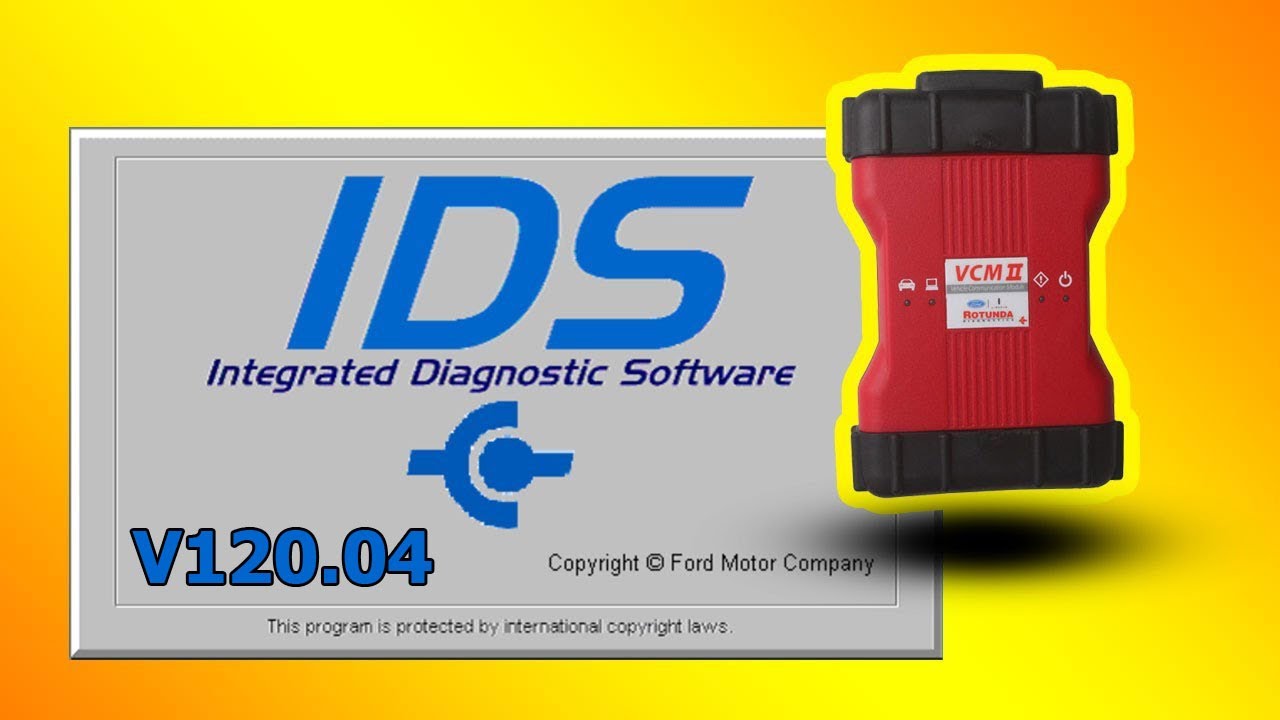
Ford IDS v117.04 for VCM 2 (genuine or clone)
Автор: Zokac's Tutorials
Загружено: 2020-12-05
Просмотров: 9953
Описание:
This is user manual how to install #FordIDS v117.04 for VCM2 (genuine or clone hardware version). If you have another Ford vehicle diagnostic hardware, this manual is not for you.
Requirements:
• Install files:
https://drive.google.com/file/d/1Vru3...
• Desktop/Laptop Computer with USB connectivity
• Microsoft Windows 7,8,10 x86 or x64
• Vehicle diagnostic hardware #VCM2 (genuine or clone)
IDSPATCH.exe file is official VXDiag patch for IDS software, Windows Defender and other antiviruses reports FALSE POSITIVE virus. If you scared don’t use this manual and software.
This video images that were used under a Creative Commons License.
This video is for education only if you use this program for commercial purposes please purchase a license.
Original software download link
https://www.fordtechservice.dealercon...
Install Ford IDS v117.01: (0:00)
Reboot: (5:12)
Install Ford IDS v117.04: (5:14)
Install VCI SDK: (11:12)
Install VCI manager: (13:42)
CleanUp Icons: (17:16)
Connect Device VCM 2: (18:08)
Start IDS patch: (20:01)
Connect: (21:15)
Повторяем попытку...

Доступные форматы для скачивания:
Скачать видео
-
Информация по загрузке:



![Почему работает теория шести рукопожатий? [Veritasium]](https://imager.clipsaver.ru/ggI1xKzoANs/max.jpg)








