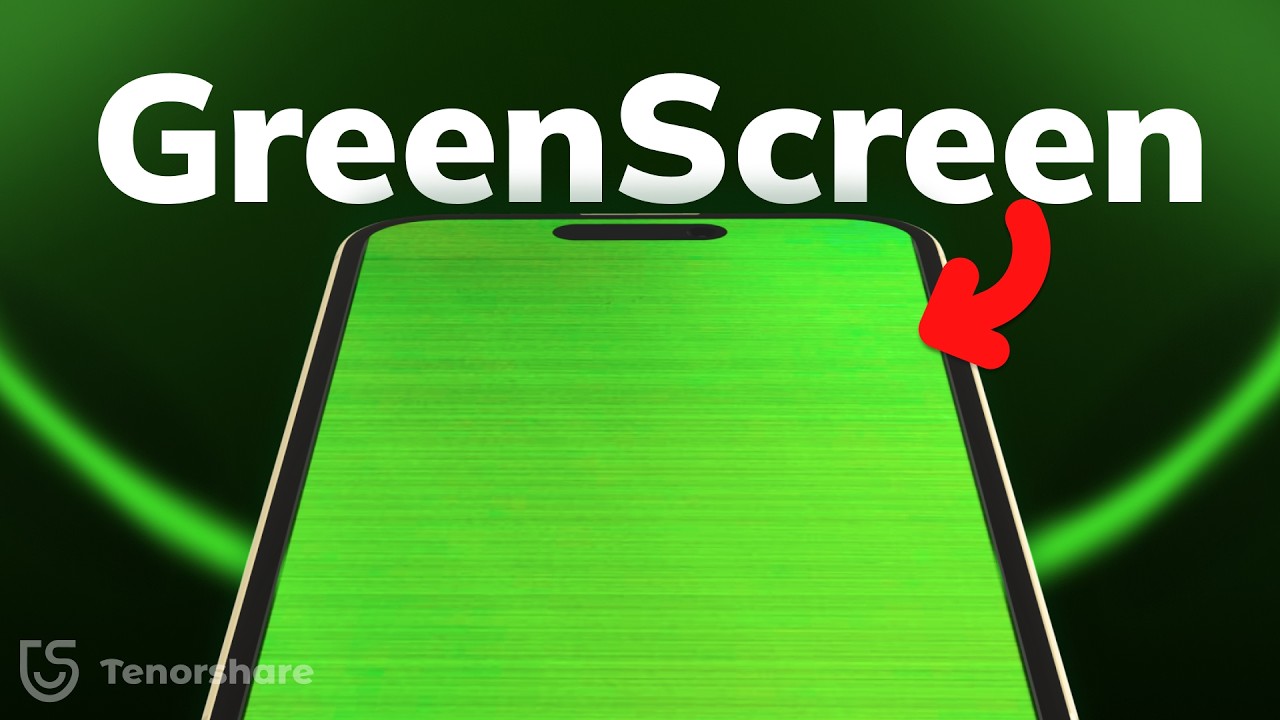
iPhone Screen Turned Green? Here’s How to Fix It (2026 Guide)
Автор: TenorshareOfficial
Загружено: 2024-10-31
Просмотров: 130061
Описание:
Fix iPhone Green Screen with ReiBoot without data loss👉: https://bit.ly/4f5blZQ
How to Fix iPhone 13 Green Screen problem (iPhone 15/14/13/12)? why iPhone have Green Screen problem? Green lines on iphone screen?iPhone screen suddenly turning green or flashing green? You’re not alone! In this video, we’re diving into 5 practical methods to fix the iPhone green screen issue without breaking the bank , you can also find iphone hardware repair info here! If all can't do, secarch "iphone repair near me" for a offcial repair . Let's get started!
⏱TIMESTAMP:
00:00 Introduction + Why iPhone Screen turned Green
00:34 Method 1: Force Restart
01:00 Method 2: Adjust Display Settings
01:13 Method 3: Use ReiBoot for System Repair/Downgrade
02:25 Method 4: Hardware Repair Trick
03:00 Method 5: “Free Hardware Repair” Info
💡Text guide here:
iPhone Green Screen issue 2024 | 5 Fixes!
https://www.tenorshare.com/iphone-14/...
Method 1: Force Restart
1. Press and release the Volume Up button, then the Volume Down button.
2. Hold the Side button until the Apple logo appears.
Method 2: Adjust Display Settings
1. Go to Settings, then Display & Brightness.
2. Turn up brightness and enable True Tone.
Method 3: Use ReiBoot for System Repair/Downgrade
1. Download and launch ReiBoot, connect your device.
2. For repair, select Standard Repair to avoid data loss.
3. To downgrade from iOS 18 to iOS 17, follow on-screen steps for a stable version.
Method 4: Hardware Repair Trick
1. Place magnets on the front/back of the iPhone for 5 minutes.
2. If exposed to water, turn off the phone and dry it with rice or a fan.
Method 5: “Free Hardware Repair” Info
1. For some iPhone models, the green screen may indicate a defect that Apple may repair for free.
2. Contact Apple Support or visit an Apple Store for eligibility and repair options.
🤨Understanding Key Terms and Resources
*True Tone:* A display feature that adjusts screen color and brightness to the ambient lighting, improving viewing comfort.
*Standard Repair (ReiBoot):* A system repair function that addresses software issues without data loss, such as screen problems, freezing, or glitches.
*iOS Downgrade:* A process of reinstalling a previous iOS version to fix compatibility issues with newer software.
👇Check out more videos you may find useful:
How to Downgrade iOS 18 to iOS 17: • [NEW!] How to Downgrade iOS 18 to iOS 17 W...
Customize iOS 18 Control Center like iOS 17: • 🤯 Customize iOS 18 Control Center - Add Wi...
How to Fix iPhone Overheating After iOS Update: • iPhone Battery Draining After iOS 26/18 Up...
Fix iPhone Stuck on Apple Logo: • Fix iPhone Stuck on Apple Logo or Loading ...
📑Apple Official Article Links
❗Apple repair : https://support.apple.com/repair
How can I fix the Green Screen on my iPhone 13 Pro Max: https://discussions.apple.com/thread/...
#iphone #greenscreen #reiboot #tenorshare
🔔 Subscribe Here (it's FREE!): https://bit.ly/30eZwvG
---------Social Media------------
Facebook: / tenorshareofficial
Twitter: / tenorshare_inc
Pinterest: / tenorshare
Instagram: / tenorsharesoftware
TikTok: / tenorshare_tech_tips
Tenorshare Official Website: https://www.tenorshare.com
Tenorshare AI Youtube: / @tenorshareai
Tenorshare AI PDF: https://ai.tenorshare.com/
Get more freebies on Discord: / discord
Повторяем попытку...
Доступные форматы для скачивания:
Скачать видео
-
Информация по загрузке: