Lightboost on AMD cards with ToastyX
Автор: jackblk4
Загружено: 2016-11-10
Просмотров: 1823
Описание:
This tutorial will show you how to config Lightboost on AMD cards with ToastyX and a patcher.
If you want to set up with Radeon Additional Settings, tutorial here: • Видео
Quick readme:
Lightboost will only support 120hz and LESS. Any refresh rate further than 120hz will not work.
You should use a good .icm file together with Lightboost and Stobe Utility to get maximum performance on your display.
Requirements:
An AMD card (i have R9 390 in this video)
Supported Display (I have BenQ XL2411Z)
Newest driver installed (i use 16.11.3 in this video)
CRU ToastyX https://www.monitortests.com/forum/Th...
ATI/AMD Pixel Clock Patcher https://www.monitortests.com/forum/Th...
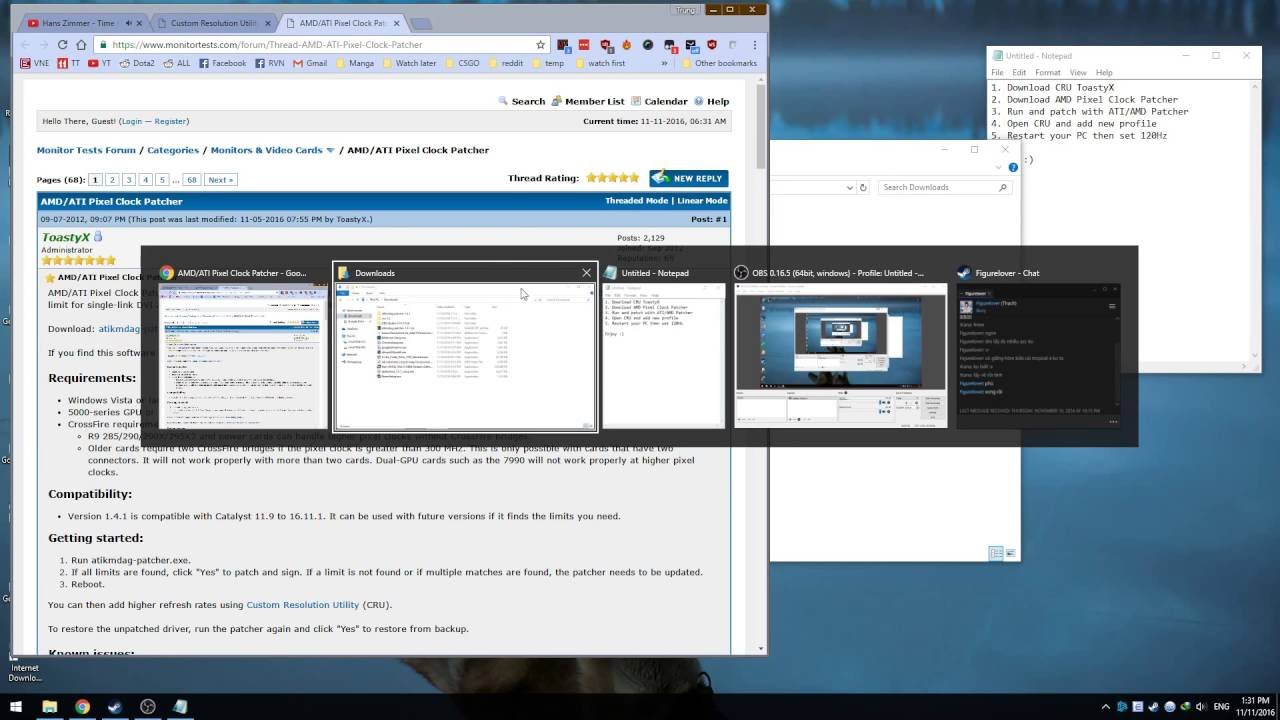
1. Download CRU ToastyX
2. Download AMD Pixel Clock Patcher
3. Run and patch with ATI/AMD Patcher
4. Open CRU and add new profile, do as the video
5. Restart your PC then set 120Hz
Enjoy :)
Optional:
BlurBusters Strobe Utility
Color profile (.icm file).
Stobe Utility: http://www.blurbusters.com/benq/strob...
How to setup your BenQ XL2411Z color tweak: / how_to_take_your_benq_z_series_monitor_to
Read section 2.
Повторяем попытку...
Доступные форматы для скачивания:
Скачать видео
-
Информация по загрузке: