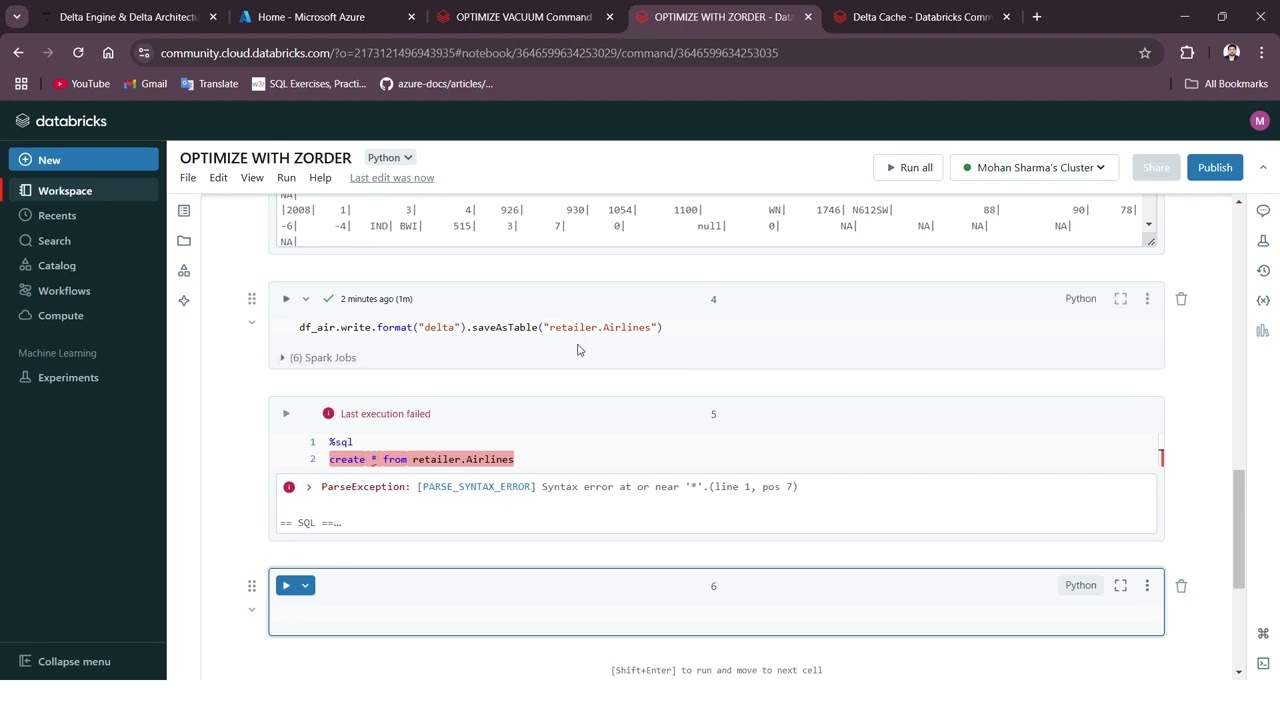
7. Databricks optimization || OPTIMIZE and VACUUM command. (Hands on)
Автор: MOHAN SHARMA
Загружено: 2024-11-07
Просмотров: 619
Описание:
OPTIMIZE Command:
This is the command to compact smaller sized files. In Big Data processing, having too many small files or too few very big files are not desired. It’s always good to have files with optimal size.
As per OPTIMIZE, the default size is 1GB. So, for data files smaller than 1GB, running this command would combine such files to 1gb in size.
X In Big Data processing, it’s always good to have files with optimal size. We should always avoid having too many small files or very few very big files. And we can use OPTIMIZE command for the same.
VACUUM Command:
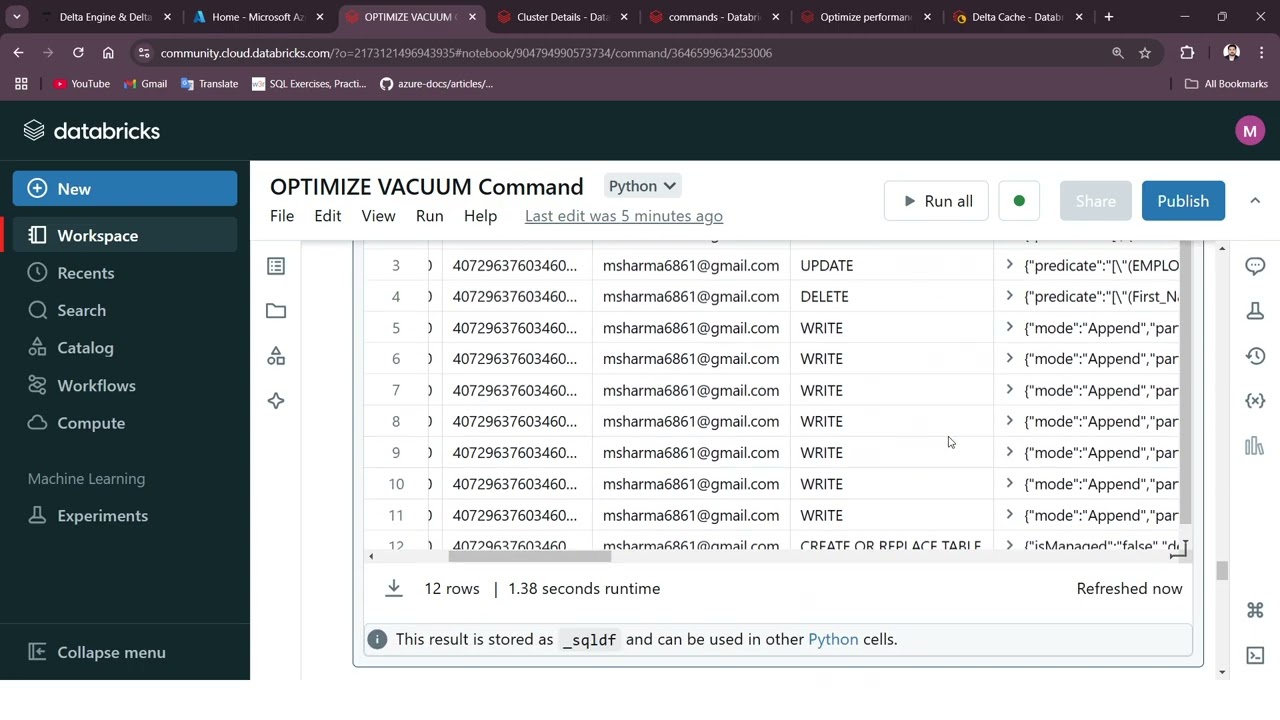
(*) Delta Tables, by default, keep the history files for time-travelling.
(*) But over a period of time, if we do not clean up those data files, it will continue to pile-up huge amount of data, which is not good from maintenance and storage perspectives.
(*) So, we must clean them periodically and for that we can use the VACUUM command, which helps us to remove the obsolete files, that are not part of our latest version of our delta table.
X When data files become obsolete, they are automatically removed from the storage locations. And to optimize our storage costs, we can periodically run VACUUM command on our tables. But please make sure to do a DRY RUN before actually executing it.
Повторяем попытку...
Доступные форматы для скачивания:
Скачать видео
-
Информация по загрузке: