How to Use Photos "Clean Up" Feature in iOS 18.1 Beta 3 - Apple Intelligence New Feature
Автор: Tenorshare AI
Загружено: 2024-08-30
Просмотров: 2536
Описание:
🔥 _Learn more about Tenorshare AI_: https://bit.ly/4g4WDmE
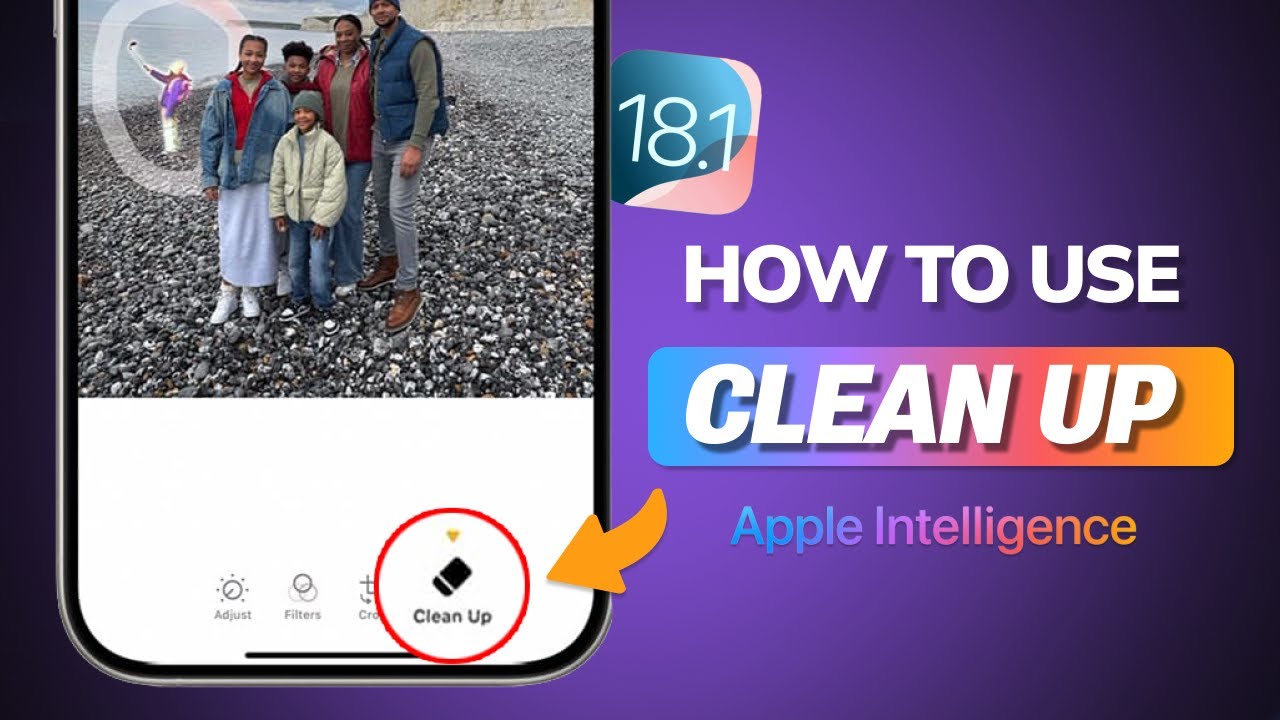
iOS 18.1 Beta 3 introduces a new Apple Intelligence feature in the Photos app called 'Clean Up,' which allows users to effortlessly remove unwanted background objects and blur faces in photos. This video offers a step-by-step guide on updating to iOS 18.1 Beta 3, accessing the Clean Up feature, and utilizing its powerful editing tools. Let's get started!
📖 TIMESTAMP :
00:00 Introduction
00:07 What is Apple Intelligence Photo "Clean Up"
00:23 How to upgrade to iOS 18.1 Beta 3
00:55 How to use Photo "Clean Up"
💡 Text Guide
Upgrade to iOS 18.1 Beta 3
1.Visit developer.apple.com and sign in with your Apple ID (ensure that the iPhone must be signed in to the same Apple ID set up as a developer account).
2.Accept the terms and conditions.
3.Go to your iPhone's settings, open Software Update, and install iOS 18.1 Beta 3.
4.Set Up Apple Intelligence
Use the "Clean Up" Tool
1.Open the Photos app and select a photo.
2.Tap the editing button, then select the new "Clean Up" option.
3.Tap, circle, or brush over an unwanted object to remove it.
4.To blur a person’s face, simply circle the face to censor it.
#ai #appleintelligence #cleanup #appleiphone #ios18 #appleai #photoediting #iosbeta
🔔 Subscribe Here : https://bit.ly/3R4bL9c
--------My Links-----------
Twitter: / tenorshareai
TikTok: / tenorshareai
Tenorshare AI: https://ai.tenorshare.com/
Повторяем попытку...
Доступные форматы для скачивания:
Скачать видео
-
Информация по загрузке:


