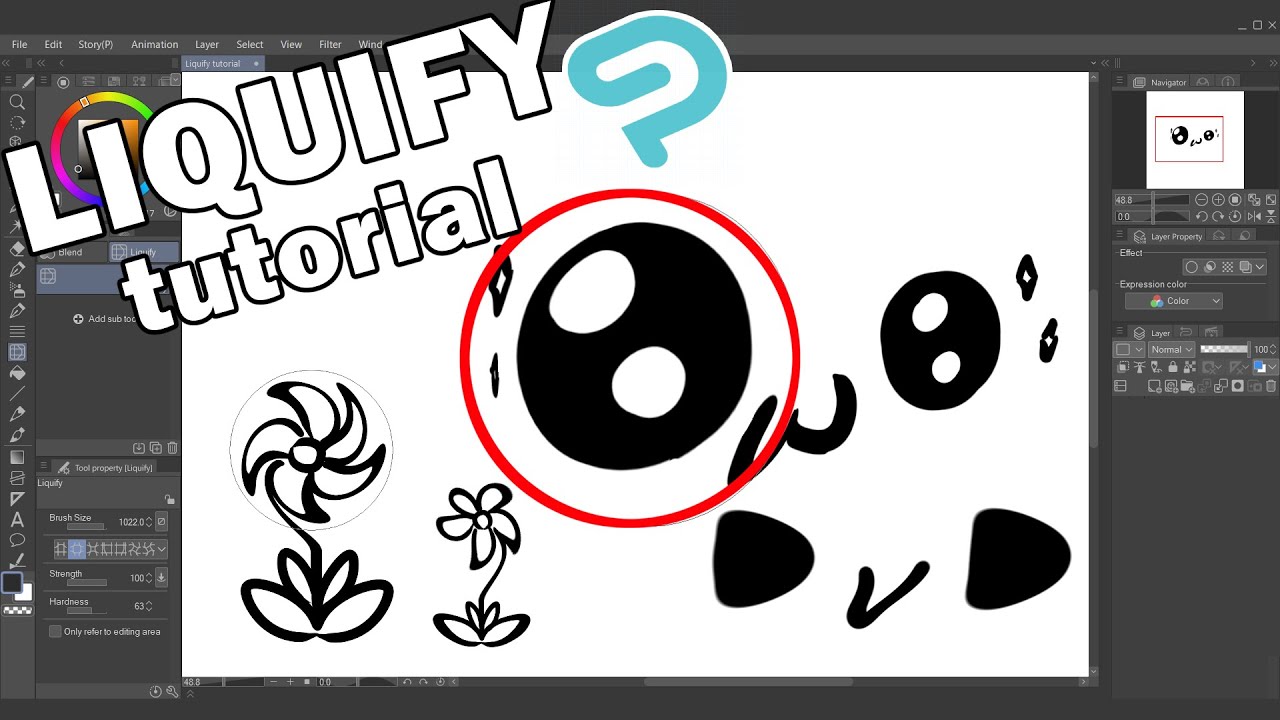
【Tutorial】 All About LIQUIFY (Clip Studio Paint)
Автор: Kirbrina Animation
Загружено: 2022-01-09
Просмотров: 214
Описание:
It's been a few weeks since Liquify has benn added to Clip Studio Paint (from version 1.11.6) so I decided after using it for a while to share some tips, hopefully you'll find this video usefull!
What do you think about this new function?
It's been a while since I did a tutorial, I hope is not too boring ahah
Note: This funcion is avaible from version 1.11.6
00:00 Introduction
00:17 Where to find Liquify
00:38 What to do if you can't find it
00:59 Where Liquify works
01:15 Properties: Brush Size
01:37 Properties: Strenght
02:00 Properties: Hardness
02:12 Properties: Only refer to editing area
02:36 Effect: Push
02:47 A note about transparency lock
03:15 Effect: Expand
03:40 Effect: Pinch
03:47 Effect: Push Left & Push Right
04:14 Effect: Twirls Clockwise & Anti-Clockwise
04:37 Conclusion
Graphic tablet: Intuos Pen and Touch Small
Drawing Software: Clip Studio Paint Pro
Deviantart: https://www.deviantart.com/kirbrina
Instagram: @kirbrina_art
/ kirbrina_art
Recording: OBS
Editing: Hitfilm Express
Music by zukisuzuki
/ zukisuzukibgm
Combo, Cash Back
Повторяем попытку...
Доступные форматы для скачивания:
Скачать видео
-
Информация по загрузке: