Components Library with Vite & Storybook 👨💻 Develop an App from Scratch (Part 8)
Автор: NL Tech
Загружено: 2024-04-20
Просмотров: 6252
Описание:
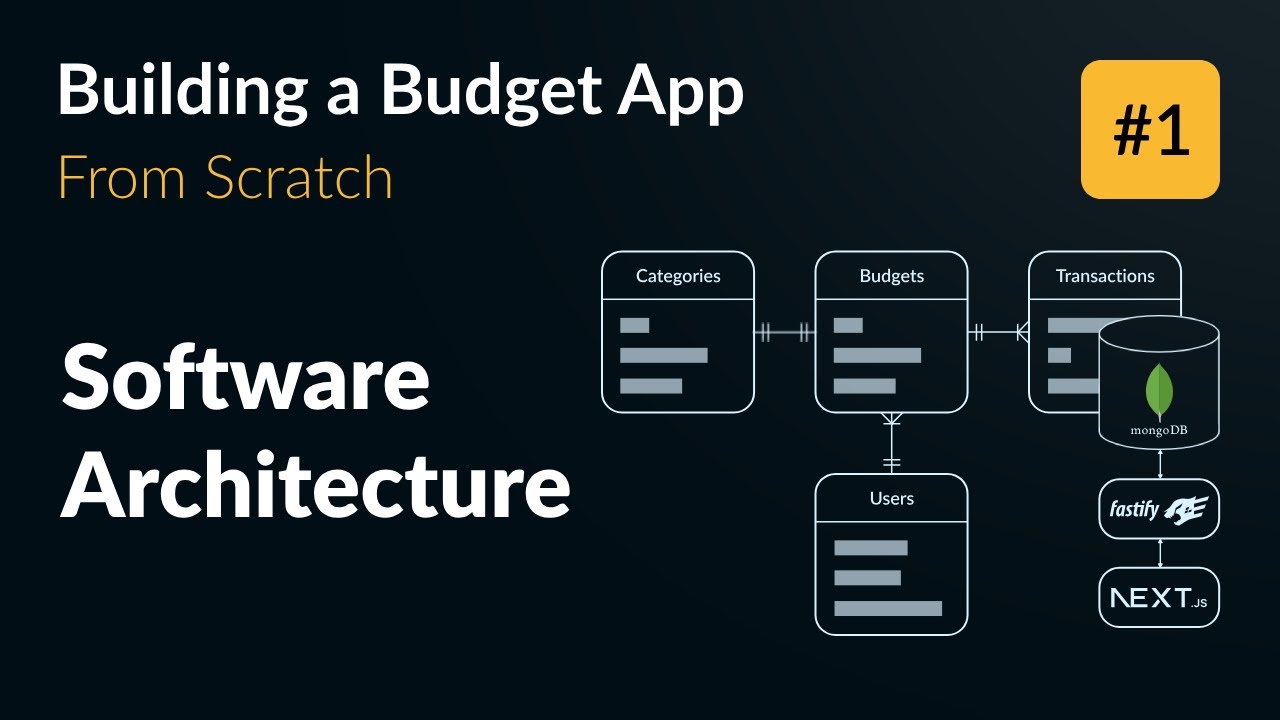
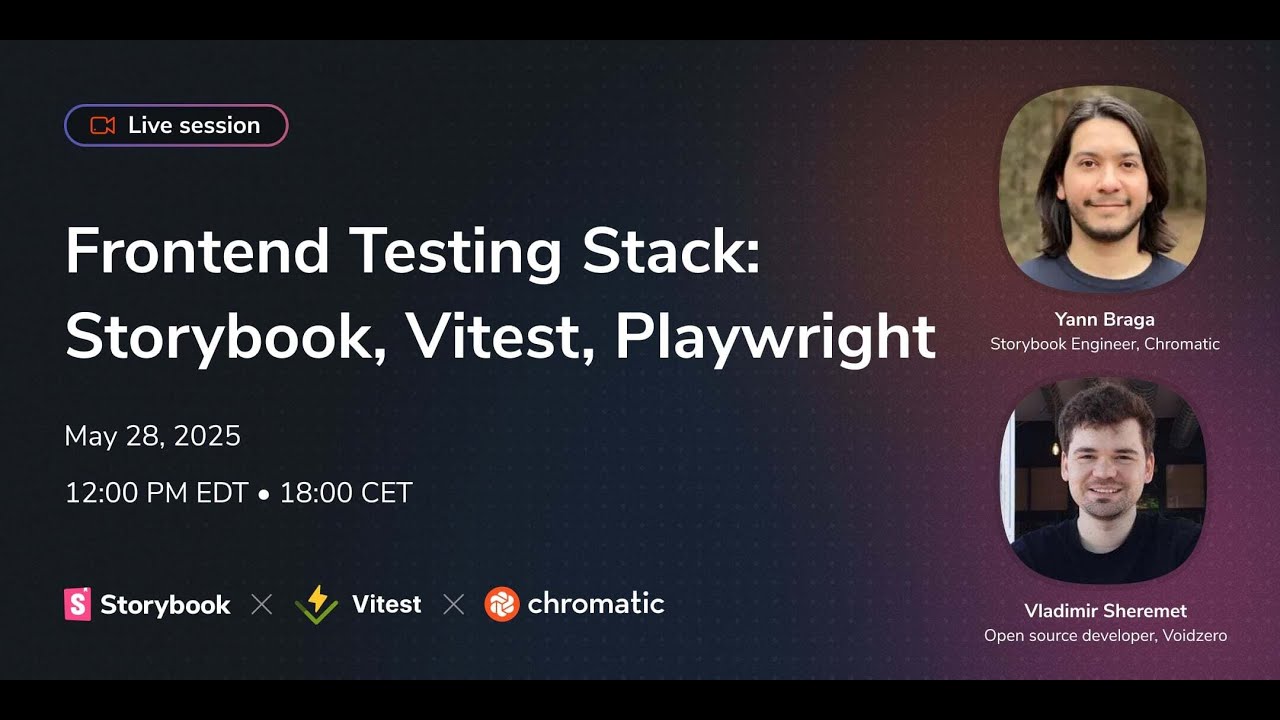
In this video I'll demonstrate how to setup a web UI components library using Vite and its library mode, storybook for the documentation/reference and debugging. The components library will be used for the budget tracking application and in this first video I will do the library repository setup and implement the first two components - the button and icon.
What you'll learn:
Create a React Components Library using Vite and its Library Mode
Setup and Use Storybook with React
Integrate a Components Library with Next.js
Repository:
bw-monorepo: https://github.com/nikelaz/bw-monorepo
bw-backend-service: https://github.com/nikelaz/bw-backend...
bw-web-client: https://github.com/nikelaz/bw-web-client
bw-ui: https://github.com/nikelaz/bw-ui
Contents:
0:00 Introduction
5:18 Vite Project Setup
22:47 Storybook Setup
28:00 Deploy as Package and Install in Next.js App
32:45 Button Component
51:38 Icon Component
59:05 Icon Button Component
1:12:12 Conclusion
Social Media:
Email: [email protected]
Twitter: / nikelaz
LinkedIn: / nikola-lazarov
#vite #react #components
Повторяем попытку...
Доступные форматы для скачивания:
Скачать видео
-
Информация по загрузке: