Surround View Camera | How To | 2022 Ram Trucks
Автор: Mopar
Загружено: 2021-09-09
Просмотров: 32428
Описание:
Your 2022 Ram truck features the available Surround View Camera system, which activates when driving in reverse for increased safety when parking. This video demonstrates the various front camera, side mirror camera and rear camera views.
Available on the new Ram 1500, Ram 2500-3500 Heavy Duty, and Ram Chassis Cab trucks.
Transcript
[music playing]
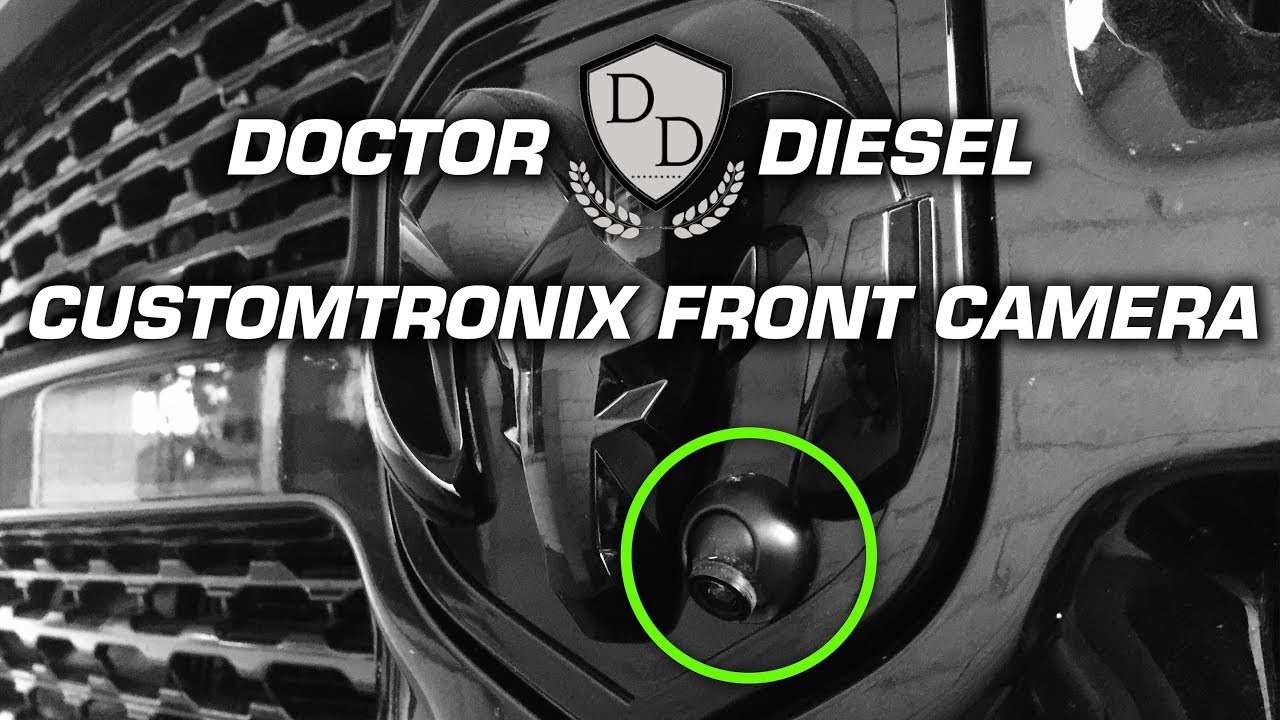
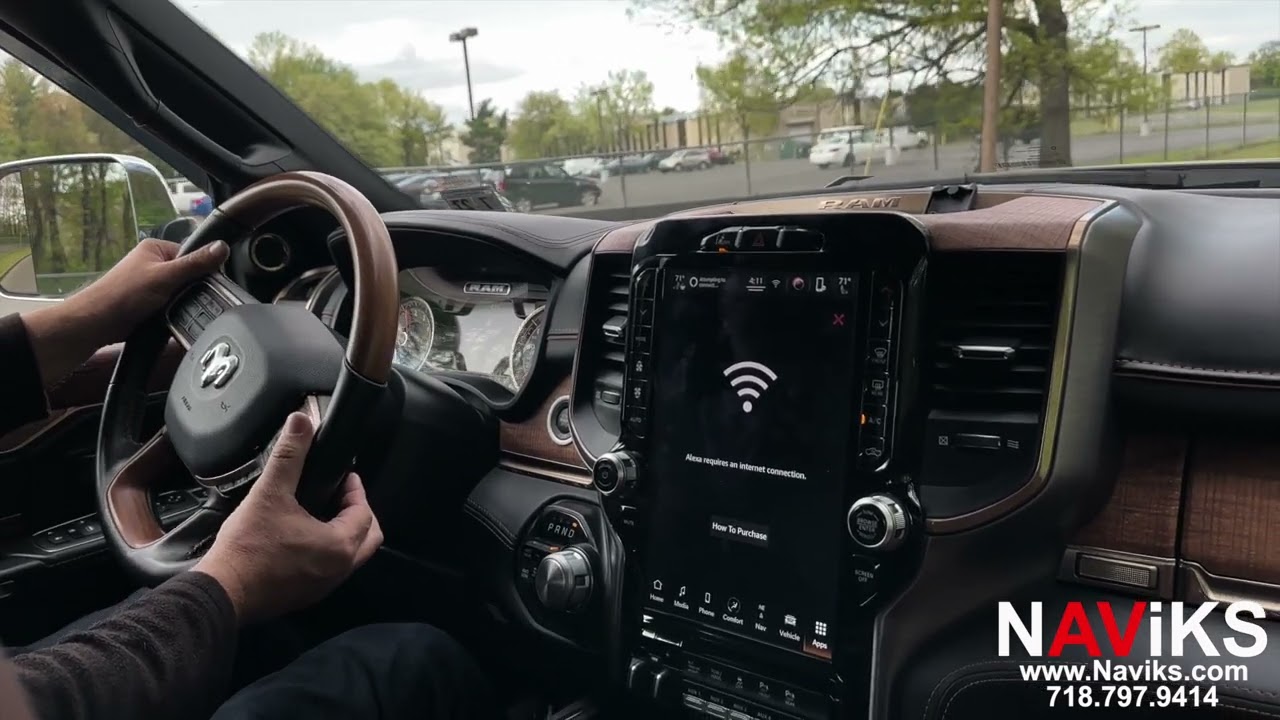
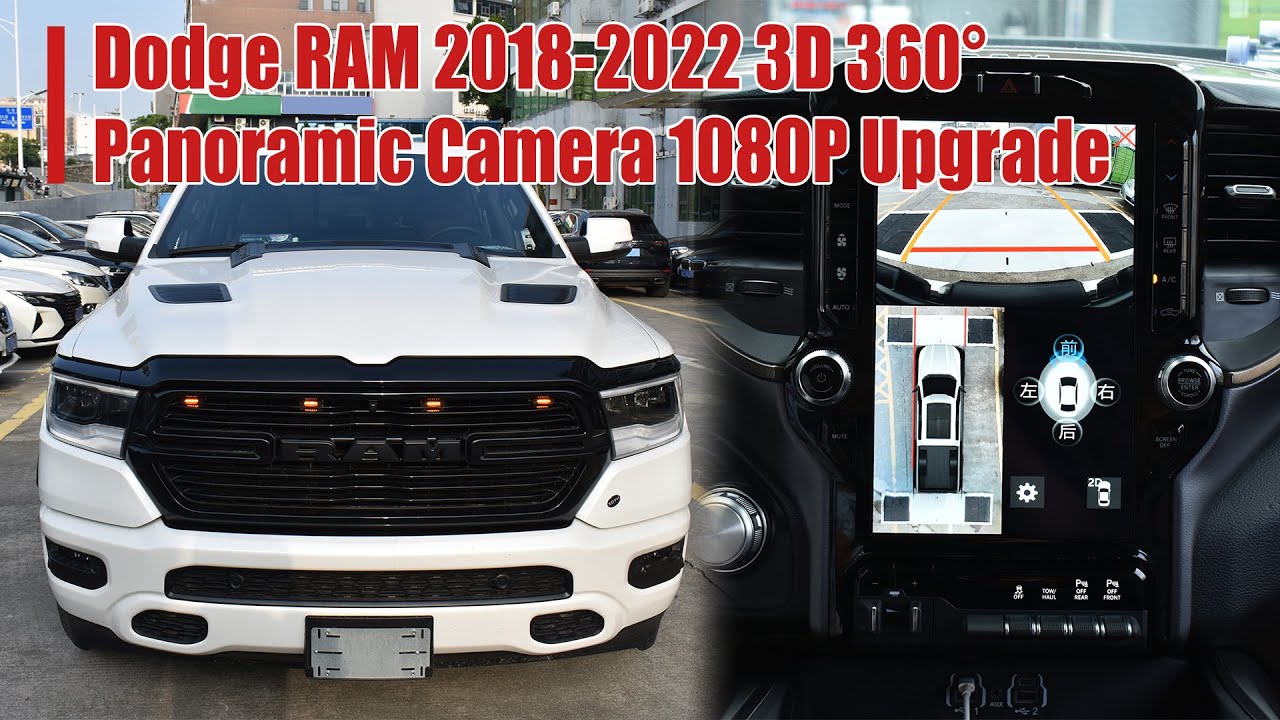
If equipped, the Surround View Camera system displays the surroundings and top view of your vehicle whenever you shift into Reverse or select the standard Backup Camera view through the Uconnect system. The top view shows which doors are open. The image displays on the touchscreen along with a caution to “check entire surroundings”. After five seconds the note will disappear. The system consists of four sequential cameras located in the front grille, tailgate, and side mirrors. When you shift into Reverse, the rear camera view and top view are the default views of the system. When enabled, active guide lines are overlaid on the image to illustrate the width of the projected backup path based on the steering wheel position.
When the camera view is displayed, and vehicle speed is below 8 mph or 13 km/h, you can press the magnifying glass icon in the upper left of the screen to increase the view up to 4 times its original size. Press the icon again to return to the previous screen.
On certain models, selecting the Cargo Camera will provide a full screen view of the pickup bed. The dynamic centerline, if equipped, can be turned on or off in the Uconnect system. This feature provides an overlay that can be manually adjusted, and will respond to steering wheel movements, to aid in hooking up a fifth wheel camper or gooseneck trailer.
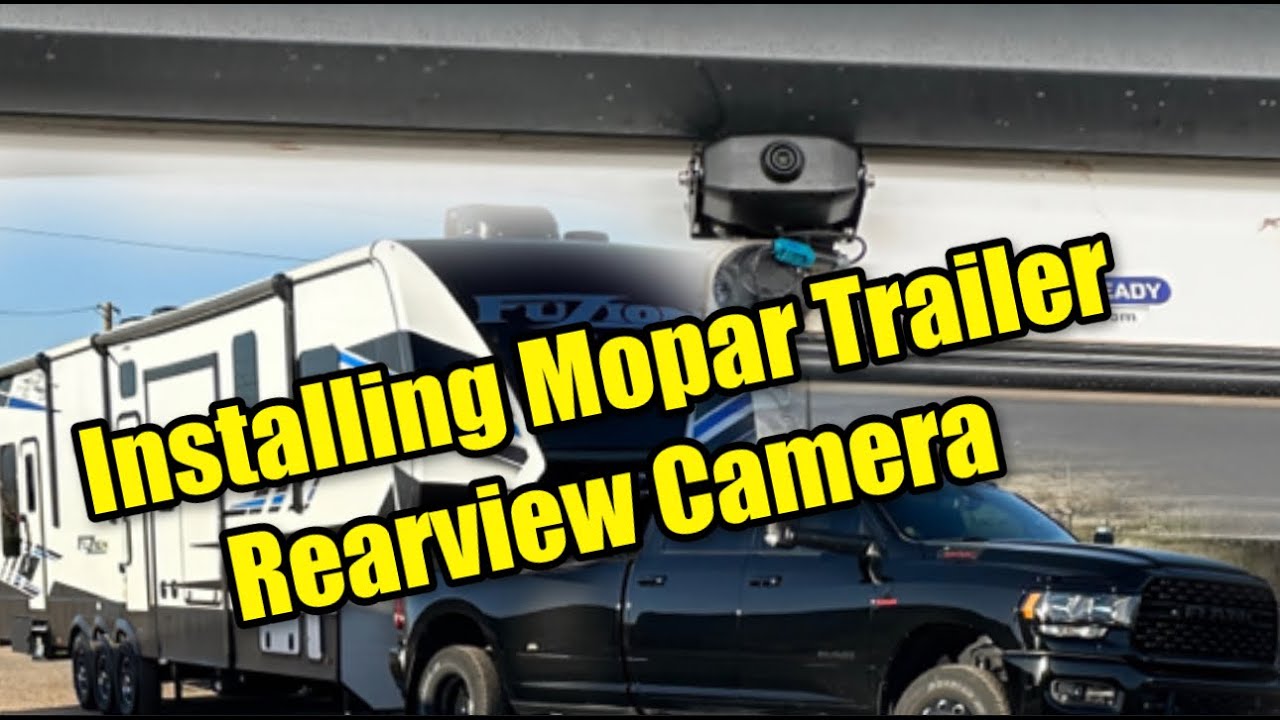
Trailer Reverse Guidance, if equipped, can assist the driver in backing up a trailer by providing adjustable camera views of the trailer and surrounding area.
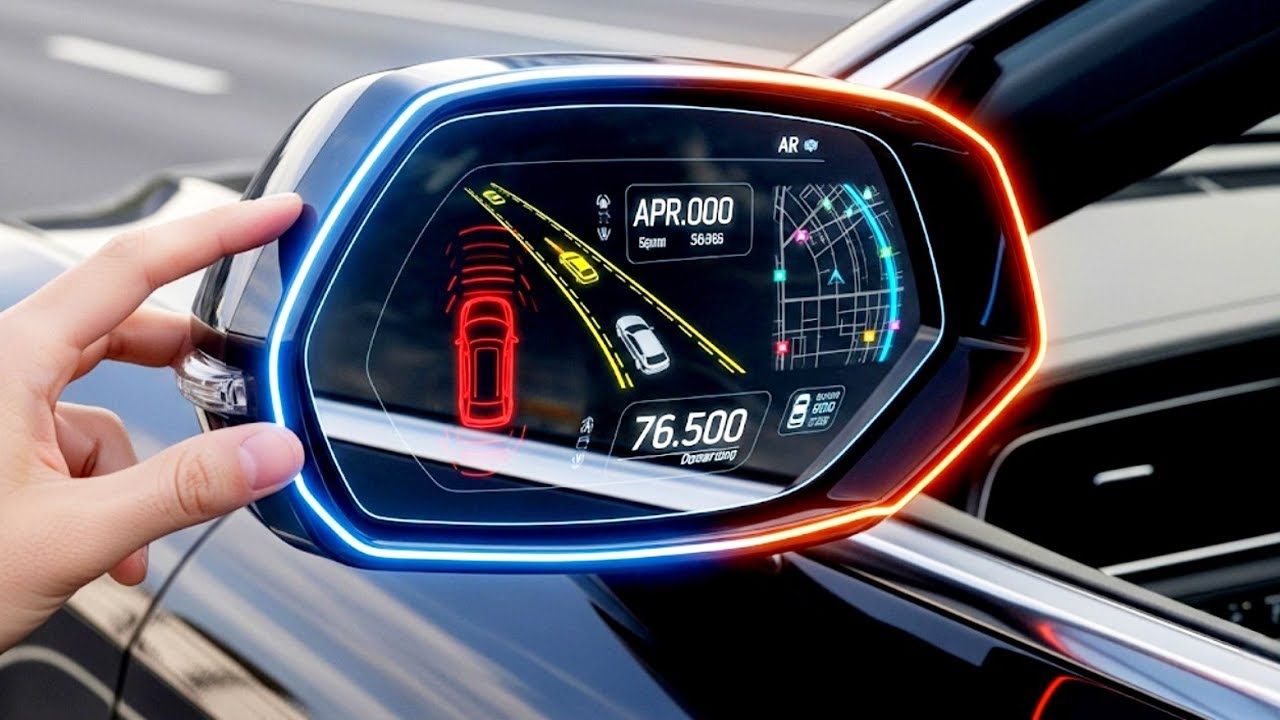
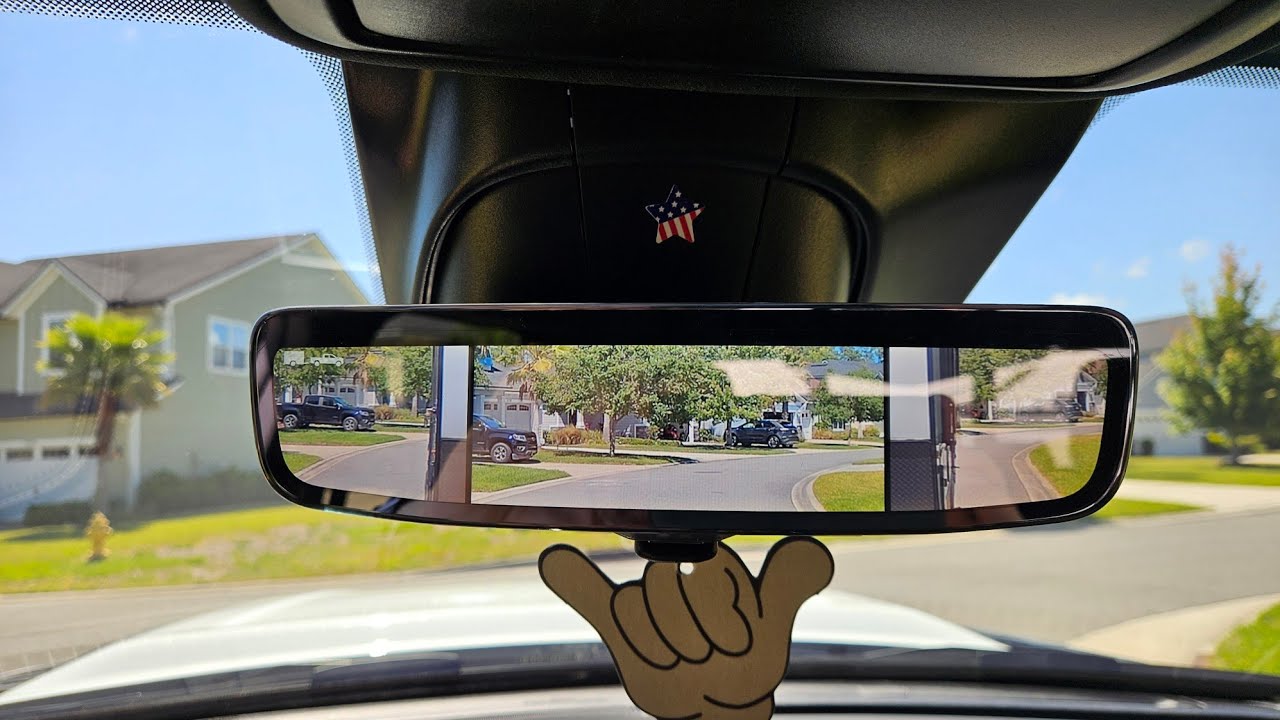
The cameras are mounted on the side mirrors and the images will be displayed side-by-side on the touchscreen. Left and right camera images are swapped and mirrored on the touchscreen to show the equivalent area behind the vehicle as though the driver is using the side mirrors.
The system deactivates in the following conditions:
Vehicle is out of Reverse for more than 10 seconds at speeds at or above 8 mph or 13 km/h
The vehicle is shifted into Park
The ignition is cycled off
Or if the driver presses the “X” button on the display screen if the vehicle is in Park, Neutral or Drive
If snow, mud, or other debris collects on the camera lens, clean the lens, rinse with water, and dry with a soft cloth. Do not cover the lens. Always carefully check your surroundings before backing up.
This video is not intended to take the place of your Owner's Manual. For complete details and other important safety information, please see your Owner's Information.
[Text on screen] Copyright 2021 FCA US LLC. All Rights Reserved. Ram and Mopar are registered trademarks of FCA US LLC
Повторяем попытку...
Доступные форматы для скачивания:
Скачать видео
-
Информация по загрузке: