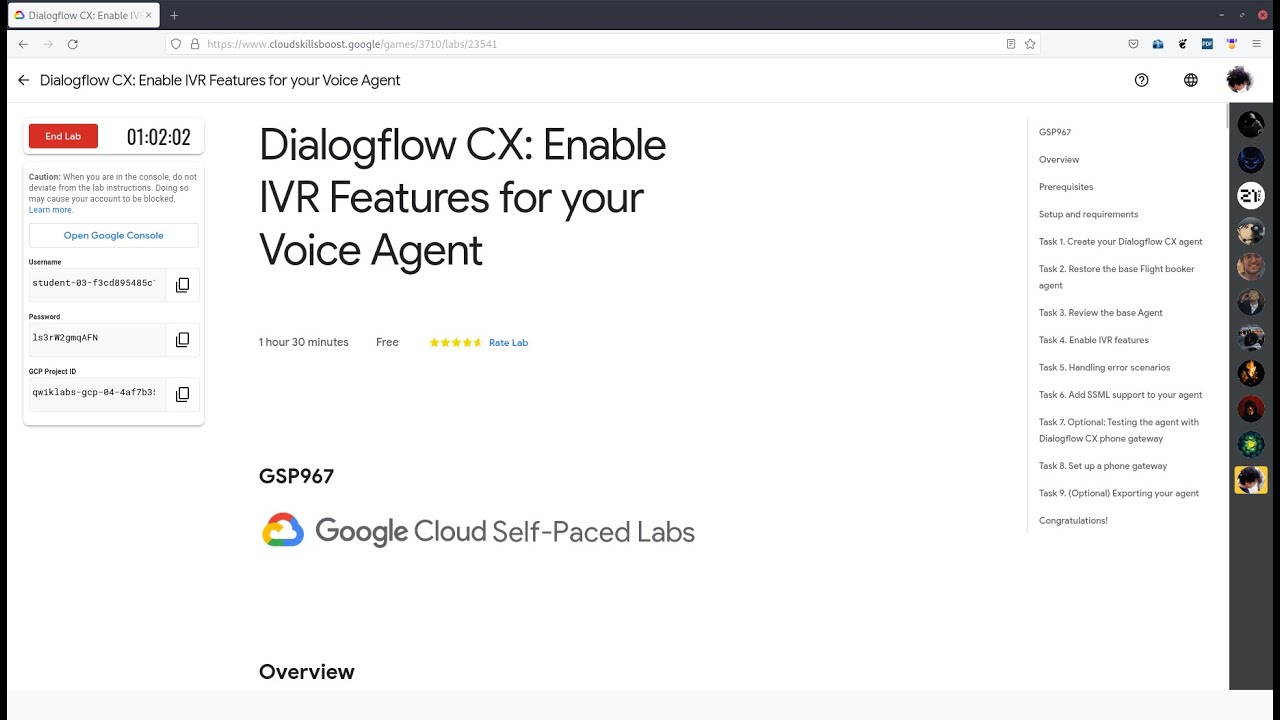
GSP967 Dialogflow CX: Enable IVR Features for your Voice Agent
Автор: Zaki Merdeka Sejati
Загружено: 2023-01-18
Просмотров: 161
Описание:
Overview
Dialogflow CX provides a simple, visual bot building approach to virtual agent design. For a full voice experience, your Dialogflow CX Agent can be integrated with various conversational platforms, including telephony providers. In this lab, you'll explore these Interactive Voice Response (IVR) features as well as two additional features - conversation repair and Speech Synthesis Markup Language (SSML) - that help end users feel as though they're having a natural, interactive, and cooperative conversation.
This lab will show you how to enable various IVR features, but you will only be able to test some of them with the Dialogflow CX Phone Gateway. Features like DTMF (Dual-Tone Multi-Frequency) and Barge-in (where the user can interrupt the bot) are not supported in Dialogflow Telephony and can only be tested with your telephony provider.
In this lab you will continue building a conversational agent, exploring and adding the IVR features that Dialogflow CX provides.
Voice and telephony features such as DTMF, Barge-in, and End of speech sensitivity (so the bot can accommodate for pauses in a phrase, such as a number or ID) can all be configured in Dialogflow CX.
Conversation repair is the practice of fixing misunderstandings, mishearings, and misarticulations to resume a conversation. Repairing a conversation can help build a user's trust by showing that the voice agent is listening to their request. Situations where conversations might fail are handled in a more graceful manner, such as when a voice agent cannot find an intent using the NoMatch event, or when the agent detects no verbal response using the NoInput event feature. You'll configure these events to rephrase a prompt up to a maximum of 3 times and then escalate to a live agent to avoid trapping users in a loop of handling errors.
SSML - Speech Synthesis Markup Language helps make the Text-to-Speech voice interaction sound more natural.
To do this work efficiently you'll restore a provided agent. This agent will have 2 new pages and an additional intent that will jumpstart your exploration of the new conversational features.
In this lab you will do the following
Enable and configure IVR features
Add in NoMatch and NoInput handling scenarios to escalate to an Agent
Add in rich voice responses with SSML
#googlecloud
#cloudskillsboost
#googlecloudarcade
Повторяем попытку...
Доступные форматы для скачивания:
Скачать видео
-
Информация по загрузке:








![ZIVERT - ЛУЧШИЕ ПЕСНИ 2024 [СБОРНИК] @ХитЗаХитом](https://image.4k-video.ru/id-video/fPKYPAWUkeU)