Wyze Cam RTSP 2019 - View It On Your Computer
Автор: Gross Technology
Загружено: 2019-05-22
Просмотров: 189789
Описание:
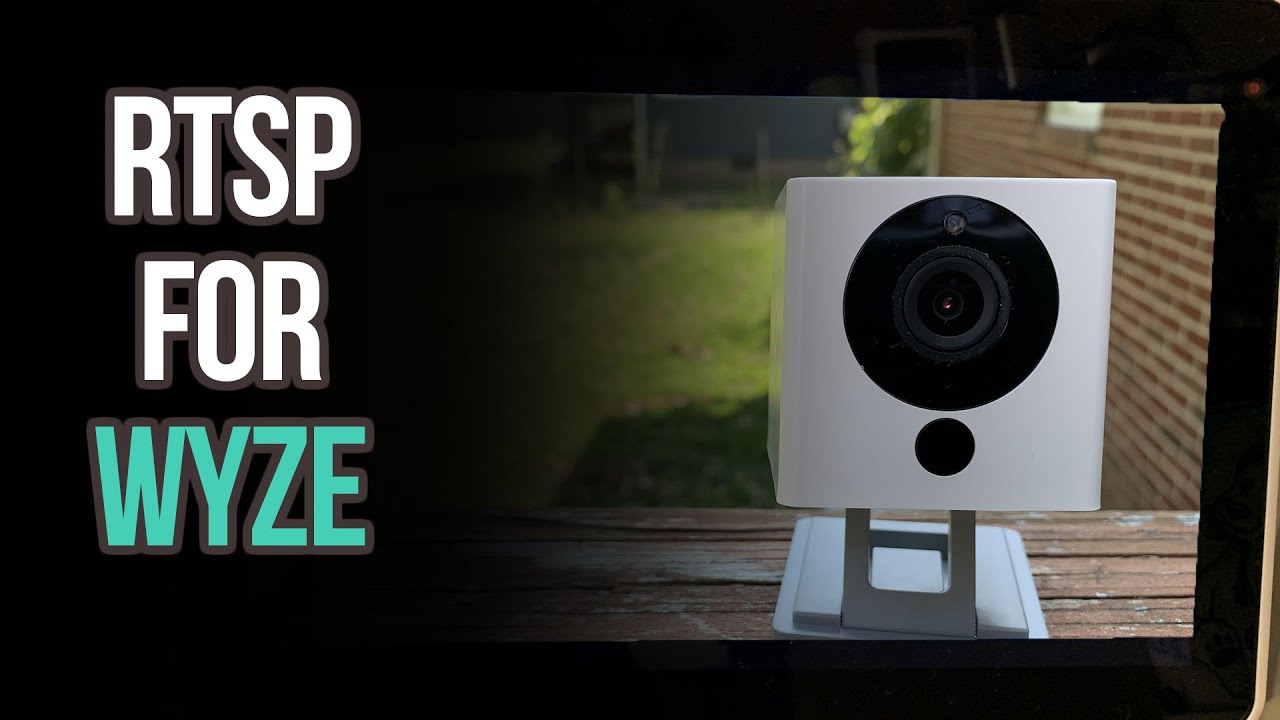
Wyze Cam RTSP 2019 - View It On Your Computer
So when Wyze pushed their new update it was filled with a bunch of great things, but the most important update feature was the #RTSP ability. But its not as easy as we thought. So I'm going to show you exactly how to do it and how you can view it on your computer as well as on your Google Home Hub or any of the Google Assistant displays, including your Chromecast.
VLC Player: https://www.videolan.org/vlc/index.html
Step by Step Guide:
How to install the RTSP Firmware: http://bit.ly/2EtCcjl
Download the Wyze Cam v2 RTSP file, or the Wyze Cam Pan RTSP file
Unzip the file, rename the contents to 'demo.bin', and transfer them to a microSD card's root directory
Unplug your Wyze Cam and insert the prepared microSD card
Hold the camera's Setup button while plugging in the USB cable and continue to hold the Setup button until the light turns solid blue
Once the light is solid blue, release the Setup button and wait for 3-4 minutes. The camera will reboot and the status light will change during this time.
Note: The "Solid Blue" in this case is not the same as the one normally seen on the camera. Instead, both the blue and yellow LEDs will be on at once, making it appear to be a lighter blue.
Once this process is finished, you should see the Wyze Cam in your Home tab without going through the setup process as long as it was previously paired with your account.
How to start using RTSP:
Once your Wyze Cam is back online, you can access the RTSP function from the live stream (Wyze app version 2.3 or later) under Settings - Advanced Settings - RTSP
The app will automatically check if the installed firmware version is RTSP compatible. If not, please repeat the installation process above.
Next, turn on the RTSP toggle
You'll be prompted to set up a username and password for this Wyze Cam. Both the username and password should be 4 – 10 characters without special characters (only a-z, and 0-9)
PLEASE NOTE - This username and password is unique to just this camera. Please either use something that's easy to remember or take note of them somewhere, as these will be needed to access the camera's stream via RTSP
Click “Generate URL”, and the RTSP URL will show on the next screen. Use this for streaming through any RTSP compatible player on the same local network as the Wyze Cam.
-----------------------------------
YOUR FREE GIFT IS HERE!!!!
Home Automation 101 Free E-Book:
http://bit.ly/2JQ0LKz
-----------------------------------
The Wyze Cam
https://amzn.to/2WbNHpu
-----------------------------------
►Donate to the channel:
Paypal: http://bit.ly/2HAhdfo
Buy me a Coffee: https://www.buymeacoffee.com/GrossTech
or
Bookmark my Amazon affiliate page and buy through me regularly at no cost to you:
https://amzn.to/2LSzfi9
-----------------------------------
►Follow Me On Social Media!
➥ Instagram: / grosstechreview
➥ Facebook Group: http:// / grosstech
➥ Twitter: / grosstechnology
-----------------------------------
►SUBSCRIBE YOUTUBE
→ / grosstechnology
-----------------------------------
►BACKGROUND MUSIC
→Epic Music
DISCLAIMER: As an Amazon Associate I earn from qualifying purchases. This video and description contains affiliate links, which means that if you click on one of the product links, I’ll receive a small commission. This helps support the channel and allows us to continue to make videos like this. Thank you for the support!
-----------------------------------
Buy some of my favorite smart home products from Amazon below! Check them out!
Anything Wyze related:
https://amzn.to/2WbP3AA
Micro SD Card: https://amzn.to/2Wg1GKQ
Pan Mount: https://amzn.to/2LPxi5Z
Wyze Cam v1 and v2 outdoor enclosures I use:
https://amzn.to/2EgKElO
https://amzn.to/2VO5qnE
Extra Long usb cable for Wyze Cam:
https://amzn.to/2VNfZHE
Google Home Mini battery base:
https://amzn.to/2Ejlfb1
Google Home battery base:
https://amzn.to/2VKvKPs
Amazon Echo Show (2nd Gen):
https://amzn.to/2JXbGCv
Show Mode Charging dock for Fire HD8 (Turns your Amazon Fire tablet into an Echo Show):
https://amzn.to/2JUTrgZ
Amazon Fire TV Cube:
https://amzn.to/2HrmAi1
Smart Egg Tray... I'm serious!
https://amzn.to/2HquMPJ
-----------------------------------
List of gear:
https://kit.com/GrossTechnology
Tubebuddy link:
https://www.tubebuddy.com/GrossTech
MorningFame link:
https://morningfa.me/invite/4khc1u54
Video Ranking Academy link:
https://courses.seancannell.com/a/780...
#Wyze
Повторяем попытку...
Доступные форматы для скачивания:
Скачать видео
-
Информация по загрузке:




![Wyze Cam Keeps Going Offline [100% Working] - No Fluff. Technical Fix](https://image.4k-video.ru/id-video/aPxYWe-JOEQ)


![Загрузите и установите RTSP для Wyze Cam v3 [Смотрите, как я это делаю...]](https://image.4k-video.ru/id-video/Uyqvt5LcVm0)