xTool Studio 1.8.14: How to Use Variables for Batch Jobs (Name Badges + QR Codes Tutorial)
Автор: K B Designs
Загружено: 2026-08-21
Просмотров: 1757
Описание:
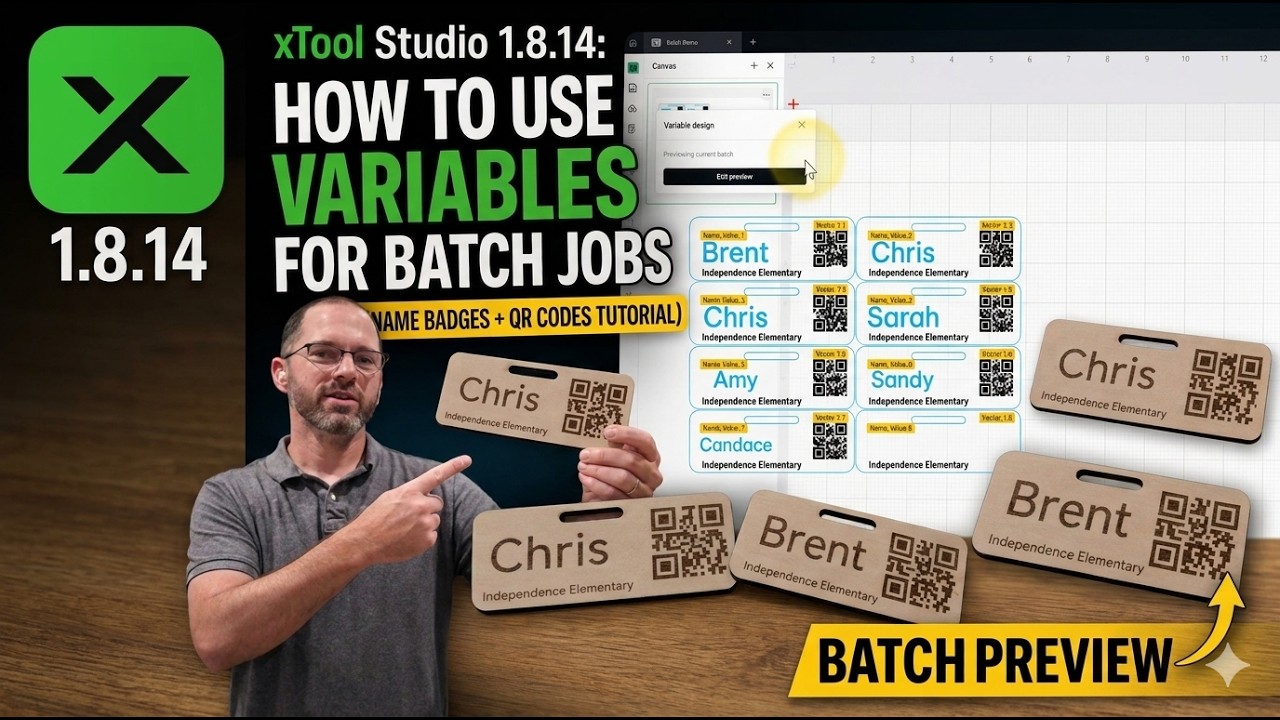
In this video, I walk you through one of the most powerful new features in xTool Studio 1.8.14 — the ability to set objects as variables. This update makes batch jobs incredibly easy, especially when you’re creating lots of similar items that each need unique text, numbers, or QR codes.
To demonstrate the feature, I build a full classroom name badge project with:
Variable student names
Variable QR codes (student IDs)
Static school text
A grid array to duplicate the badge layout
An optional Excel import for large batches (20–50+ items)
You’ll learn how to:
Convert text and QR codes into variables
Build a variable table and set custom values
Use the grid array to generate multiple badges
Import an Excel file to automate large batches
Preview your variable-filled project before engraving
This workflow is perfect for:
✔ Teachers
✔ Schools
✔ Makers selling personalized items
✔ Anyone producing large batches with unique content
I’ve also uploaded the badge template on Atom so you can download it and customize it for your own classroom, business, or project.
If you found this helpful, please like and subscribe — I’ve got more xTool Studio tutorials, laser projects, and maker tips coming soon!
Повторяем попытку...
Доступные форматы для скачивания:
Скачать видео
-
Информация по загрузке: