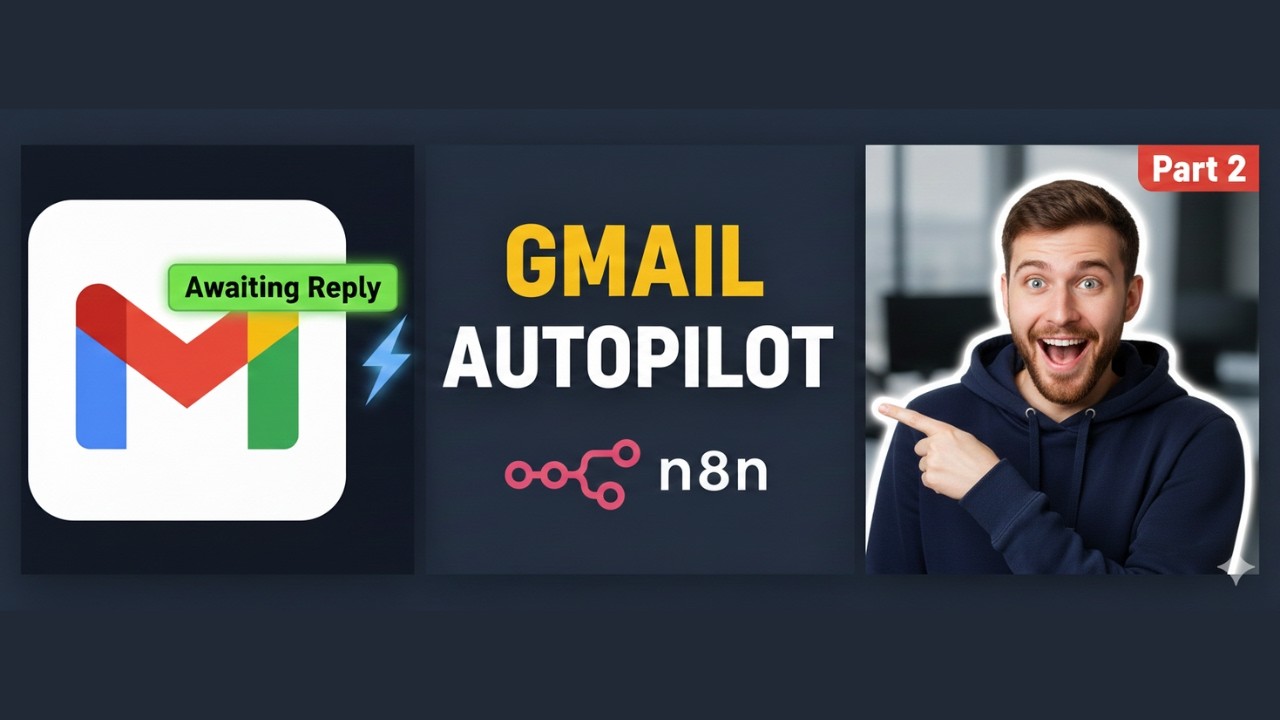
How to Automate Your Gmail with n8n (Part 2): Organize Sent Emails & Never Miss a Reply
Автор: Masudur Rahman | AI Automation
Загружено: 2026-02-05
Просмотров: 7
Описание:
Welcome to Part 2 of our Gmail automation series with n8n!
In Part 1, we automated drafting replies using AI, past conversation history, and example email structures to save you over 10 hours every week. In this second video, we take it further by organizing your sent emails so you can clearly see which conversations need your attention.
In this workflow, you’ll learn how to:
Automatically remove the “Respond” label from sent emails
Check if the last email in a thread was sent by you
Apply the “Awaiting Reply” label to emails that require a response
Keep your Gmail inbox organized and easy to manage
Save time and reduce manual email follow-up
This workflow is perfect for sales teams, operations managers, and anyone handling a high volume of emails. By labeling emails awaiting a reply, you always know which messages need follow-up and which are already actioned, helping you stay productive and organized.
Keywords / Tags: Gmail automation, n8n workflow, AI email automation, inbox organization, email management, awaiting reply label, productivity, Gmail tips, email workflow automation
Watch Part 1 here: • How to Automate Your Gmail with n8n (Part ...
Stay tuned for Part 3, where we’ll analyze threads labeled “Awaiting Reply,” determine if conversations are finished, and automatically mark them as Actioned. This keeps your Gmail inbox perfectly organized and up to date.
If this workflow helps you, don’t forget to like, subscribe, and hit the bell icon to get notified about the next parts of the series!
Повторяем попытку...
Доступные форматы для скачивания:
Скачать видео
-
Информация по загрузке: