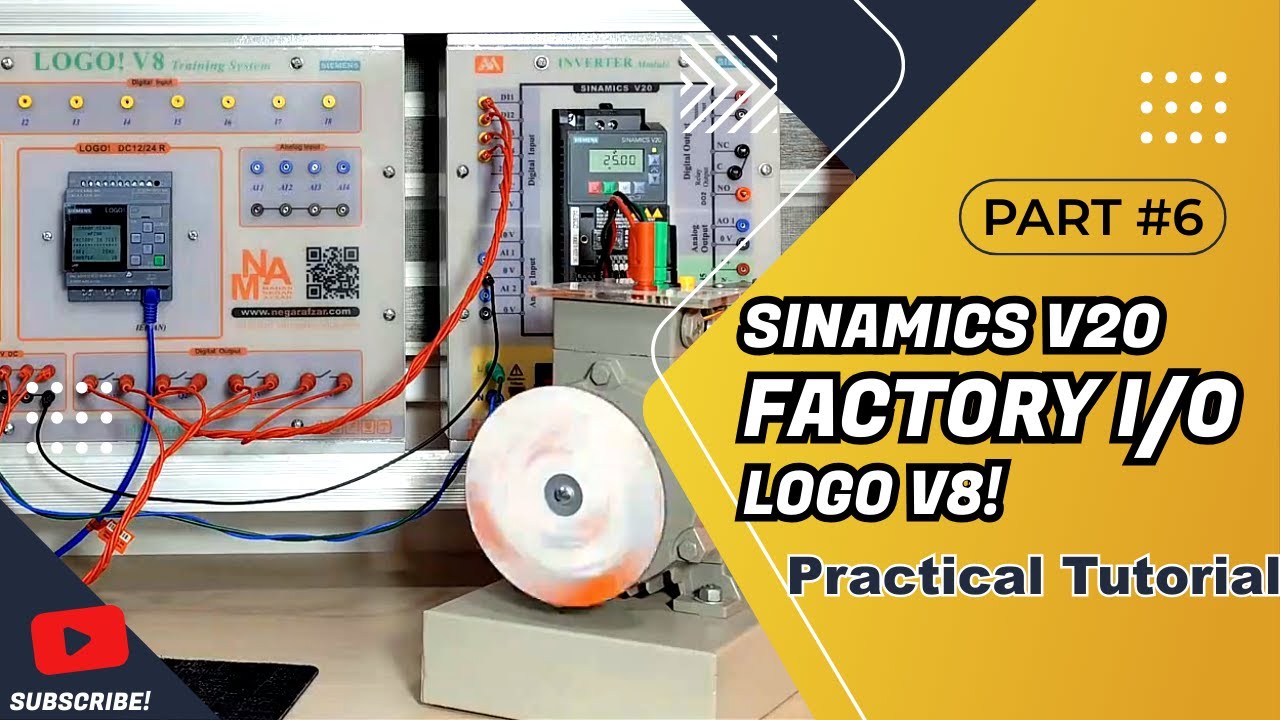
▶️ Part 6 | Real PLC LOGO! V8 Controls SINAMICS V20 with Factory IO Conveyor
Автор: Mahan Negar Afzar
Загружено: 2026-01-02
Просмотров: 0
Описание:
In this exciting video, we showcase a real LOGO! V8 PLC, fully programmed with LOGO! Soft Comfort, controlling a SINAMICS V20 drive.
Video Timeline – Factory IO & SINAMICS V20 Drive with PLC Logo
0:00 – Introduction: Connecting Factory IO software to Cinamix drive
0:04 – Checking the voice through the PLC logo
0:07 – Overview of the three speed keys (10 Hz, 15 Hz, 25 Hz)
0:18 – Setting speed to 10 Hz and activating key
0:31 – Changing speed to 15 Hz and then 25 Hz
0:53 – Maximum drive speed shown as 50 Hz
1:03 – Conveyor belt speed increases, sensor counts pieces
1:30 – How to adjust working frequency using switches
1:44 – Settings needed in the drive for digital input control
2:41 – Configuring drive parameters (101, 102, 103)
3:08 – Connecting Factory IO to four PLC outputs
4:00 – Wiring digital inputs for speed control (Q1, Q2, Q3, Q4)
4:40 – Ground reference connection to inverter
5:00 – Scenario setup in Factory IO (6-meter conveyor, sensor & remover)
5:40 – Display shows number of pieces passed and rejected
6:00 – Using digital inputs for low, medium, high speed control
6:44 – Configuration of PLC memory (V-series) for control and counter
8:00 – Setting multiplexer for speed output (0–50 Hz)
8:45 – Conveyor motor speed control using VW block
9:33 – Counter and sensor configuration (reset & display)
10:15 – Displaying frequency value on screen
10:50 – Testing speed control: 10 Hz, 25 Hz, 50 Hz
11:28 – Stopping and restarting the line, resetting counter
11:55 – Conclusion: Factory IO connection example and further experiments
The most interesting part is Factory IO: I created a conveyor line that moves real parts, where the user can control the speed and see it physically reflected on the real motor.
This hands-on setup clearly demonstrates PLC-to-drive communication, motor control, and how virtual simulation can be linked to real hardware.
All steps, programming logic, and Factory IO configuration are explained so you can replicate or learn from this practical setup.
Повторяем попытку...
Доступные форматы для скачивания:
Скачать видео
-
Информация по загрузке: