💡 Learn How to Add Assistants and Team Members on Kwiga 💡
Автор: Kwiga LMS
Загружено: 2025-01-03
Просмотров: 34
Описание:
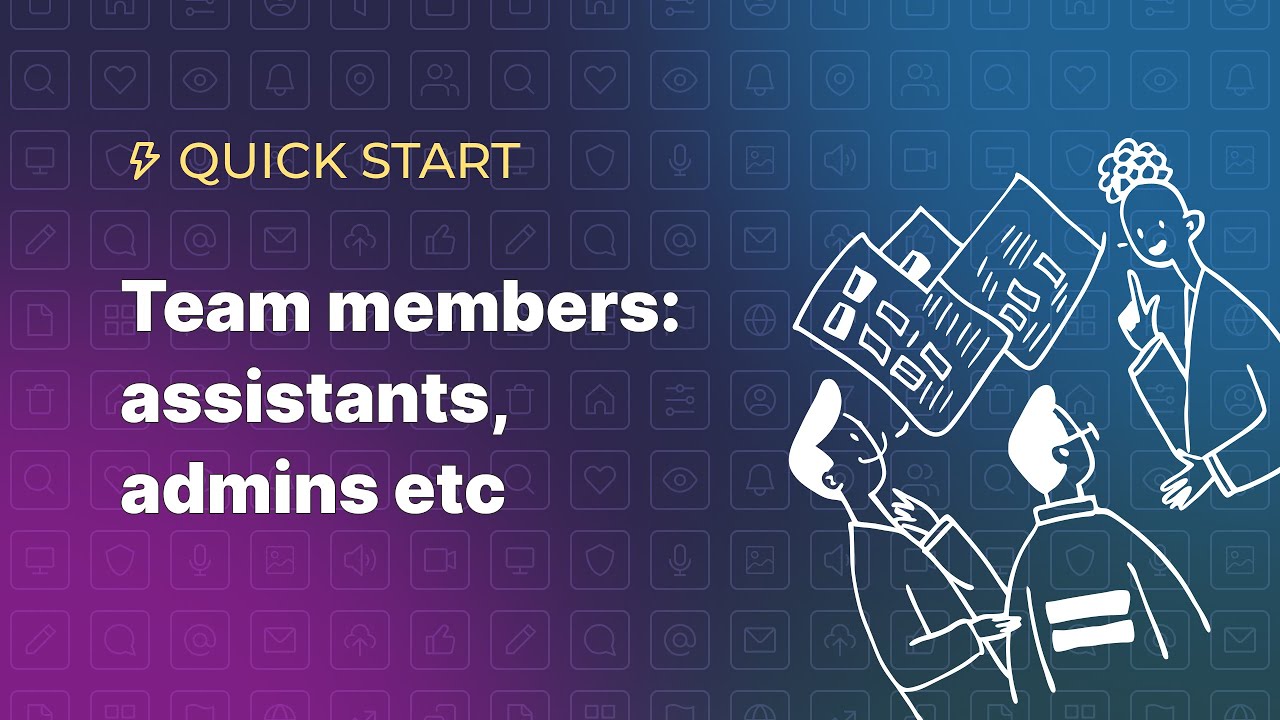
In this video, we’ll guide you through the process of adding assistants and team members to your Kwiga platform. Whether you want to delegate tasks for a specific course or grant full access to your team members, we’ve got you covered!
Here’s what we’ll cover:
✅ How to add an Assistant for a single course—perfect for managing student comments and reviewing assignments without giving access to other sensitive areas.
✅ How to add a Team Member with full platform access—ideal for admins and key collaborators.
With these tools, managing your courses becomes even easier and more efficient. Watch the video and start building your team on Kwiga today! 🚀
👉 Subscribe for more tips on growing your online education business!
👉 Check out Kwiga here: www.kwiga.com
💬 Have questions? Drop them in the comments below or reach out in chat, and we’ll be happy to help!
________________________
For more information, visit our Help Center: https://kwiga.com/help-center/
Using this link, you’ll receive an additional $5 in your bonus account after registering: https://kwiga.com?utmla=78402b206f4f2...
Повторяем попытку...
Доступные форматы для скачивания:
Скачать видео
-
Информация по загрузке: