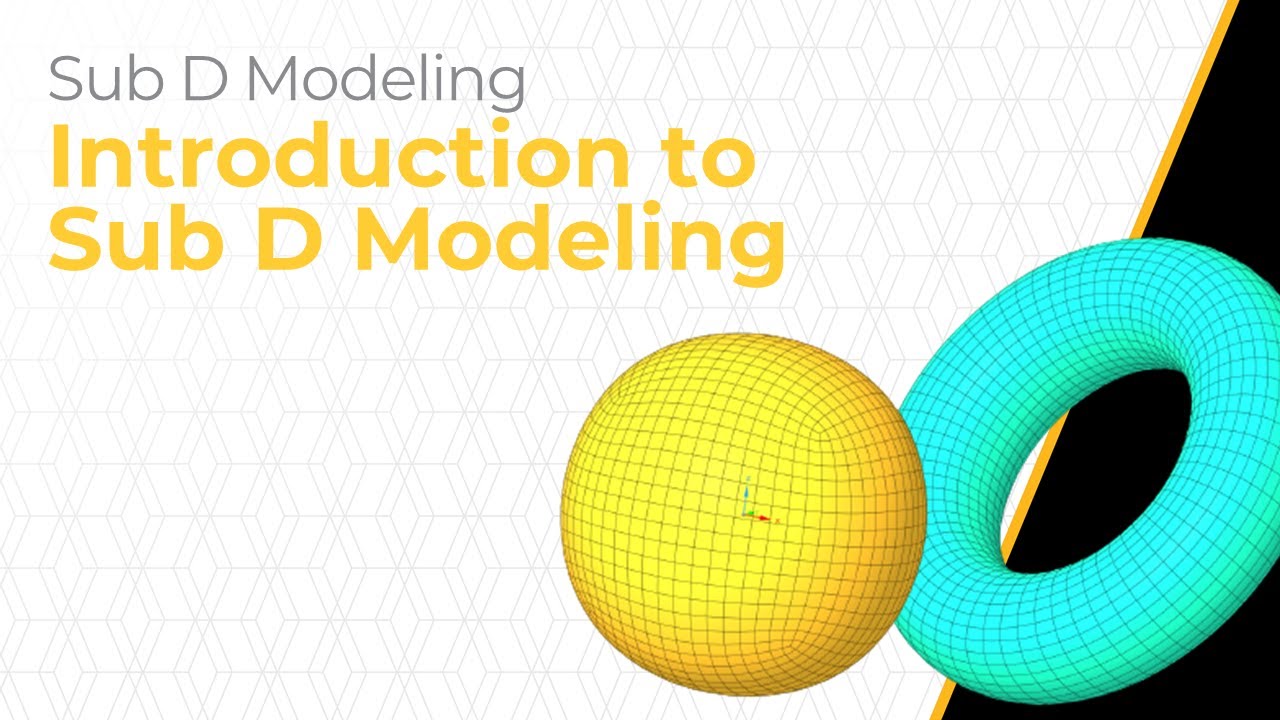
Introduction to Sub D Modeling — Lesson 1
Автор: Ansys Learning
Загружено: 2023-08-23
Просмотров: 2399
Описание:
This video introduces Sub D, the latest addition to the geometry capabilities of Ansys Discovery software. Sub D is a versatile new geometry body type in Discovery, joining Nurbs and Facets. Sub D is a form of parametric surface modeling that integrates seamlessly with meshes and standard topology. This enables designers and engineers to craft flexible, organic designs efficiently, which would have previously been time intensive. In this video, we will learn how to create Sub D bodies and manipulate them with the help of geometry editing tools such as Subdivision, Bridging, Splitting, Creasing and Snapping. In addition, we will look into the control cage, which provides an extra layer of control and helps users understand and refine Sub D bodies. This makes it an invaluable tool in product design concept modeling.
// INTERESTED IN MORE?
Visit Ansys Innovation Courses for free courses, including videos, handouts, simulation examples with starting files, homework problems, and quizzes.
Visit today → https://bit.ly/3Eo8esU
// DOWNLOAD FREE ANSYS SOFTWARE
Ansys offers free student product downloads for homework, capstone projects, student competitions, online learning, and more!
Download today → https://bit.ly/32eEcuR
// QUESTIONS ABOUT THIS VIDEO OR USING ANSYS?
Get help from Ansys experts and peers through the Ansys Learning Forum. Search for answers to common questions, browse discussion categories, or ask questions.
Visit today → https://bit.ly/3qsytK2
// STAY IN THE LOOP
Follow our Ansys Academic LinkedIn showcase page for updates on learning resources, events, job opportunities, cutting-edge simulation content, and more!
Follow today → https://bit.ly/3Bbaaow
Повторяем попытку...
Доступные форматы для скачивания:
Скачать видео
-
Информация по загрузке:







![Как сжимаются изображения? [46 МБ ↘↘ 4,07 МБ] JPEG в деталях](https://image.4k-video.ru/id-video/Kv1Hiv3ox8I)

