DOL Submitting Claims for Payment in the Grants Gateway
Автор: NYS Grants Reform
Загружено: 2021-03-04
Просмотров: 1324
Описание:
How to submit claims for the DOL WDI contracts in the Grants Gateway. Click the SHOW MORE button for full timestamps.
0:00 Preparation
1:40 Know the details of your contract
2:44 Program Expectations
4:44 Requirements for Advances
5:32 Have your documents ready
7:01 Log in with the right role
7:43 What happens after your claim is submitted
8:49 Example of the Documents required to upload
11:00 Discussion about browsers
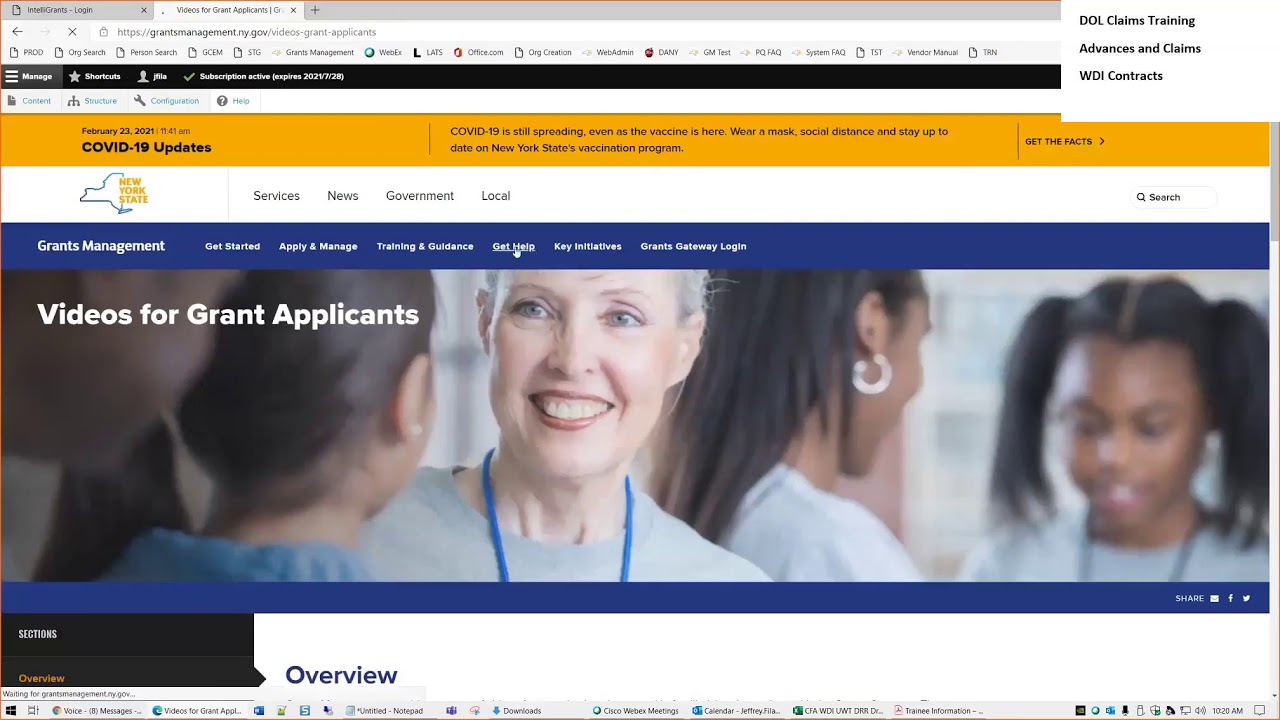
11:26 The Grants Management help website
13:08 Log into the Grants Gateway
14:38 Locate your contract
16:03 View the contract
16:42 Initiate the claim for payment
18:28 Enter claim details
18:55 Start an Advance
20:20 How to get back into the claim you have started
25:10 View the advance preview
36:30 Unable to submit claim in the wrong role
27:05 Log in as the Grantee Payment Signatory role
27:50 Search for the payment
28:30 Check the Payee Certification box
29:30 Submit your Advance
30:45 View the Payment Schedule report
32:12 Start a Claim for Payment
32:50 Initiate the Claim
34:00 The Claim Forms Menu
34:25 Fill out the Unitemized Claim Detail Form
36:12 Payment uploads and naming convention
40:10 View the Voucher Preview for your claim
43:00 Submit your claim for payment
43:30 What to do if your claim is sent back to you in Info Requested status
45:00 How to delete an upload
46:48 Instructions for adding a new user in the user manual
Повторяем попытку...
Доступные форматы для скачивания:
Скачать видео
-
Информация по загрузке: