How to Add Images in Whiteboards
Автор: AYOA®
Загружено: 2025-07-02
Просмотров: 211
Описание:
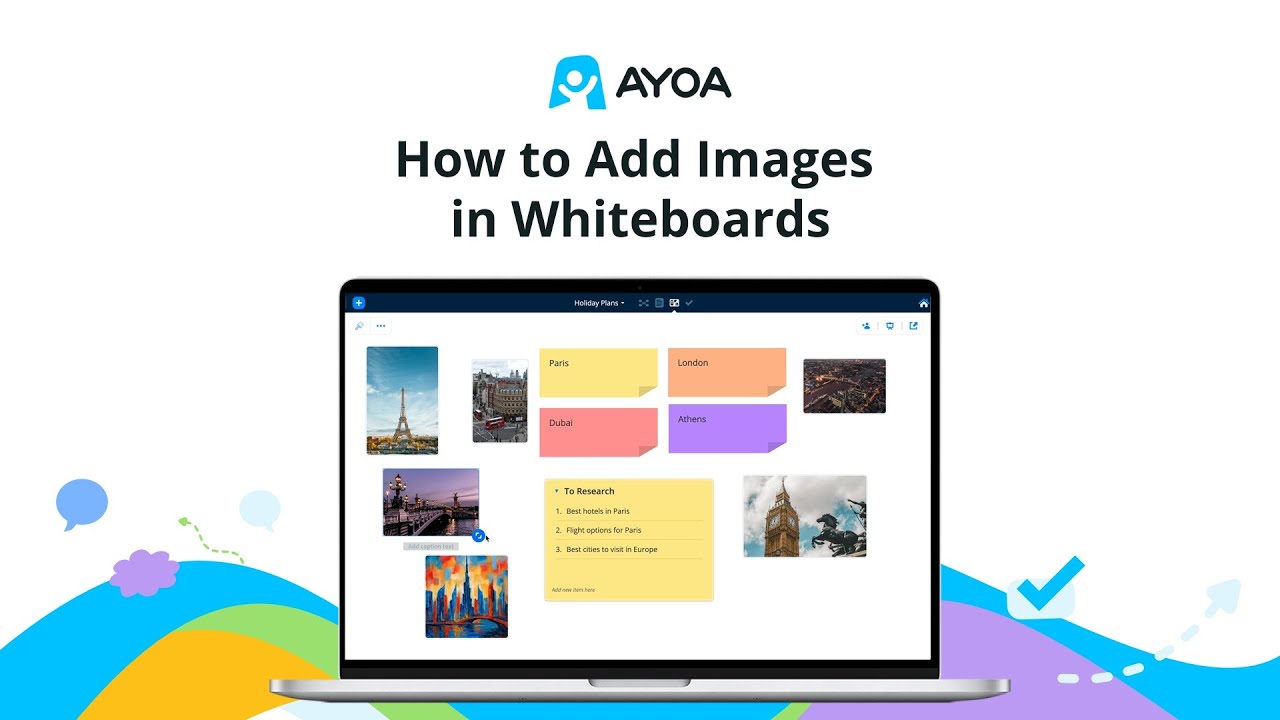
Make your whiteboards more visual with AYOA's powerful image features!
Learn how to add pictures using royalty-free search, upload your own images, or generate custom AI images. Master drag-and-drop placement and resizing for perfect visual composition.
🎯 What You'll Learn:
Add images to make whiteboards more visual
Use Image icon in left toolbar for picture addition
Search royalty-free image library for professional content
Upload your own personal images and photos
Generate custom images using AI technology
Drag and drop images onto whiteboard canvas
Resize images to fit your visual composition
🖼️ Image Addition Process:
Accessing Image Features:
Click Image icon in left toolbar
Access comprehensive image options
Choose your preferred image source
Begin enhancing whiteboard visually
📚 Three Image Sources:
Royalty-Free Image Search:
Professional image library access
High-quality, copyright-free content
Wide variety of subjects and styles
Instant search and selection
Personal Image Upload:
Upload your own photos and graphics
Custom content integration
Personal branding and materials
Flexible file format support
AI Image Generation:
Create custom images with AI technology
Generate unique visual content
Tailored images for specific needs
Cutting-edge creative possibilities
🎨 Image Management:
Placement & Sizing:
Drag and Drop: Simple image positioning
Resize Freely: Adjust images as you wish
Visual Composition: Perfect image placement
Flexible Layout: Adapt to whiteboard design
💡 Visual Enhancement Benefits:
Increased Engagement: Images make content more appealing
Better Communication: Visual elements enhance understanding
Professional Appearance: High-quality visual presentation
Creative Freedom: Multiple image sources for variety
Custom Content: AI generation for unique visuals
🎯 When to Use Each Image Source:
Royalty-Free: Professional presentations and general content
Upload Own: Personal branding and specific materials
AI Generation: Unique, custom visual content creation
⚡ Image Features:
Three Source Options: Maximum flexibility for image needs
Easy Integration: Simple drag-and-drop workflow
Size Control: Resize images to perfect dimensions
Visual Impact: Transform whiteboards with images
👥 Perfect For:
Creative professionals enhancing visual presentations
Teams creating engaging collaborative boards
Educators developing visual learning materials
Marketers building compelling visual content
Students creating interactive project displays
Anyone wanting more visually appealing whiteboards
Повторяем попытку...
Доступные форматы для скачивания:
Скачать видео
-
Информация по загрузке: