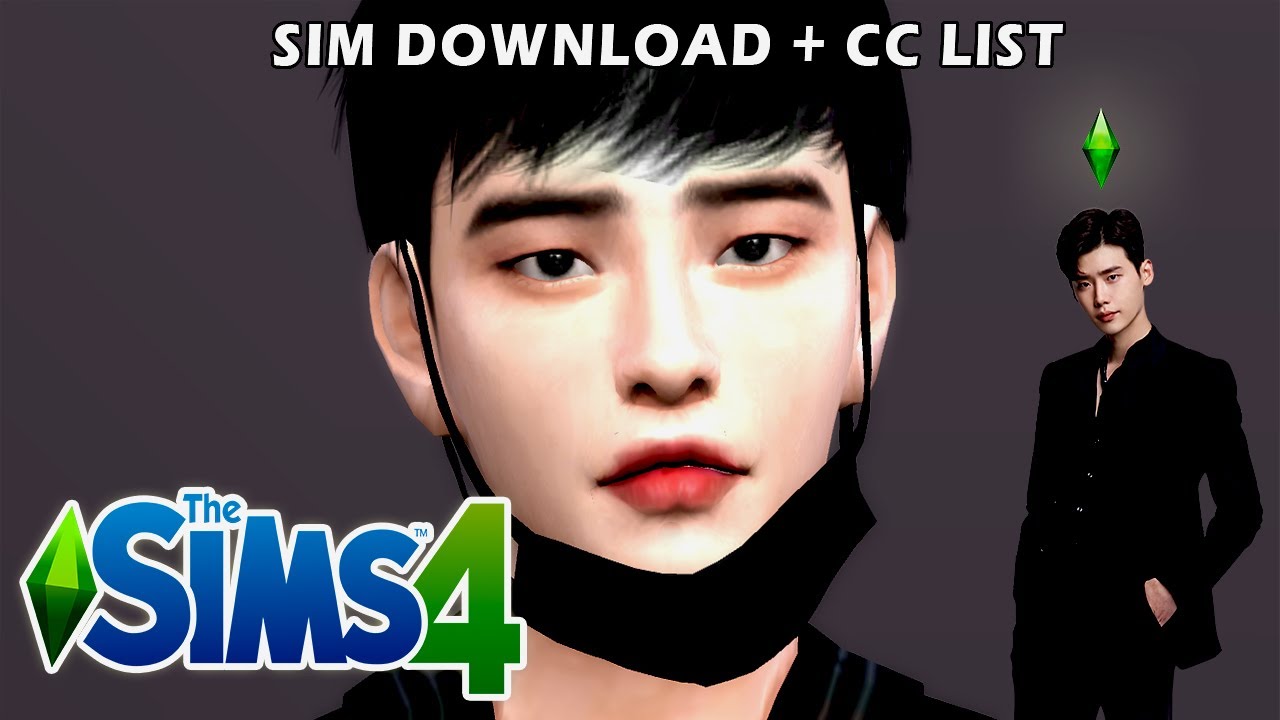
THE SIMS 4 | CAS - BTS [Updated] + Download links
Автор: KTVCCI (Simivear)
Загружено: 2019-09-25
Просмотров: 46924
Описание:
——— PLEASE READ THE DESCRIPTION ———
Here are the updated versions of my BTS Sims.
I'm not very proud of the result, so if you still want the
old versions, know that I updated the download links under
my previous videos for each members.
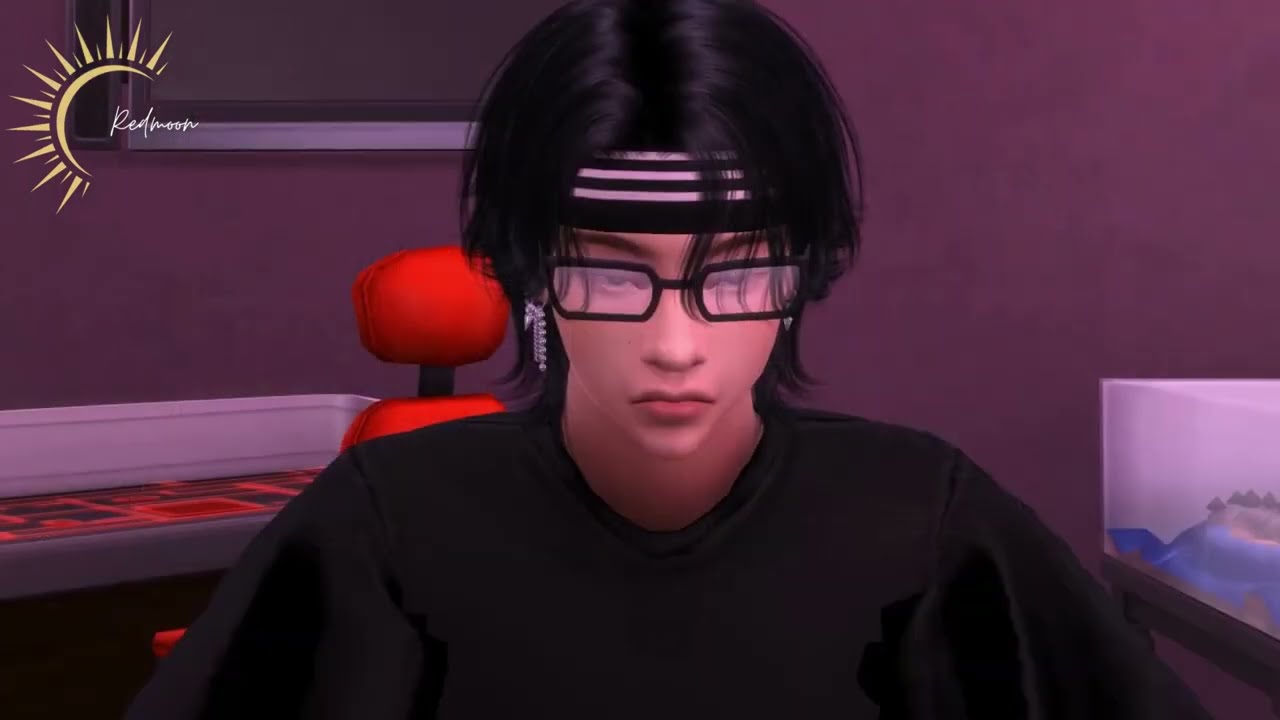
[!!!] Namjoon and Jungkook are slightly different on the thumbnail and some photos, because I modified them over several days and took screenshots in the meantime. Sorry for that. [!!!]
There are 2 download options below :
Download BTS members individually
Download BTS members together (in the same household)
Choose the one you prefer, and follow the instructions if needed.
—————————————————————————
Download links for BTS members individually OR together - (Sims + all CCs included)
(Complete CCs list also available in the comment section under the pinned)
Kim Namjoon : http://bit.ly/2lY6wfw
Kim Seokjin : http://bit.ly/2m1GxUj
Min Yoongi : http://bit.ly/2ms84i1
Jung Hoseok : http://bit.ly/2kpKjGA
Park Jimin : http://bit.ly/2kuKCjB
Kim Taehyung : http://bit.ly/2mkKzar
Jeon Jungkook : http://bit.ly/2kwZI8g
BTS : http://bit.ly/2kvk2Xy
(Yeontan is included, but you can delete him if you want)
• PREVIOUS VERSIONS
Kim Namjoon: • THE SIMS 4 | CAS - Kim Namjoon (+ Download...
Kim Seokjin: • THE SIMS 4 | CAS - BTS Kim Seokjin (+ Down...
Min Yoongi: • THE SIMS 4 | CAS - BTS Min Yoongi (+ Downl...
Jung Hoseok: • THE SIMS 4 | CAS - BTS Jung Hoseok (+ Down...
Park Jimin: • THE SIMS 4 | CAS - BTS Park Jimin (+ Downl...
Kim Taehyung: • THE SIMS 4 | CAS - BTS Kim Taehyung & Yeo...
Jeon Jungkook: • THE SIMS 4 | CAS - BTS Jeon Jungkook (+ Do...
—————————————————————————
▷ DOWNLOAD INSTRUCTIONS :
• WITH GOOGLE DRIVE :
Choose a link above
Download the entire .zip file
Open the downloaded .zip file
Open the "Tray files" folder, and move the files in The Sims 4 "Tray" folder
Open the "Custom content" folder, and move the files in The Sims 4 "Mods" folder
Now open the game ; the Sim(s) should be in your library
If not, don't forget to check the box "insert custom content"
• THROUGH THE GALLERY :
Choose a link above
Download the entire .zip file
Open the downloaded .zip file
Open the "Custom content" folder, and move the files in The Sims 4 "Mods" folder
Open the game, and search my ID in the Gallery : KTVCCI
Don't forget to check the box ''insert custom content''
The Sim(s) should appear
—————————————————————————
▷ S O C I A L S
Origin ID: ktvcci
Instagram : ktvcci
Twitter: ktvcci
—————————————————————————
▷ W H A T I U S E D
Game: The Sims 4
Editing: Filmora
—————————————————————————
▷ M U S I C S
•
•
BTS Twitter : / bts_twt
BTS Official Homepage : http://bts.ibighit.com
BTS Blog : http://btsblog.ibighit.com
BTS Facebook : / bangtan.offi. .
———————————————————————————————————
No copyrights infringement intended
Повторяем попытку...
![THE SIMS 4 | CAS - BTS [Updated] + Download links](https://imager.clipsaver.ru/DmHjbme-RD0/max.jpg)
Доступные форматы для скачивания:
Скачать видео
-
Информация по загрузке:










![[TS4] CREATE A SIM - KOREAN COUPLE + DOWNLOAD](https://imager.clipsaver.ru/AOnaTYTiytM/max.jpg)