How to Generate UPS Credentials | Step-by-Step Guide for Using Your Own UPS Account and Label Print
Автор: Presto Changeo
Загружено: 2024-08-13
Просмотров: 4426
Описание:
Welcome to our step-by-step guide on generating the UPS credentials you need to use your own shipping account with the PoCo UPS app. Whether you're a new or seasoned user, this tutorial will walk you through the entire process, from creating a UPS account to integrating it seamlessly with your Wix store.
🔑 What You'll Learn in This Video:
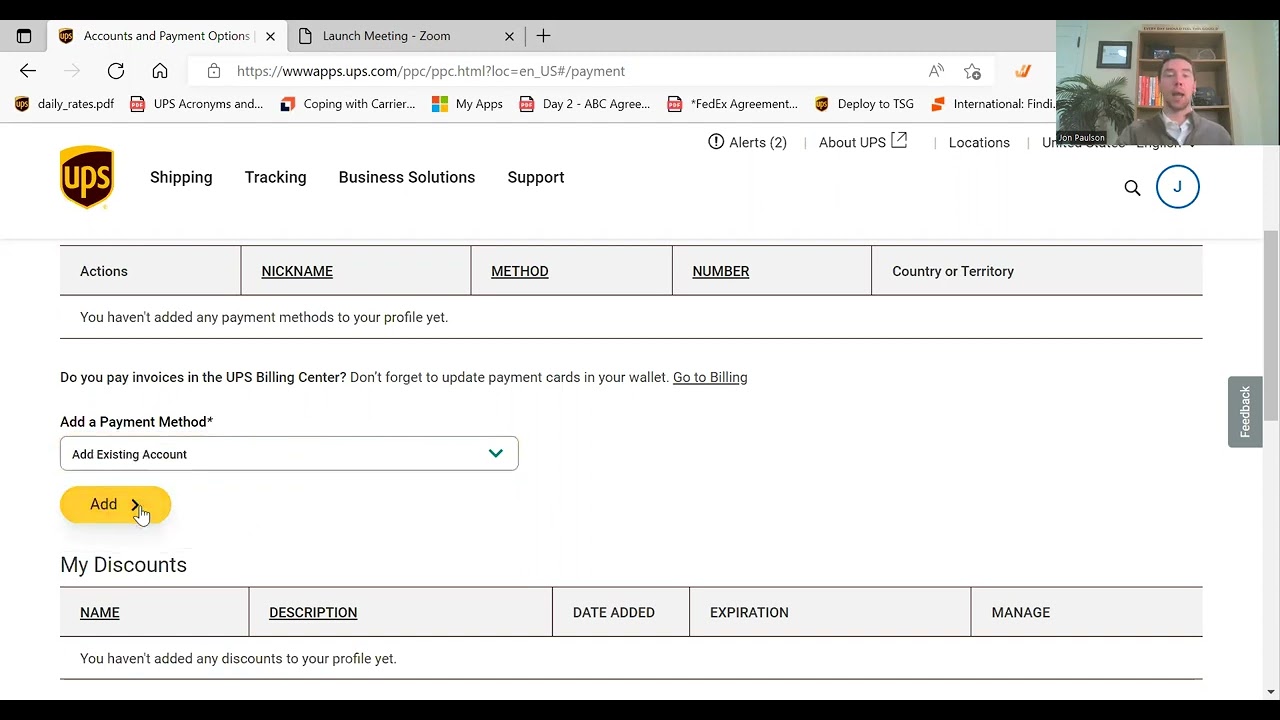
Create Your UPS Account – We’ll show you how to set up a new UPS account if you don’t already have one. Start shipping with confidence!
Open a UPS Shipping Account – Learn the essentials of setting up your shipping account with UPS, so you can manage your shipments directly.
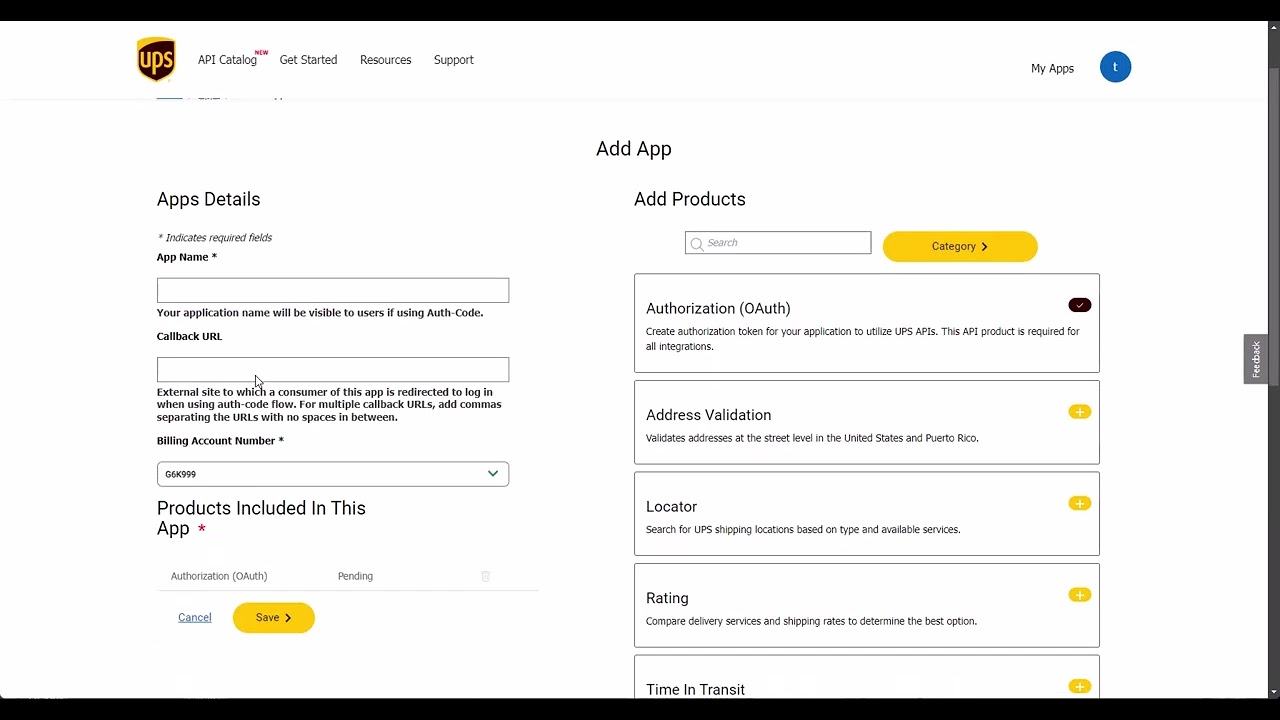
Generate UPS Client ID & Client Secret – We’ll guide you through creating a new app on the UPS website to obtain your Client ID and Client Secret, crucial for connecting your account to the PoCo UPS app.
Integrate with Wix UPS App – Finally, we’ll show you how to enter your UPS credentials in the Wix UPS app, enabling you to print labels and manage shipments directly from your store.
By the end of this video, you’ll be ready to streamline your shipping process with your own UPS account, taking full advantage of the PoCo UPS app on Wix.
Have any questions? Reach out to us at [email protected]
Повторяем попытку...
Доступные форматы для скачивания:
Скачать видео
-
Информация по загрузке: