Sennheiser G4, G3 - Frequency Scan to find Clean Audio Signal
Автор: Sam On Set
Загружено: 2024-10-02
Просмотров: 5891
Описание:
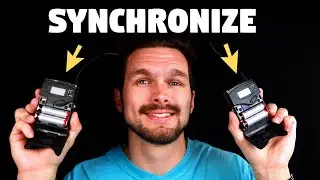
Here’s how to setup the Sennheiser G4 (and G3) Wireless Lavalier Mic Packs with a frequency scan to get a clean and clear audio signal.
Please LIKE and SUBSCRIBE. It helps!
- - - - GEAR - - - - -
(These are Amazon Affiliate Links. Thank you for the support!)
Sony A7S III
https://amzn.to/3ZB7oYa
Sigma 24-70mm, f2.8
https://amzn.to/47IvwtO
Sony ZV-1
https://amzn.to/3ZKAaFJ
Neewer C-Stands
https://amzn.to/4gK90Vo
Aputure Lights
https://amzn.to/4dqHvxw
Neewer Lights
https://amzn.to/3XPOvyi
Sennheiser G4 Wireless Lav Mics
https://amzn.to/4dnTP1m
Eneloop Rechargeable Batteries
https://amzn.to/3XFvXAB
- - - - INSTRUCTIONS - - - - -
Step 1
On the Receiver, press “Set” to open the menu.
Step 2
Scroll to “Easy Setup”, and press set
Step 3
Scroll to “Scan New List” and press set to start the scan. (This will take a minute.)
Step 4
Once the scan is complete, use the “Up” and “Down” buttons to choose a Bank Number and press “Set”.
Step 5
Lastly, choose a Channel Number, and press “Set”.
Step 6
To Sync the Transmitter and Receiver, press “Set” on the Receiver to open the Menu.
Step 7
Go down to “Sync”, and press “Set”.
Step 8
Hold the Infra-Red Interface (the purple-is square next to the on/off button) on the Transmitter next to the infra-red interface on the Receiver.
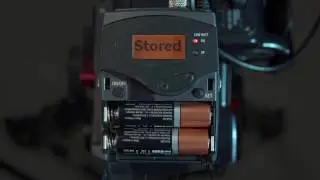
Once they’re synced, the Receiver will display a checkmark, and the frequency numbers will match on both packs.
Повторяем попытку...

Доступные форматы для скачивания:
Скачать видео
-
Информация по загрузке: