vba code to use google maps
Автор: Excel Highway
Загружено: 2023-07-25
Просмотров: 3564
Описание:
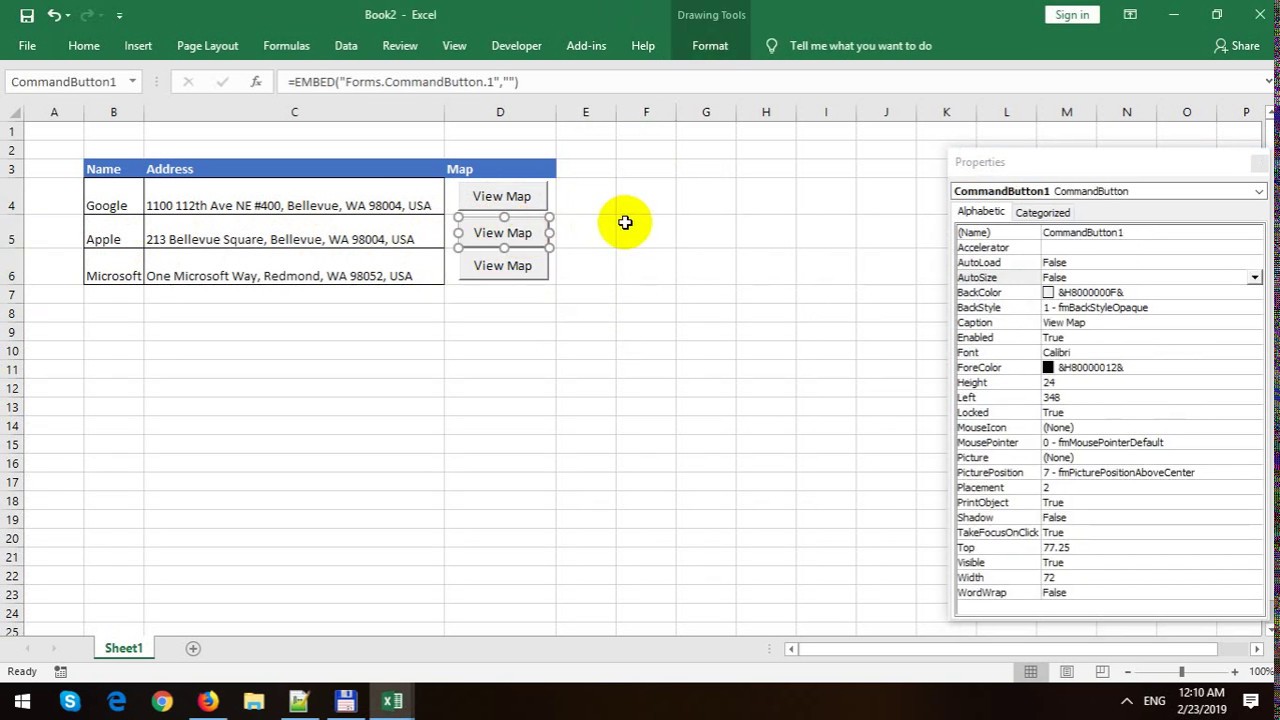
Welcome to our video tutorial on "Using Excel to Search Google Maps!" In this tutorial, we'll show you how to harness the power of Excel to quickly search for locations on Google Maps, making it a breeze to find your way around or plan your next adventure.
After you watch this movie, you will learn how to leverage Excel's power to search Google Maps effortlessly. Now, you can make the most out of your geographical data and streamline your navigation tasks. If you found this tutorial helpful, don't forget to give it a thumbs up and subscribe to our channel for more useful tips and tricks. Happy mapping!
Here is the full VBA code:
'Sub to open Edge browser in the addres
Sub Find_Adress_Edge()
Dim Path As String, Address As String, Street_Index As Long, City_Index As Long, wd As Worksheet
Dim top_row As Long, active_row As Long
Set wd = ActiveSheet
'Find header row
With wd
top_row = IIf(IsEmpty(.Range("A1")), .Range("A1").End(xlDown).Row, 1) + 1
End With
'Find columns for preparing the address
Street_Index = WorksheetFunction.Match("Street", wd.Rows(top_row - 1), 0)
City_Index = WorksheetFunction.Match("City", wd.Rows(top_row - 1), 0)
Path = "https://www.google.com/maps/place/+"
active_row = ActiveCell.Row
Address = wd.Cells(active_row, City_Index) & " " & wd.Cells(active_row, Street_Index)
CreateObject("Shell.Application").ShellExecute "microsoft-edge:" & Path & Address
End Sub
Повторяем попытку...

Доступные форматы для скачивания:
Скачать видео
-
Информация по загрузке:






![Learn How To Create PDF, Excel, Word & Picture Thumbnails In Excel [Full Course]](https://imager.clipsaver.ru/WZXF6xFDhFE/max.jpg)