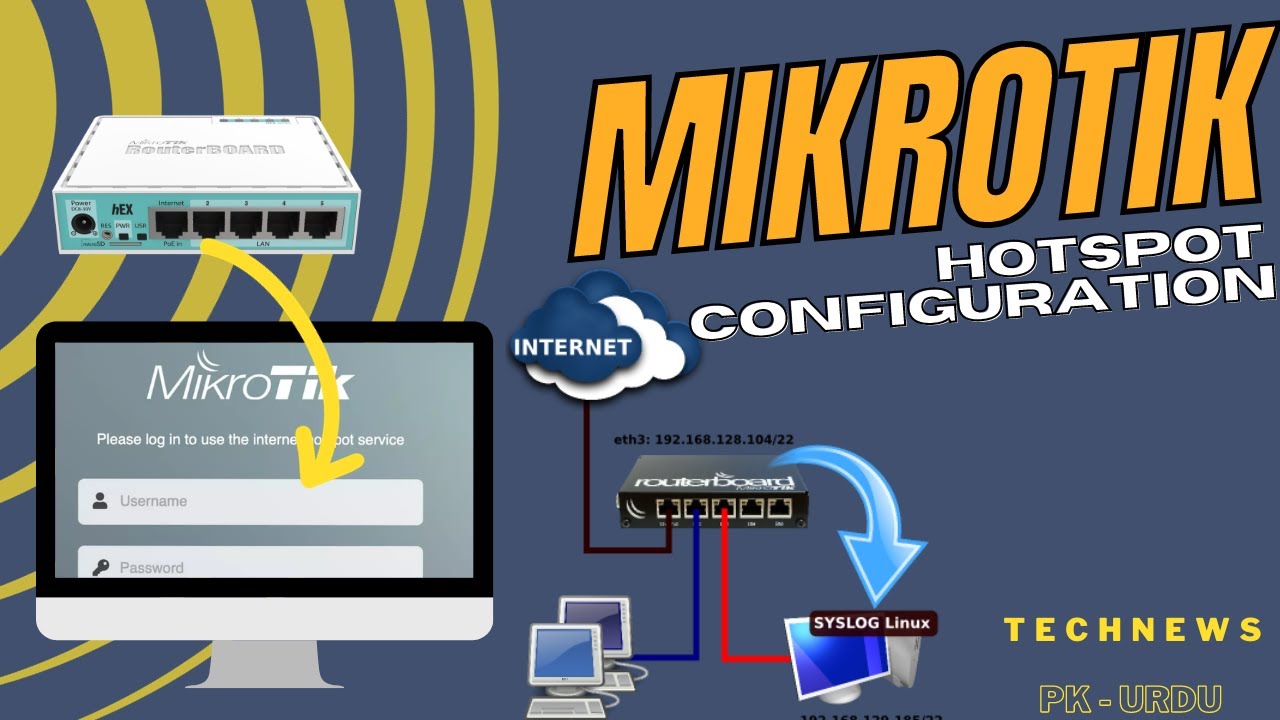
Create Your Own Hotspot Network with MikroTik - Easy Guide!
Автор: TECHNEWS PK - URDU
Загружено: 2023-09-19
Просмотров: 992
Описание:
#technewspkurdu
#MKT_Hotspot_Settings
Create Your Own Hotspot Network with MikroTik - Easy Guide!
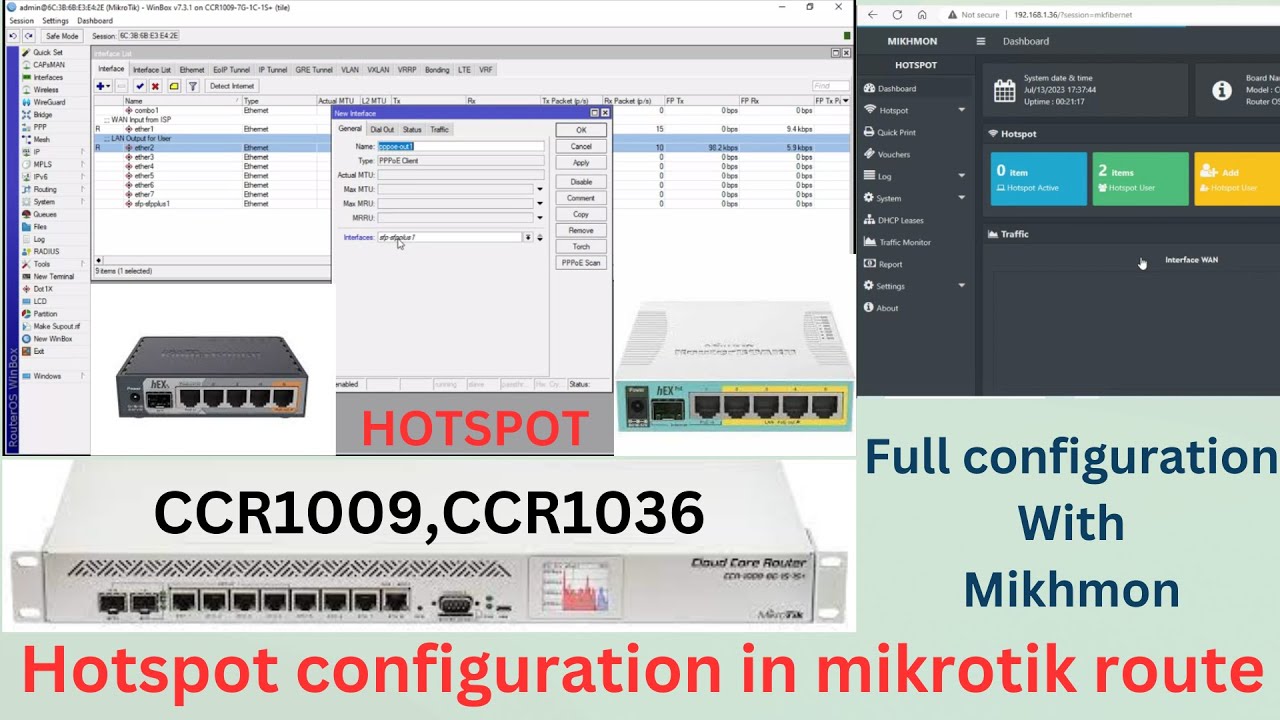
MikroTik Hotspot Configuration Steps:
Router Setup:
MikroTik RouterBoard ko power supply se connect karen.
Ethernet cable ka istemal karke apne computer ko router se connect karen.
Web browser open karen aur "192.168.88.1" type karke router ke web interface mein log in karen (default username: admin, default password: blank).
Initial Configuration:
Quick Set option select karen.
Country aur Time Zone ko select karen.
Wireless Network Configuration karen (SSID, Security, Password).
DHCP Server Configuration karen.
Hotspot Configuration:
Hotspot Setup option select karen.
Hotspot interface ko select karen (Default: wlan1).
Hotspot Address Pool create karen (IP address range for clients).
Hotspot DNS server configure karen.
User Authentication:
Hotspot User Profiles create karen (e.g., free, premium).
Hotspot Local User Database create karen (username and password).
User Profiles ko User Database se associate karen.
Hotspot Server Configuration:
Hotspot Server Configuration option select karen.
Hotspot Interface ko choose karen.
DNS Name ko configure karen (e.g., hotspot.yourdomain.com).
Login By option select karen (e.g., HTTP CHAP).
Customization and Branding:
Hotspot HTTP Login Page ko customize karen (optional).
Logo aur branding elements add karen (optional).
Firewall Rules:
MikroTik Firewall Rules configure karen, jisse clients Internet access par pahunchein.
Testing and Troubleshooting:
Ek client device ko connect karen aur login karen, taki aap testing kar saken.
Agar koi issue aaye toh logs aur troubleshooting tools ka istemal karen.
Please Leave A Like & Subscribe it's Motivate Me
if you face any kind of tech-related problem or error you can join us on discord experts will help you out there or contact me directly on Instagram For more details Link is provided below
Join Channel
=https://bit.ly/2WMMibn
Connect With ME On Other Platform
🔸InstaGram= / technews305
🔸FaceBookPage= / technews305
🔸Twitter= / technewspk1
🌐Check Tech News Pk Urdu Website For More Information and Updates= https://technewspk305.blogspot.com/
❕ Software I Use ;
🎬Currently Using Adobe Premiere Pro For Edited
For Making Thumbnails I am using Adobe Photoshop
🎥I am using For Recording
-Camstudio
NOTE: All content used is copyright to TECHNEWSPKURDU,
Use or commercial display or editing of the content without proper
authorization is not allowed...
Thanks For supporting #TECHNEWSPKURDU
Повторяем попытку...
Доступные форматы для скачивания:
Скачать видео
-
Информация по загрузке:













![[#99] Home Assistant – первое знакомство, установка и проблемы](https://imager.clipsaver.ru/zLC8GuOkHl0/max.jpg)