How to Find Out When Your Instagram Account Was Created
Автор: Review Information
Загружено: 2022-02-25
Просмотров: 53970
Описание:
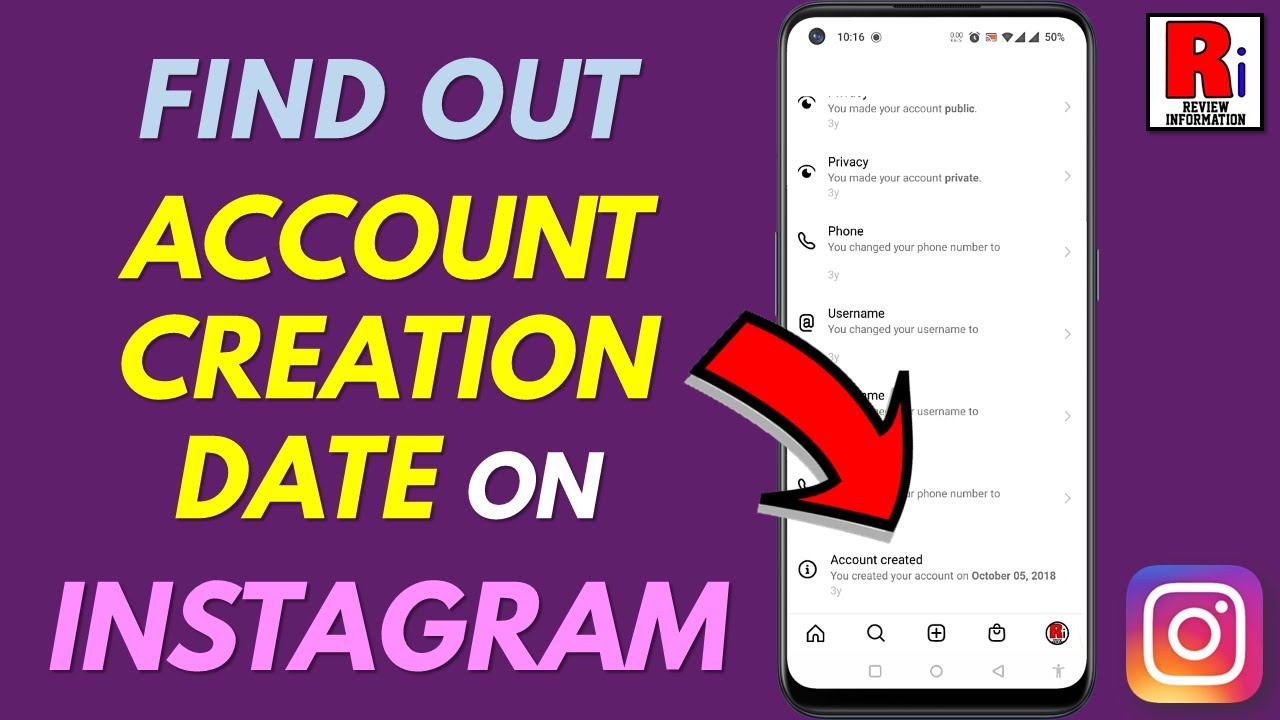
In this video I will show you, How to Find Out When Your Instagram Account Was Created.
Open the Instagram app on your phone. Go to your profile from the bottom right corner. Tap the three lines from the top right corner. From the pop up menu, tap on your activity. Then go to account history. Swipe up to go all the way down.
At the bottom you will see Account created, under where you will get the date you have created your account. By finding when your Instagram account was created, you will be able to find out how old your Instagram account is.
=======================================
Share this video: • How to Find Out When Your Instagram Accoun...
=======================================
Thank you so much for watching. Don't forget to subscribe for more social media and tech videos! Thank you for your support!!
See more simple and easy videos.
Subscribe / reviewinformation
Повторяем попытку...
Доступные форматы для скачивания:
Скачать видео
-
Информация по загрузке: