How Do I Stream Video to Two Televisions at Once Using Wireless HDMI Video?
Автор: Nyrius
Загружено: 2021-03-16
Просмотров: 71784
Описание:
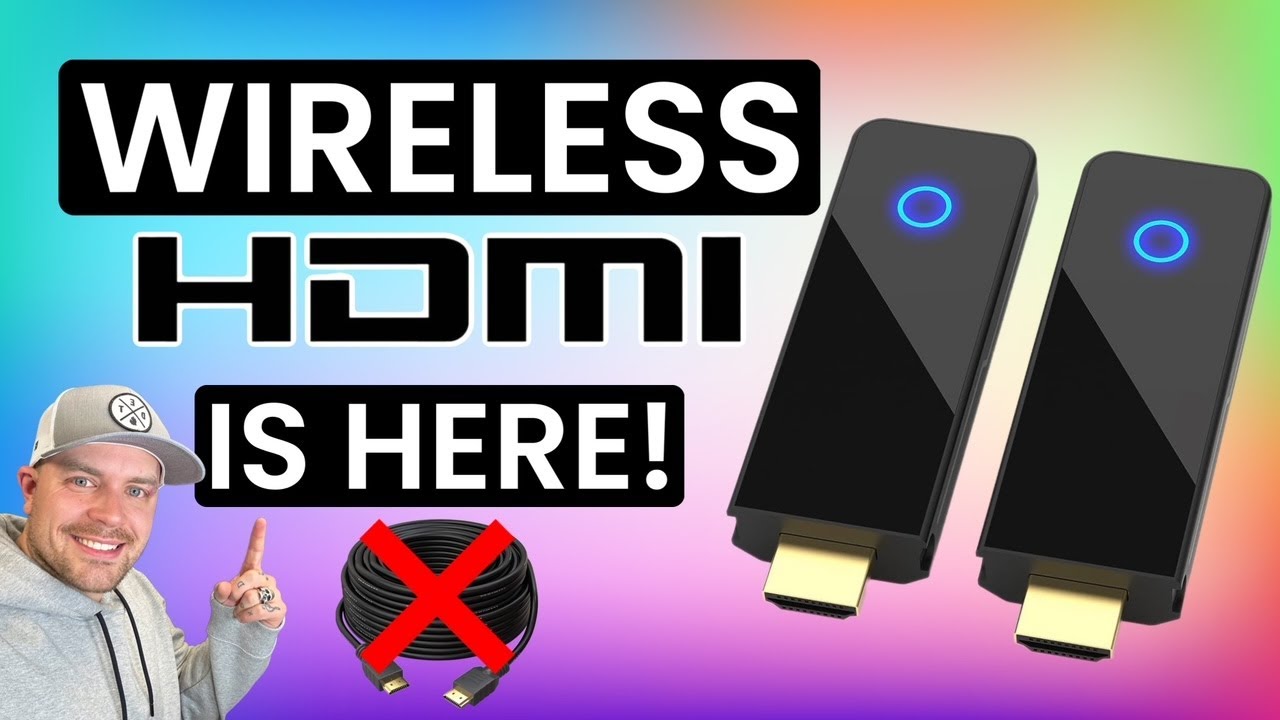
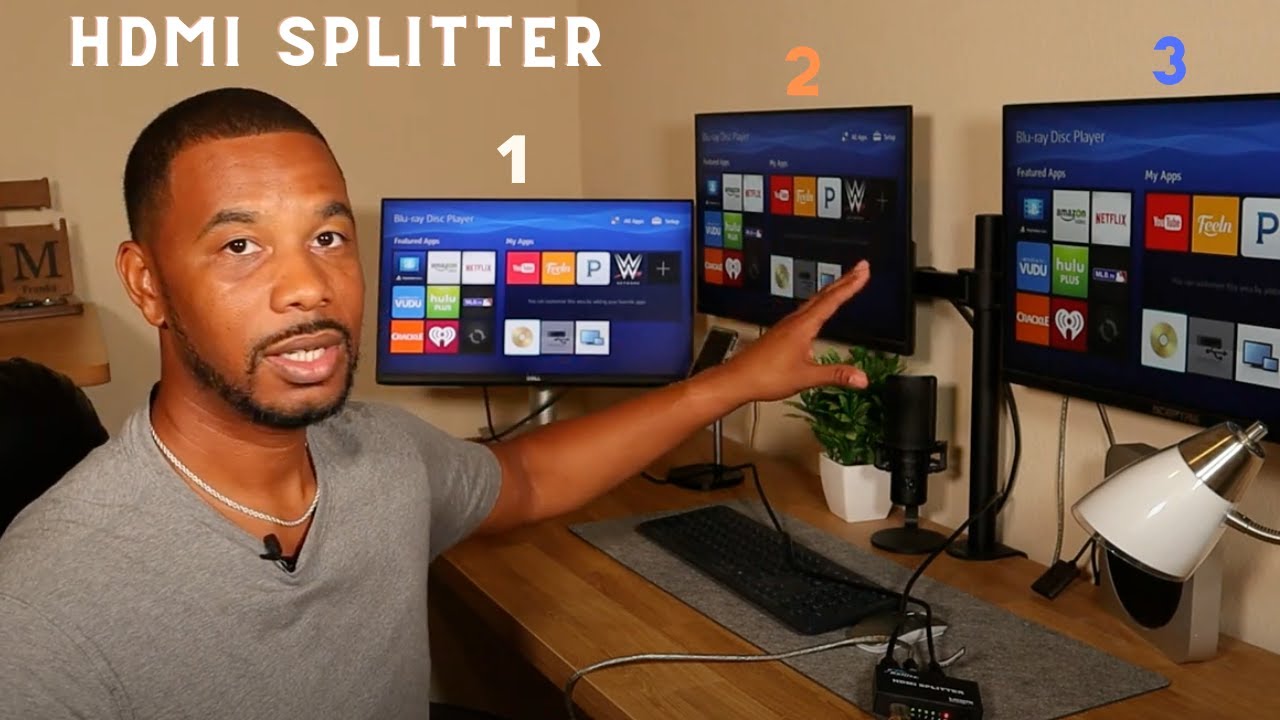
Let's say you have two TVs set up in your home, and one source device - either a cable box, Blu Ray player, gaming console, or a/v receiver. But you want to watch that source in two locations? With the Nyrius Aries Home+ or WS55, you can watch that device on two TVs at once. Kind of like an HDMI splitter... with no HDMI cables.
Using either the HDMI Loop Through function available, on the Home+ and WS55, or the additional receiver you can easily pair with the WS55, you can save rental fees on additional cable boxes. We'll talk more about it in this video.
More Videos about Wireless HDMI: • All About Wireless HDMI
Featured in this Video:
Nyrius Aries Home+ Wireless HD Video 2 Input Transmitter and Receiver - https://www.nyrius.com/aries-home-wir...
Nyrius WS55 Wireless HD Transmitter & Receiver - https://www.nyrius.com/wireless-hdmi-...
Follow Us
Facebook: / nyrius
Twitter: / nyrius
Instagram: / nyriuswireless
How do I connect two TVs with one set top box?
A lot of us do have two TV viewing environments. It could be your living room and your rec
room, or even your bedroom. With those, a lot of us also use cable or satellite services and we don't want to rent additional boxes on a monthly basis for all those different viewing environments.
With a wireless HDMI solution, you could stream that one cable box to multiple TVs throughout your house. Whether you do that through a loop through connection, or with a second receiver for a particular product, you're able to watch that same cable box on multiple TVs throughout the house.
Повторяем попытку...

Доступные форматы для скачивания:
Скачать видео
-
Информация по загрузке: