How to Copy an Enchanted Book in Create Mode for Minecraft
Автор: Luprik
Загружено: 2025-09-18
Просмотров: 13140
Описание:
links - https://modrinth.com/mod/create-drago...
https://modrinth.com/mod/create-encha...
I'll show you how to copy an enchanted book in Create Mode for Minecraft.
We need to download two add-ons to do this.
Specifically, create: Dragons Plus, which you can find at the first link.
And also Create: Enchantment Industry which you can find at the second link.
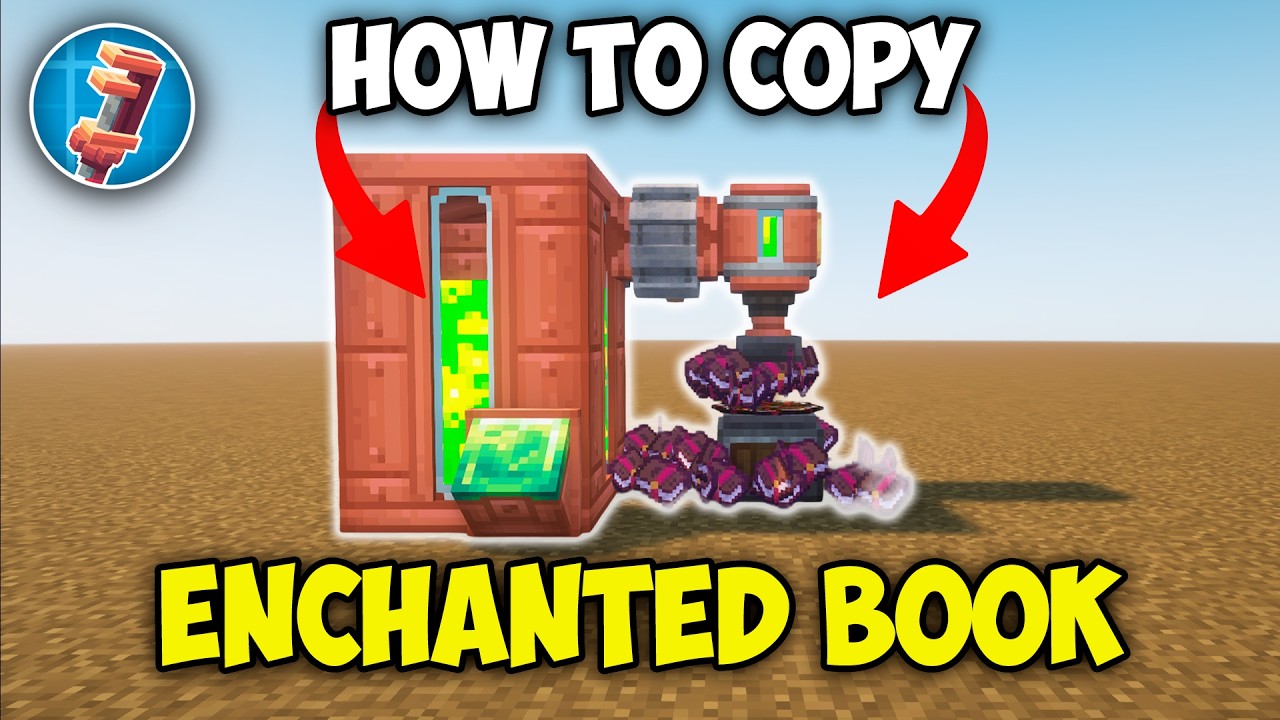
Now, let's quickly make all the things we need: a fluid tank, a fluid hatch, a block of experience, a mechanical pump, a cogwheel, a printer, a depot, and energy.
Now we can combine it all.
We put together several fluid tanks to make one tank.
We attach a fluid hatch to it and put an experience block in it.
This way, we can more easily refill the fluid tank with our experience.
Then we place a mechanical pump, put a cogwheel next to it, and add energy.
Then, we only need to put in the printer and depot.
After we put experience into the tank, it will flow right into the printer.
All we have to do is add the book we want to copy here.
We put a regular book on the depot.
As you can see, the printer has already started working.
We now have an extra book of the same enchantment.
It was easy.
Thanks for watching. Goodbye.
Повторяем попытку...
Доступные форматы для скачивания:
Скачать видео
-
Информация по загрузке: