How Moltbot (ClawdBot) Turned My WhatsApp Into a Personal AI Assistant
Автор: Ramanpal Singh
Загружено: 2026-01-27
Просмотров: 979
Описание:
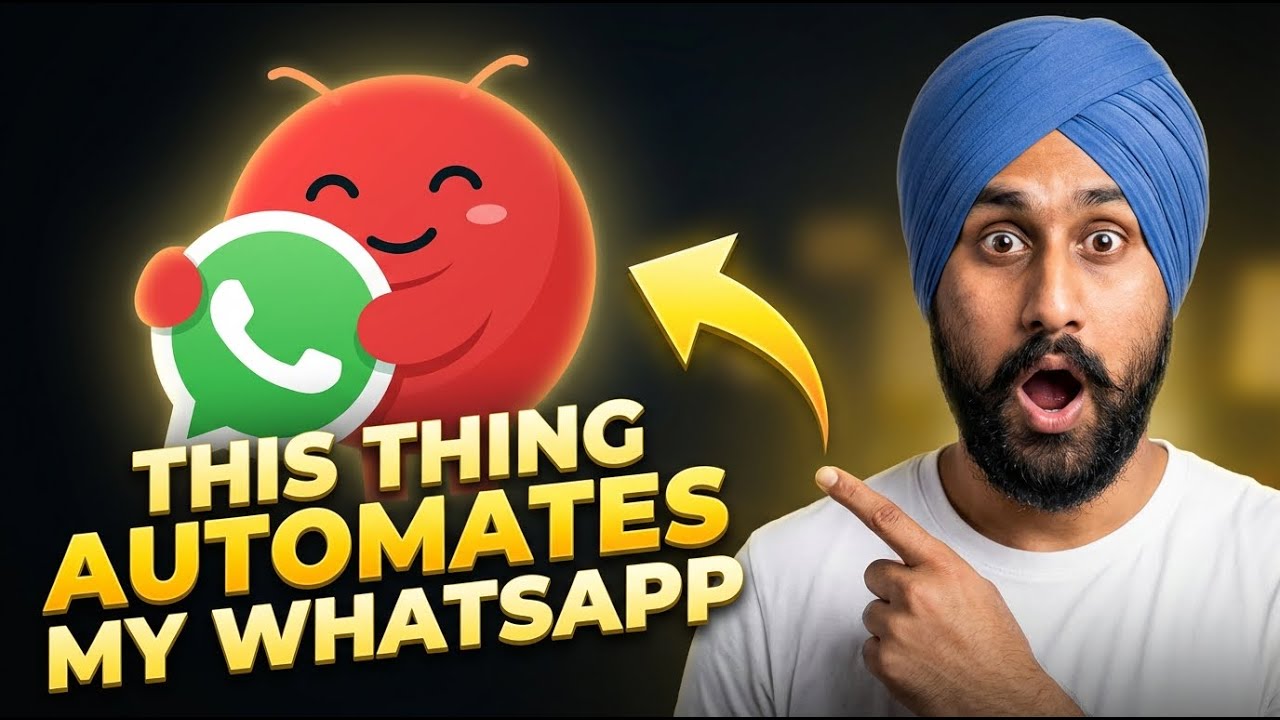
In this video, I’ll show you how to configure Moltbot (previously Clawdbot) with your personal WhatsApp number using the simplest method, a QR code + Linked Devices.
No complicated setup screens, no confusing steps. Just scan, connect, and your bot goes online.
Get now: https://www.molt.bot/
Join: https://members.promptslove.com
What you’ll learn in this tutorial
How to open the WhatsApp QR link page and generate the QR
How to link your WhatsApp using Settings → Linked Devices → Link a Device
How to run Moltbot in Terminal UI (and still get the Web UI session)
How to set identity and name (example: “My name is Raman, you are Molt”)
How to test your WhatsApp assistant instantly
Bonus demo: Text-to-Speech with ElevenLabs, directly through the assistant
After setup, you can use your WhatsApp assistant for practical tasks like reminders, notes, simple help, and more. In upcoming videos, I’ll cover deeper automations and advanced capabilities.
______________________________
Checkout My Playlists; / @kwebby
______________________________
Follow me
Instagram :- / imramansingh
Linkedin :- / ramanpal-singh-984a86189
X:- https://x.com/imramanpalsingh
______________________________
Повторяем попытку...
Доступные форматы для скачивания:
Скачать видео
-
Информация по загрузке: