GOOGLE Pixel Watch 4 41mm – How to Connect to WiFi
Автор: HardReset.Info
Загружено: 2026-01-22
Просмотров: 26
Описание:
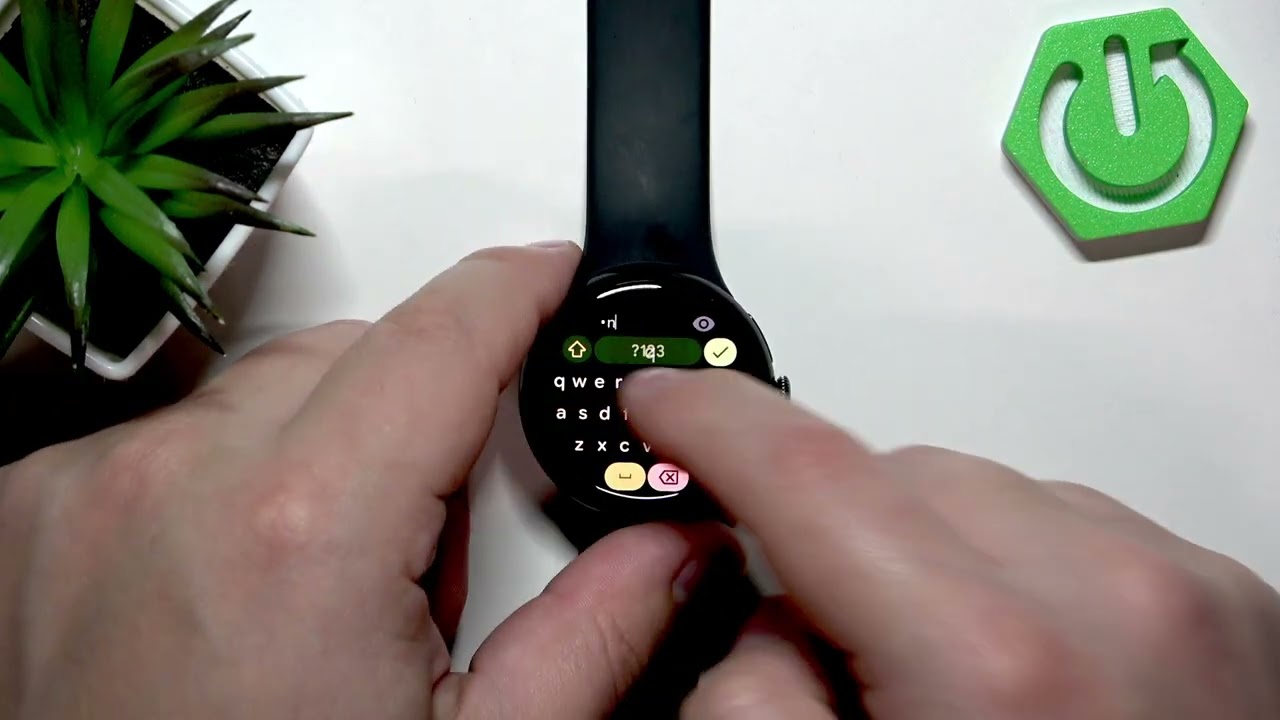
Learn how to connect your GOOGLE Pixel Watch 4 (41mm) to a WiFi network in a few simple steps. This video shows how to wake the watch, open the menu, go to Settings → Connectivity → Wi‑Fi, enable Wi‑Fi, add a network, and enter the password either on the watch or more conveniently on your phone. You will also see how the watch displays "Connected" and how to return to the watch face when finished. Perfect for new Pixel Watch 4 owners or anyone setting up Wi‑Fi on their wearable.
How to connect GOOGLE Pixel Watch 4 41mm to WiFi?
How to add a WiFi network on GOOGLE Pixel Watch 4 41mm?
How to enter WiFi password for GOOGLE Pixel Watch 4 41mm using my phone?
0:00 Intro – what we’ll do
0:08 Wake the screen & open the menu (press the crown/side button)
0:22 Open Settings → Connectivity
0:37 Tap Wi‑Fi, enable it and choose Add network
0:47 Select the available Wi‑Fi network you want to join
1:03 Enter the Wi‑Fi password on phone or directly on the watch
1:29 Confirm the watch shows "Connected" under the network
2:04 Return to the watch face — setup complete
#PixelWatch4 #PixelWatch #WiFiSetup #HowTo
Find out more:
https://www.hardreset.info/devices/go...
Follow us on Instagram ► / hardreset.info
Like us on Facebook ► / hardresetinfo
Tweet us on Twitter ► / hardreseti
Support us on TikTok ► / hardreset.info
Use Reset Guides for many popular Apps ► https://www.hardreset.info/apps/apps/
Повторяем попытку...
Доступные форматы для скачивания:
Скачать видео
-
Информация по загрузке: