How to Stop Apps from Accessing Your Camera and Microphone on Windows
Автор: Passionate About Tech
Загружено: 2026-04-14
Просмотров: 431
Описание:
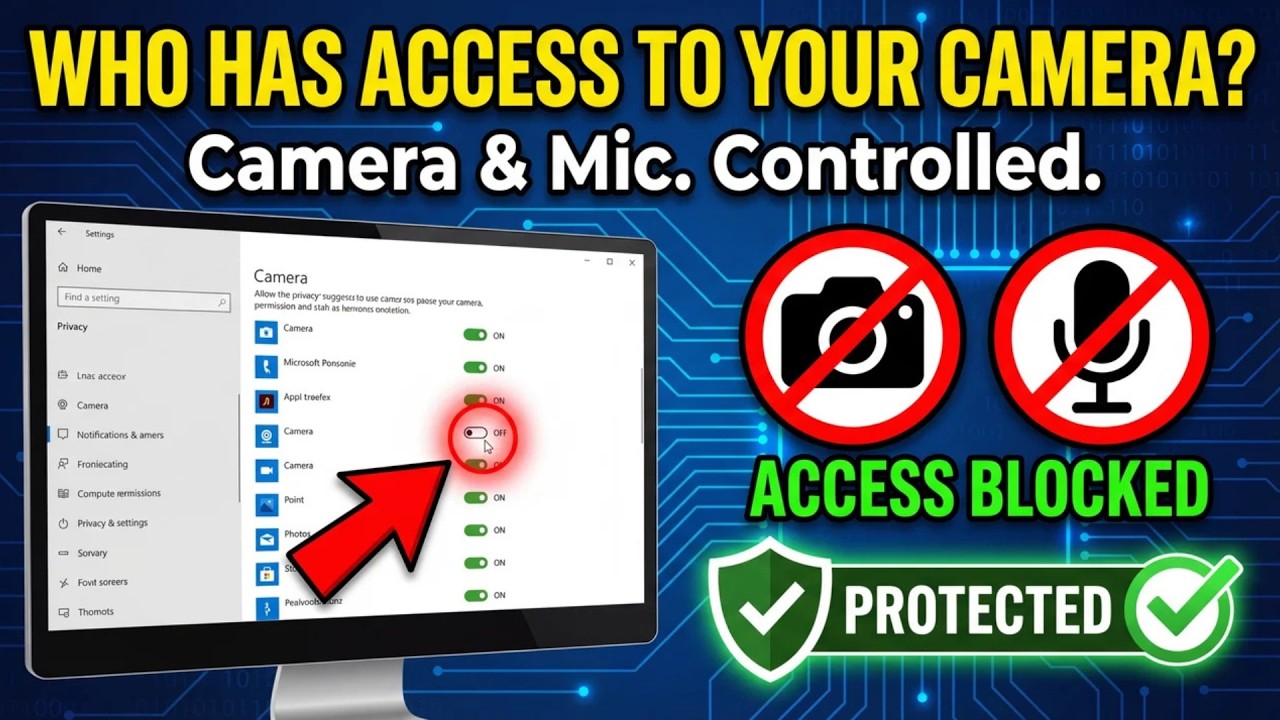
Stop apps from accessing your camera and microphone without your permission! In this tutorial, I show you how to take back control of your privacy on Windows 10 and Windows 11 using built-in security settings.
Many apps—from news readers to utility tools—often have full access to your hardware by default. We will walk through the Windows Privacy and Security dashboard to audit your permissions, toggle off unnecessary access, and explain the crucial difference between Microsoft Store apps and traditional Desktop programs.
No third-party software is required for this fix. It’s a simple, essential step for anyone looking to secure their PC and ensure their webcam and mic are only active when they want them to be.
*In this video, you will learn:*
How to find the master Privacy & Security control center.
How to audit and disable camera access for specific apps.
Managing microphone permissions to prevent "background listening."
How Windows handles Desktop apps (.exe) differently than Store apps.
Why turning off these permissions won't break your software.
If you want to stay in control of your tech and protect your digital privacy, make sure to subscribe to Passionate About Tech for more straightforward Windows guides!
*Which app were you most surprised to find had access to your hardware? Let me know in the comments!*
#Windows11 #Privacy #TechTips #CyberSecurity #Windows10 #WebcamSecurity #WindowsTutorial #PassionateAboutTech
Повторяем попытку...
Доступные форматы для скачивания:
Скачать видео
-
Информация по загрузке: