Automate Alerts and Notifications in Excel for Deadlines
Автор: Ayotunde Ajibola
Загружено: 2025-01-26
Просмотров: 315
Описание:
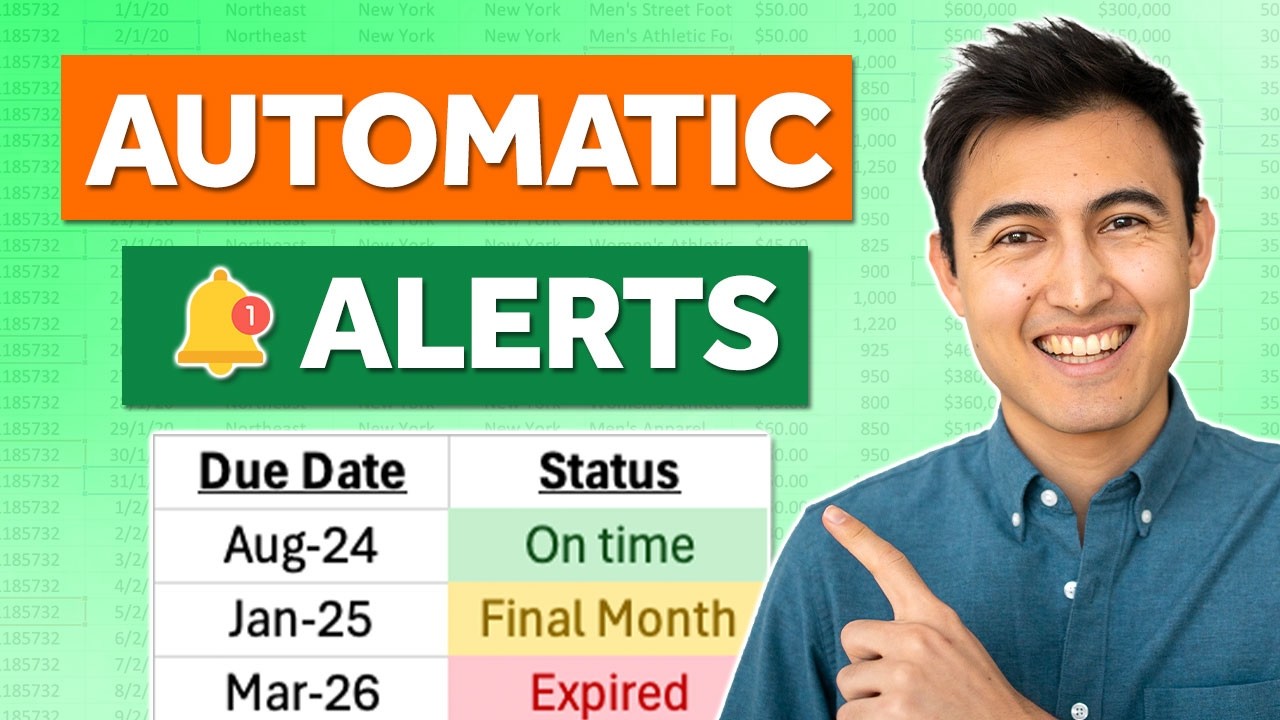
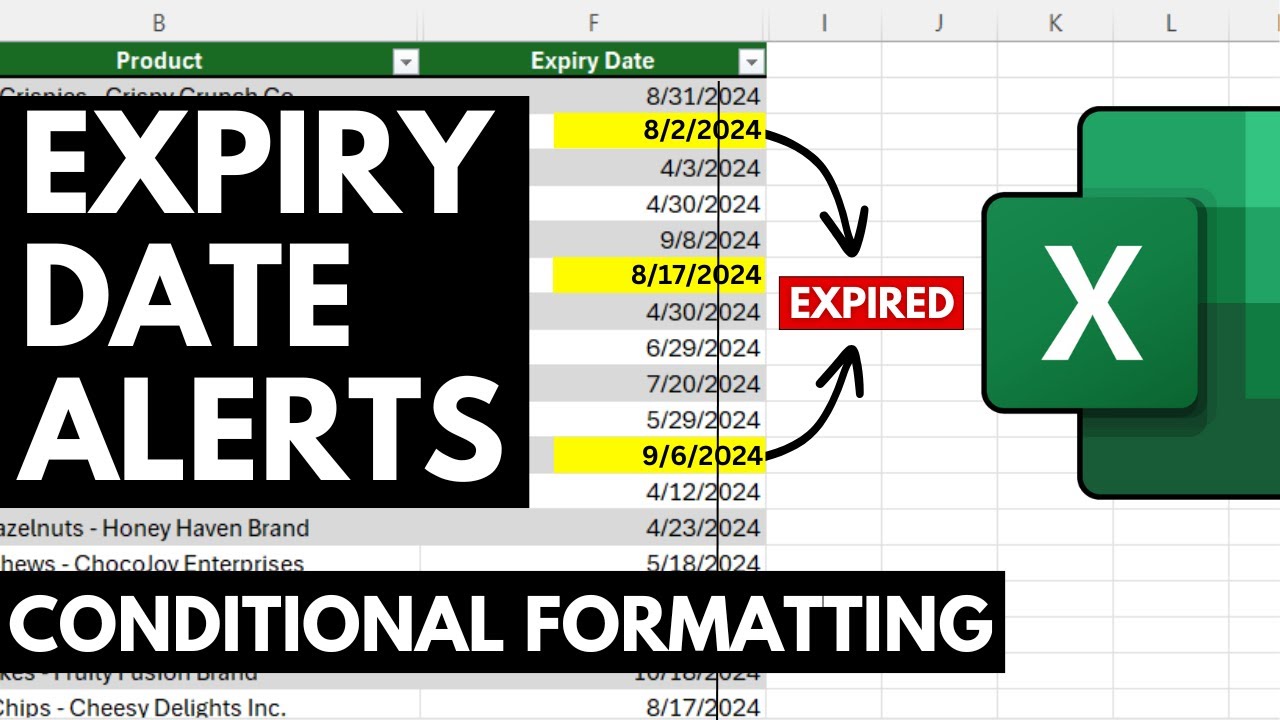
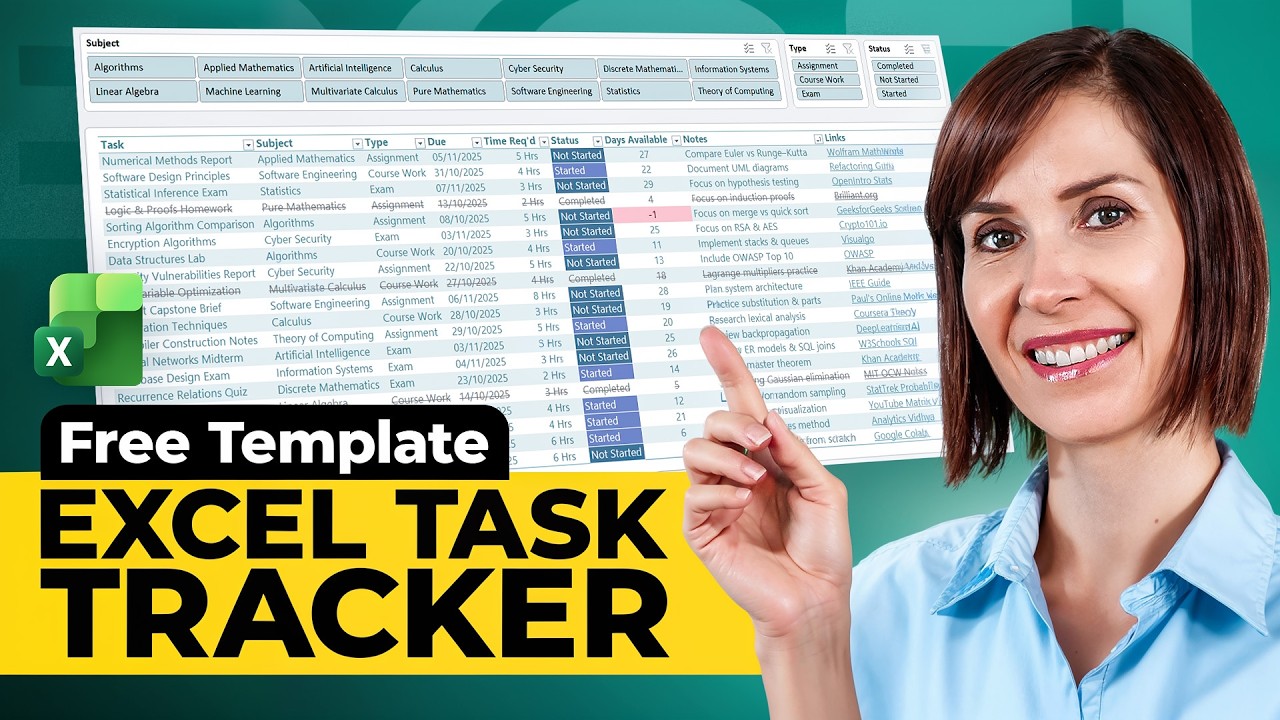
Set Up Automatic Reminders for Due Dates and Popup notifications in Excel to never miss another deadline.
🆓 DOWNLOAD Free file & code for this video: https://shop.beacons.ai/ayotundeajibo...
Struggling to keep up with deadlines? This tutorial will teach you how to create a smart tracker in Excel that not only monitors your deadlines but also sends automatic email notifications for alerts. Whether it's invoicing or managing any type of deadlines, this solution is efficient and easy to implement. Learn how to: Set up automated due date tracking. Assign statuses like 'Pay Now' and 'Past Due.' Automatically send personalized email alerts using VBA. Don't miss this game-changing tutorial to level up your Excel skills!
📥 Download the practice file: https://shop.beacons.ai/ayotundeajibo...
🔔 Subscribe for more Excel tips: / @ayotundeajibola
#excelautomation #DeadlineAlerts #EmailNotifications #ExcelTips #productivityhacks ▬▬▬▬▬▬▬▬▬▬▬▬▬▬▬▬▬▬▬▬▬▬▬▬▬▬▬▬▬▬▬▬▬▬▬▬▬▬▬▬
Chapters:
Building the Invoice Status Table
Automatic Highlighting
Data Validation
Dropdown
SUMIF for Total Due
Notification Popups
Another Example
👉🏻 CHECK OUT MY OTHER TUTORIALS:
✅ Power BI & SQL Integration:
• Power BI & SQL | Data Analyst Portfolio Pr...
✅ Power BI | Beginner to Pro - Part 2:
• Power BI Tutorial - Beginner to Pro |...
✅ Excel Interactive Finance Dashboard -
• How to build Dynamic & Interactive Fi...
✅ Boost Excel Skills with Chat GBT -
• Boost your Excel Skills with ChatGBT
✅ Excel Shortcuts -
• Excel Shortcuts - Made Easy!
🎥 My Filming Gear 🎥
For those interested in the technical side of our tutorials, or if you're looking to create your own content, here are the tools I use to make these videos possible. By purchasing through these links, you not only support our channel at no extra cost but also get to use some of the best equipment I personally recommend.
Camera: The clarity of our videos is thanks to the Canon camera which captures crisp, clear video effortlessly. Check it out here: [https://amzn.to/4dxaMXa]
Lens: I use the [Lens Model] for that perfect focus and depth of field that makes our visuals pop. Find it here:
1. Sigma Lense - [https://amzn.to/4eMYXgz]
2. Canon Lense - [https://amzn.to/47S9dlB]
Microphone: To ensure you can hear me loud and clear, I rely on the Rhode & Neewer. It's great for crisp audio. Available here: [https://amzn.to/3XRCCrh] [https://amzn.to/3XQXeA5]
Teleprompter: For those times I need to stick to the script, the Glide Gear is my go-to. See it here: [https://amzn.to/3YaTLg7]
Lighting: Good lighting is crucial, and the Falcon Eyes & YONGNUO helps illuminate our set beautifully. Grab yours here: [https://amzn.to/47Rv3FO] [https://amzn.to/3TOC6cI] RBG Light:https://amzn.to/3XMRs2t
Tripods: Stability is key in video production, and the Neewer provides just that. It's sturdy and reliable, perfect for every shoot. Check it out here: [https://amzn.to/3TVZFAm]
Storage (SSD): With all the footage we shoot, reliable storage is a must. The Crucial X6 1TB Portable SSD offers ample space and quick data access. Available here: [https://amzn.to/3Y7OY01]
https://www.youtube.com/exceldoers/?s...
https://www.downloadexcelfile.com/pro...
https://www.exceldoers.com/newsletter/
[email protected]
Повторяем попытку...

Доступные форматы для скачивания:
Скачать видео
-
Информация по загрузке: