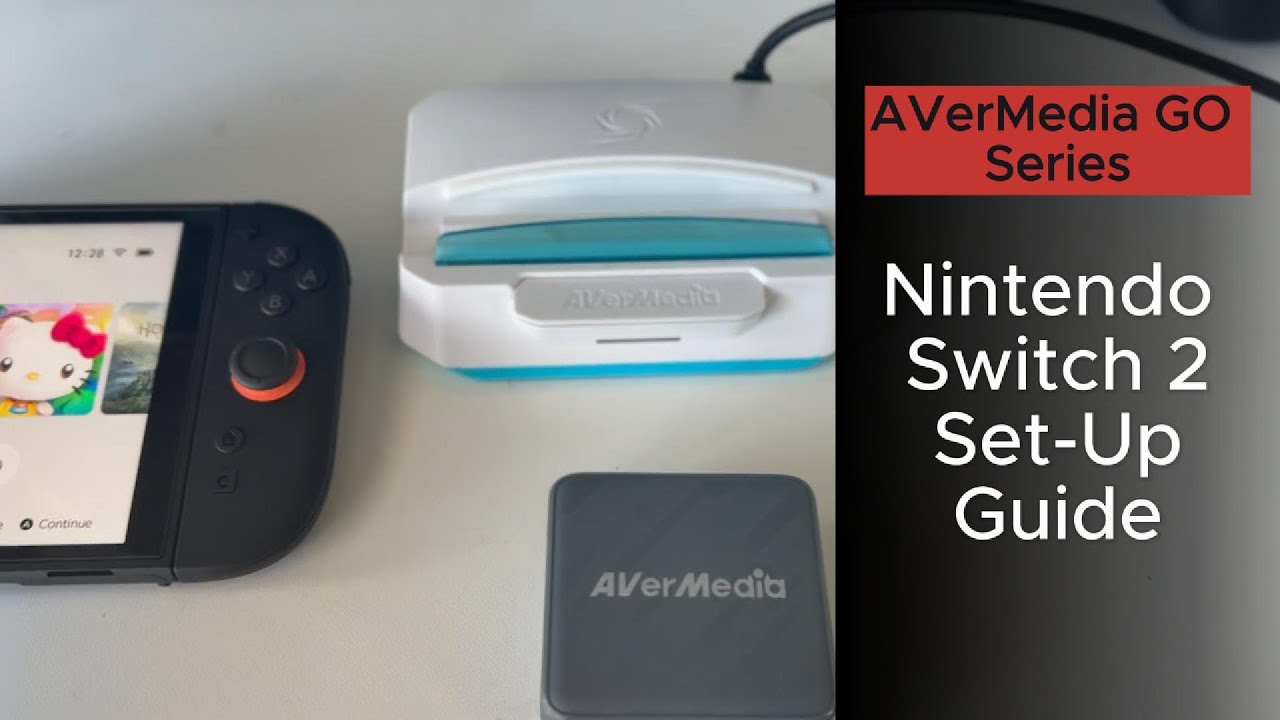
How to Set Up the Go Series Device with Nintendo Switch 2
Автор: AVerMedia Content Creators
Загружено: 2025-09-25
Просмотров: 943
Описание:
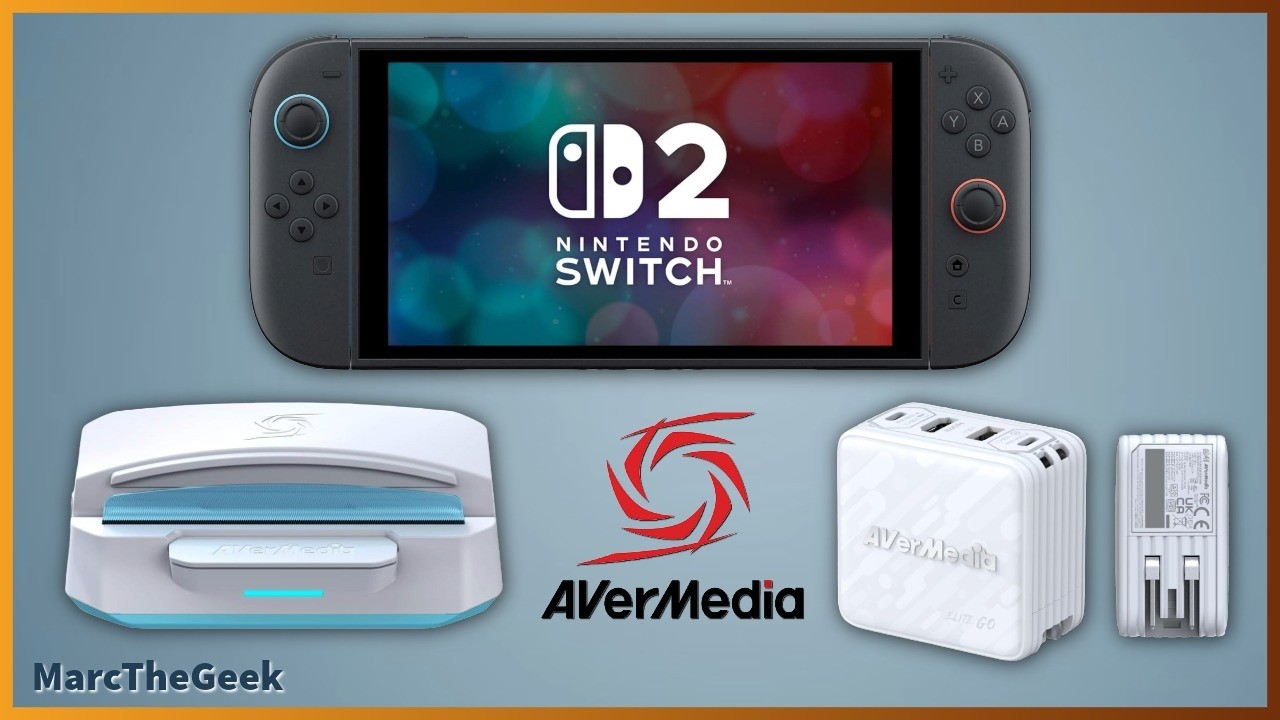
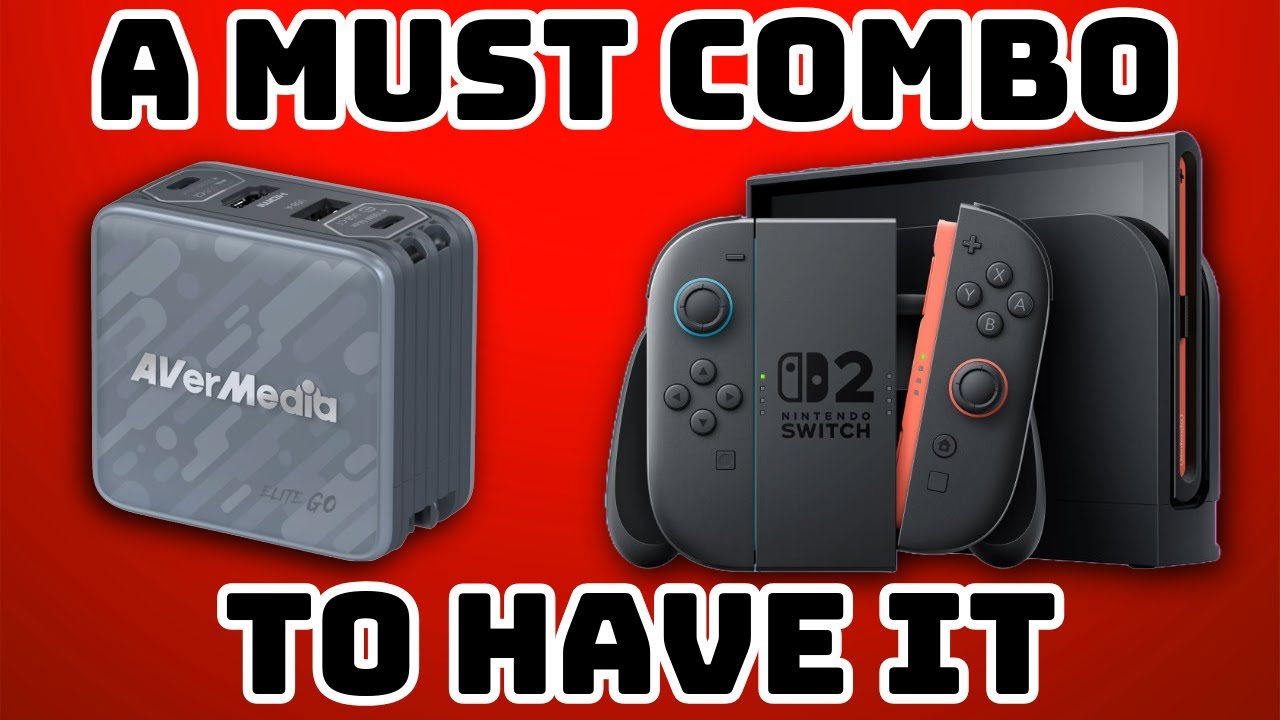
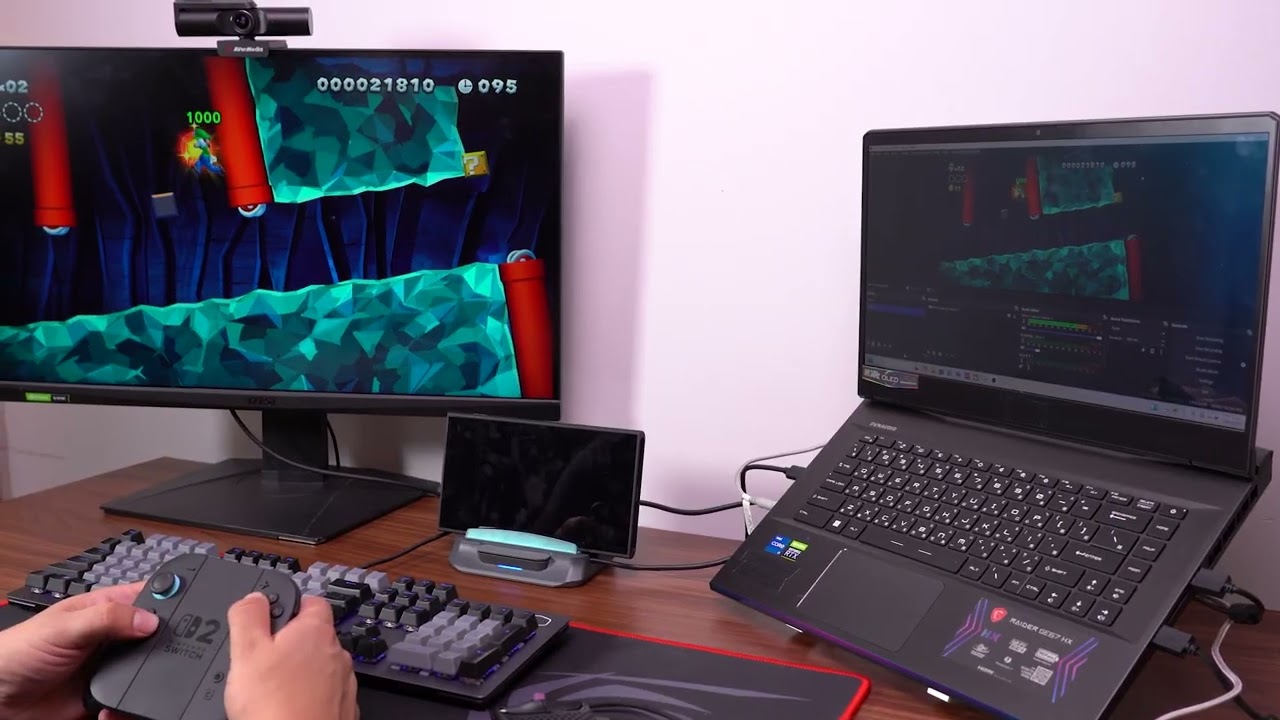
In this video, you’ll find a step-by-step tutorial on how to set up your AVerMedia GO Series capture cards—the X’TRA GO (GC515) and ELITE GO (GC313Pro)—to properly capture gameplay from the Nintendo Switch 2.
The GO Series is AVerMedia’s next-gen lineup built exclusively for USB-C streaming. It lets you capture and dock your favorite handhelds while keeping them powered with GaN PD 3.0 technology.
🎮 Firmware & Software Download:
👉 https://www.avermedia.com/NS2-compati...
AVerMedia Technical Support: https://www.avermedia.com/support/tec...
Twitter: / avermediaassist
Reddit: / new
LINE ID: @253ficlz
00:00 Introduction
00:22 Update Firmware
00:33 X'TRA GO GC515 Connection
1:33 ELITE GO GC313Pro Connection
1:51 CORE GO GC313 Connection
2:03 Important Notice
Follow us on:
Twitter: / avermedia
Facebook: / avermedia
YouTube: / avermediagamerzone
Homepage: http://www.avermedia.com
AVerMedia Technologies, Inc.
Повторяем попытку...
Доступные форматы для скачивания:
Скачать видео
-
Информация по загрузке: