ycliper

Популярное

Музыка Кино и Анимация Автомобили Животные Спорт Путешествия Игры Юмор

Интересные видео

2025 Сериалы Трейлеры Новости Как сделать Видеоуроки Diy своими руками

Топ запросов

смотреть а4 schoolboy runaway турецкий сериал смотреть мультфильмы эдисон
Скачать

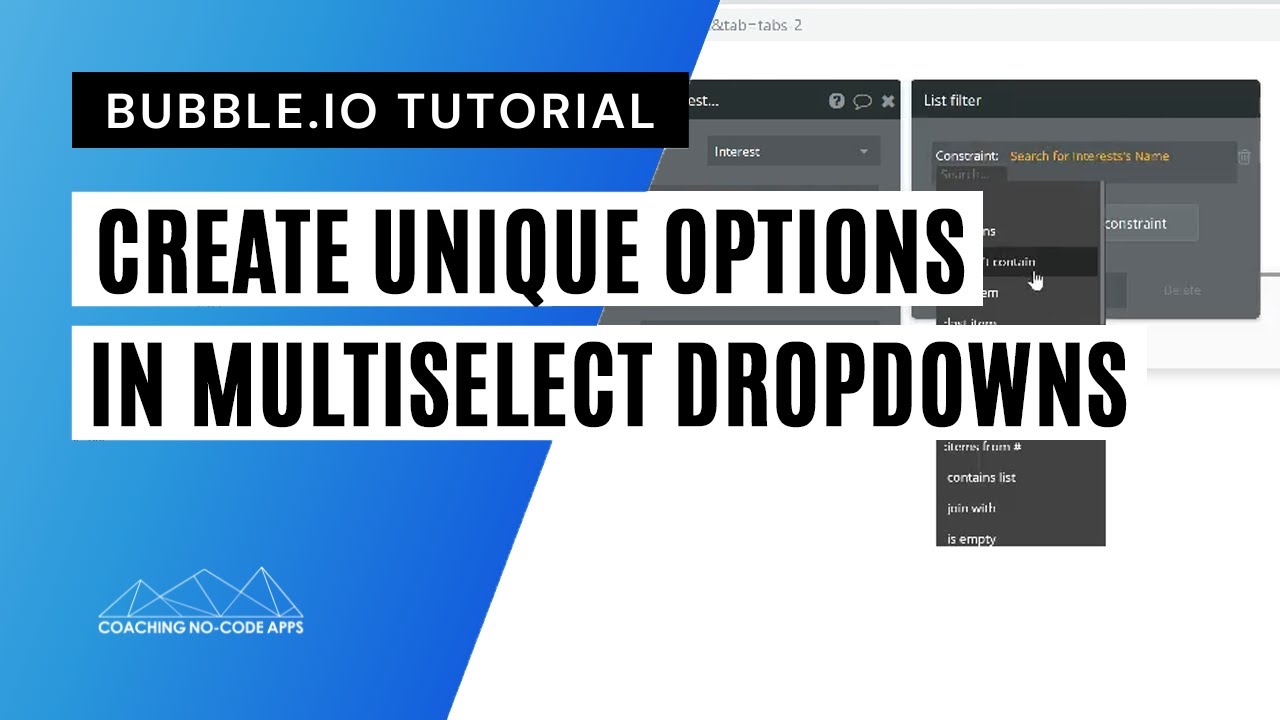
How to Let Users Create Their Own Options for Multiselect Dropdowns

Автор: Coaching No Code Apps

Загружено: 2019-10-16

Просмотров: 24398

Описание: Let's talk about a niche feature in your Bubble.io app...the dropdown element.

The multiselect dropdown in Bubble is generally used to show and let users select from keywords, categories, tags, and more.

This in done in a “tag-like” manner, where anything that’s been “tagged” with a keyword, category, etc will show up when its keyword, category, etc is chosen.

Usually, you'll have a predefined list of options for your multiselect dropdown, but sometimes, you might want to let users add their own options to it.

For example, if you were building a “meetup” app, your users might be creating meetup events. For each event, they might fill out the name and description, and also "tag" the event with some keywords so other people can easily search for and find it.

In this case, you might already know a lot of the most popular keywords for a user’s event.

​​So, by default, your list of keyword options could already be in there — things like "music, food, fitness, etc."

To take it a step further, though, you could also let your users add their own keywords to the dropdown so they could specify even more — things like "folk music, outdoor barbecue, or HIIT workouts," for example.

Setting up your multiselect dropdown like this adds an extra layer of customization that’s entirely under your users’ own control. With that will come an experience that's even more personalized to them.

This Bubble tutorial teaches you how to set this up in your own app, step by step.

Watch now to get started.

_________________________


💥 Want to work side by side with our team to launch your app-based business? We're now accepting entrepreneurs into our private mentorship program. Apply here for a strategy call to learn more: https://coachingnocodeapps.com/built-...

Plus, here are a few more ways to get help fast...

👉 Free scalable app workshop: https://coachingnocodeapps.com/workshop
👉 Self-led training: https://www.coachingnocodeapps.com/re...
👉 Facebook community for no code app entrepreneurs:   / 1165236046981865  

Не удается загрузить Youtube-плеер. Проверьте блокировку Youtube в вашей сети.
Повторяем попытку...
How to Let Users Create Their Own Options for Multiselect Dropdowns

Поделиться в:

Доступные форматы для скачивания:

Скачать видео

  • Информация по загрузке:

Скачать аудио

Похожие видео

Using Parabola with Bubble.io for Powerful Data Processing

Using Parabola with Bubble.io for Powerful Data Processing

Triggering Custom Events in Bubble.io When Data Changes: Messaging

Triggering Custom Events in Bubble.io When Data Changes: Messaging

Permissões de Usuários e Planos de Assinatura - 7 formas de criar em seu aplicativo

Permissões de Usuários e Planos de Assinatura - 7 formas de criar em seu aplicativo

Introduction to Programming and Computer Science - Full Course

Introduction to Programming and Computer Science - Full Course

Bubble.io Database Guide for Beginners (for Scale & Performance)

Bubble.io Database Guide for Beginners (for Scale & Performance)

How to create a Multi-Step Form in Bubble.io (Part1)

How to create a Multi-Step Form in Bubble.io (Part1)

Почему Ядерная война уже началась (А вы не заметили)

Почему Ядерная война уже началась (А вы не заметили)

ГОЛОС СЮРПРИЗ: Они звучат не так, как вы думали

ГОЛОС СЮРПРИЗ: Они звучат не так, как вы думали

LLM и GPT - как работают большие языковые модели? Визуальное введение в трансформеры

LLM и GPT - как работают большие языковые модели? Визуальное введение в трансформеры

Как использовать Zotero (полное руководство для начинающих)

Как использовать Zotero (полное руководство для начинающих)

Building Efficiently on Bubble Virtual Event [Webinar Recording]

Building Efficiently on Bubble Virtual Event [Webinar Recording]

Custom States | Bubble.io Tutorial

Custom States | Bubble.io Tutorial

How To Create A Multi Layer Filter In Your App - Bubble.io Tutorial

How To Create A Multi Layer Filter In Your App - Bubble.io Tutorial

Создание функции автозаполнения поиска на Bubble.io

Создание функции автозаполнения поиска на Bubble.io

How to Create a

How to Create a "Select All" Feature for Repeating Groups in Your Bubble App

How to Setup Multiple User Types in Your Bubble.io No Code Web Apps

How to Setup Multiple User Types in Your Bubble.io No Code Web Apps

Как создать список дел в Bubble.io | Учебное пособие по Bubble.io для начинающих 2022

Как создать список дел в Bubble.io | Учебное пособие по Bubble.io для начинающих 2022

4 Different Ways to Use a Dropdown in Your Bubble.io No Code Web App

4 Different Ways to Use a Dropdown in Your Bubble.io No Code Web App

How to Build a Streak Tracker in Bubble (VIP Exclusive)

How to Build a Streak Tracker in Bubble (VIP Exclusive)

A Complete Guide for Planning and Building a No-Code App (PETTER AMLIE, Founder @Amlie Solutions)

A Complete Guide for Planning and Building a No-Code App (PETTER AMLIE, Founder @Amlie Solutions)

© 2025 ycliper. Все права защищены.


  • Контакты
  • О нас
  • Политика конфиденциальности


Контакты для правообладателей: [email protected]