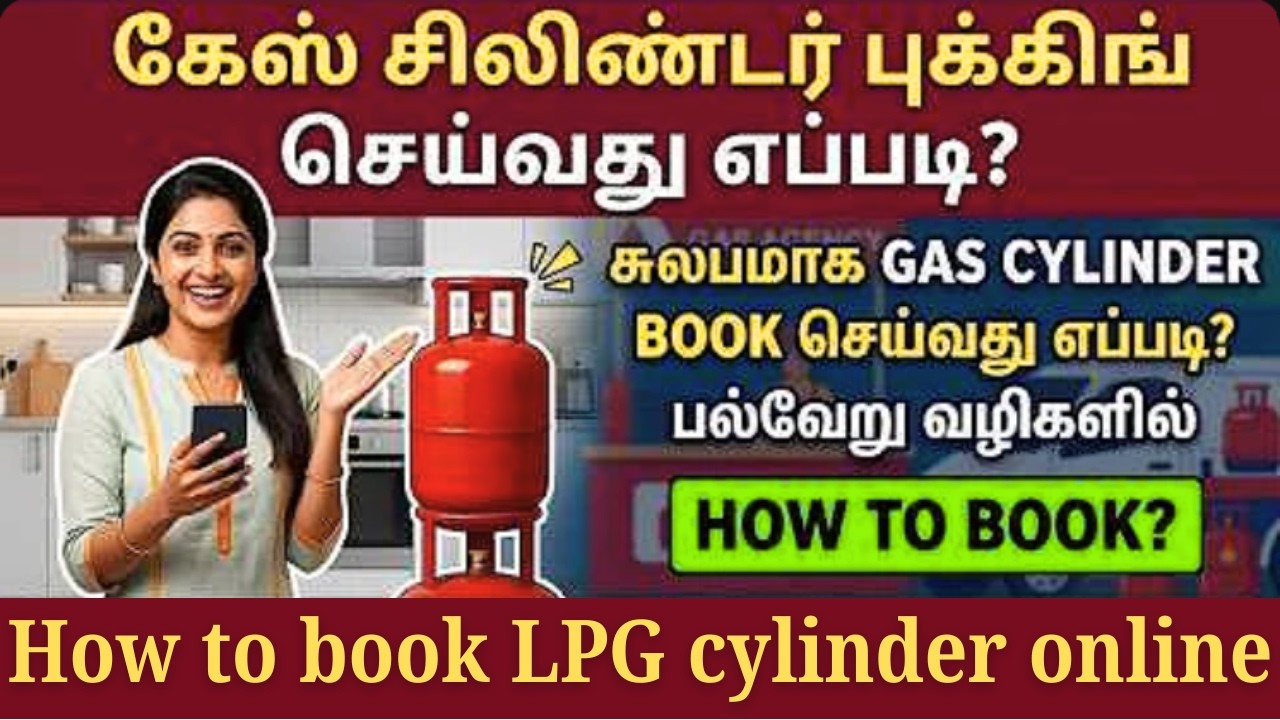
LPG cylinder book online tamil | how to book gas cylinder online tamil | gas clinder booking online
Автор: Manitha Sevai-மனித சேவை
Загружено: 2026-03-12
Просмотров: 590
Описание:
#manithasevai #manitha_sevai #mylpg #mylpg_gas #hpgas #indane #bharatgas #booking_online
Join this channel to get access to perks:
/ @manithasevai-மனிதசேவை
-----------------------------------------------------------------
அனைவருக்கும் வணக்கம் !!!
மனித சேவை வலையொளிக்கு உங்களை வரவேற்கிறோம்!!!
இந்த வலையொளி மூலம் கீழ்வரும் சேவைகளை உங்கள் வீட்டில் இருந்து இணையதளம் வழியாக நீங்களே சுயமாக மேற்கொள்வதற்கு உதவுவதே நேக்கம்.
Tamilnadu E-Sevai, Online sevai, College admission, University admission, Online admission, Online application, Online bill payment, Government job application, Private job application, Awards application, Tamilnadu Government Scheme, etc....
மனித சேவை வலையொளிக்கு உங்கள் ஆதரவை எதிர்பார்க்கிறோம். நன்றி வணக்கம்...
Welcome to Manitha Sevai Channel !!!
The aim of this channel is to enable you to do the following services yourself from your home through online.
Tamilnadu E-Sevai, Online sevai, College admission, University admission, Online admission, Online application, Online bill payment, Government job application, Private job application, Awards application, Tamilnadu Government Scheme, etc...
We look forward to your support for Manitha Sevai channel.
Please like, share, comment and subscribe. Thanks all...
----------------------------------------------------------------------
Online LPG cylinder booking in India is very convenient and can be done through multiple methods:
1. Official Gas Provider Websites/Portals:
Indane (IndianOil): Visit the Indane official portal or the IndianOil website. You typically need to log in with your credentials (LPG ID or registered mobile number).
HP Gas (Hindustan Petroleum): Use the HP Gas official website.
Bharat Gas (Bharat Petroleum): Use the Bharat Gas official website.
In most cases, you will need to be a registered customer with your mobile number linked to your connection.
2. Official Mobile Apps:
The major providers (Indane, HP Gas, Bharat Gas) all have official mobile apps (available on Android and iOS) where you can log in and book a refill.
3. Third-Party Payment Apps/Wallets:
Popular payment platforms like Paytm, PhonePe, Amazon Pay, Freecharge, and others often have a dedicated "Book Gas Cylinder" or "LPG Booking" section under their bill payments or utilities.
You select your gas provider (Indane, HP Gas, Bharat Gas).
Enter your LPG ID or registered mobile number.
The amount is usually fetched automatically.
You pay online.
4. WhatsApp Booking:
Most providers offer WhatsApp booking from your registered mobile number:
Indane: Send a message to their dedicated number (often a common number like 7718955555, but check the latest from Indane).
HP Gas: Send a message to their dedicated number (e.g., Hi to 92222 01122).
Bharat Gas: Send a message to their dedicated number (e.g., Hi to 1800-22-4344).
General Steps for Booking (Website/App):
Login/Select Provider: Go to the official website/app or a payment app and log in or select your gas provider.
Enter Details: Input your Consumer Number or 17-digit LPG ID or Registered Mobile Number.
Book Refill: Select the option to "Book Refill" or "Book Cylinder."
Payment (Optional): You may have the option to pay online immediately or choose "Cash on Delivery."
Confirmation: You will receive a booking reference number via SMS or within the app/website.
--------------------------------------------------------------------
hp gas: https://myhpgas.in/myHPGas/Index.aspx
bharat gas: https://my.ebharatgas.com/bharatgas/H...
indane: https://cx.indianoil.in/webcenter/por...
--------------------------------------------------------------------
Повторяем попытку...
Доступные форматы для скачивания:
Скачать видео
-
Информация по загрузке: