Rekordbox Tips: MyTags , Right-Side Icons, Cue Points -- Organize Your DJ Library the Smart Way
Автор: Vernigosh Music
Загружено: 2025-09-30
Просмотров: 327
Описание:
I meant bandcamp not garageband but oh well. Click "more" to view chapters and Details.
00:00 - Intro - going over right side Icons first.
00:20 - Rekordbox Automix
01:44 - Dual Playlist View
02:26 - Info Tab and Editing
03:53 - Recommendation Playlists (related and radar)
09:10 - Song Prep: Mytag Window & Comments Field
14:39 - Color and Star System to Denote Mood And Energy
15:57 - Adding Cue Points
Whether you’re a beginner DJ just getting started or an experienced DJ looking to clean up your workflow, MyTags can save you serious time and make your sets more intentional.
Updates: There actually is a way to edit the mix in and mix out points in automix. I didn't know about this I made this video. I will cover this function in a future video.
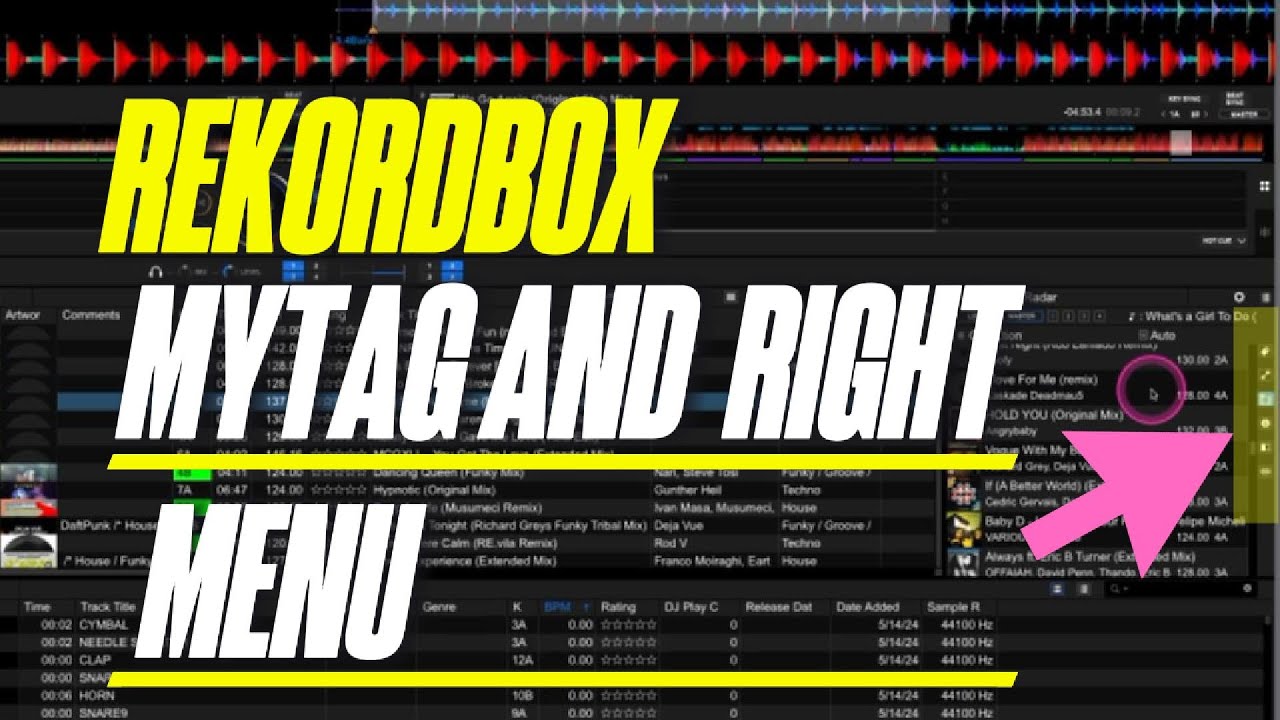
-All features on the right hand side of rekordbox.
What MyTags are and why they matter
Setting up custom tags (genre, vibe, energy, instruments, etc.)
Tagging tracks quickly and efficiently
Using tags to build smarter playlists and prep sets faster
👉 If you found this helpful, hit like & subscribe for more DJ tips, tutorials, and livestream sets.
👉 Catch me live on Twitch: twitch.tv/vernigosh
👉 My soundcloud music and mixes: / vernigosh
Future Tutorials will be posted to discord.
Rekordbox tutorial, rekordbox mytag, rekordbox library organization, rekordbox playlist tips, DJ library management, rekordbox tips, rekordbox 6, rekordbox beginner tutorial, DJ playlist organization, rekordbox tagging, DJ workflow tips, rekordbox pro tips, rekordbox guide, DJ organization
Повторяем попытку...
Доступные форматы для скачивания:
Скачать видео
-
Информация по загрузке: