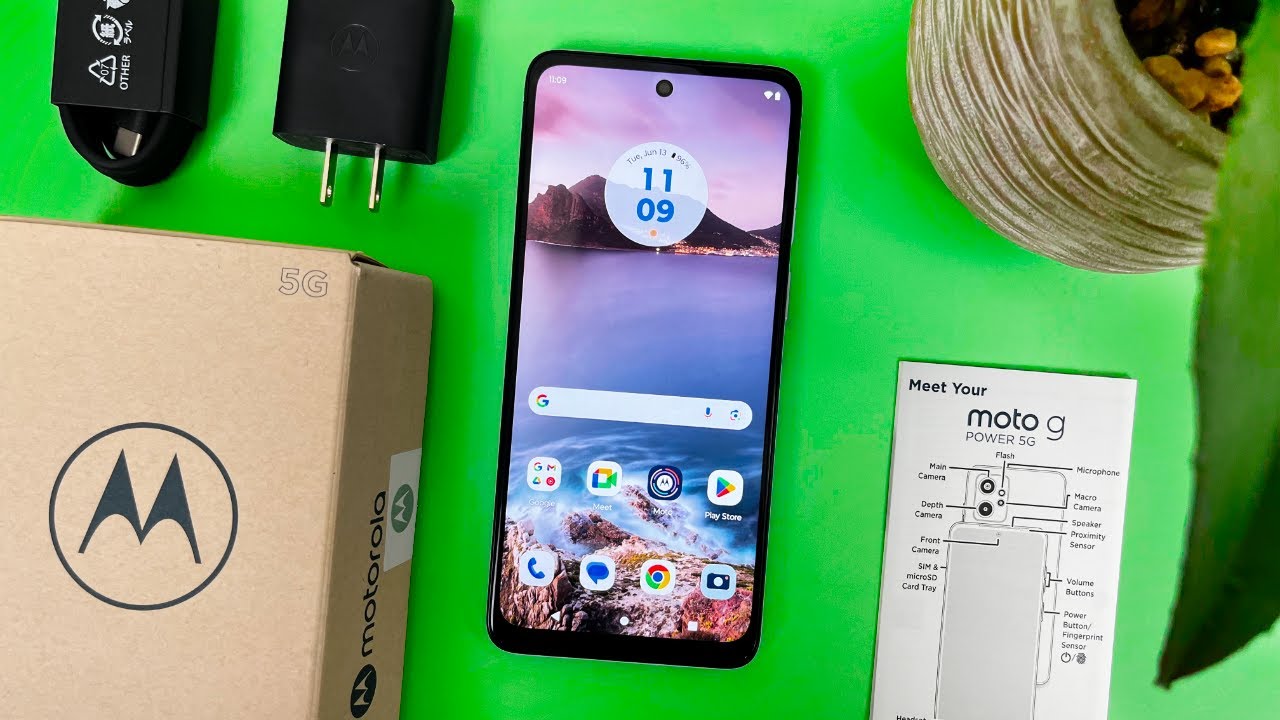
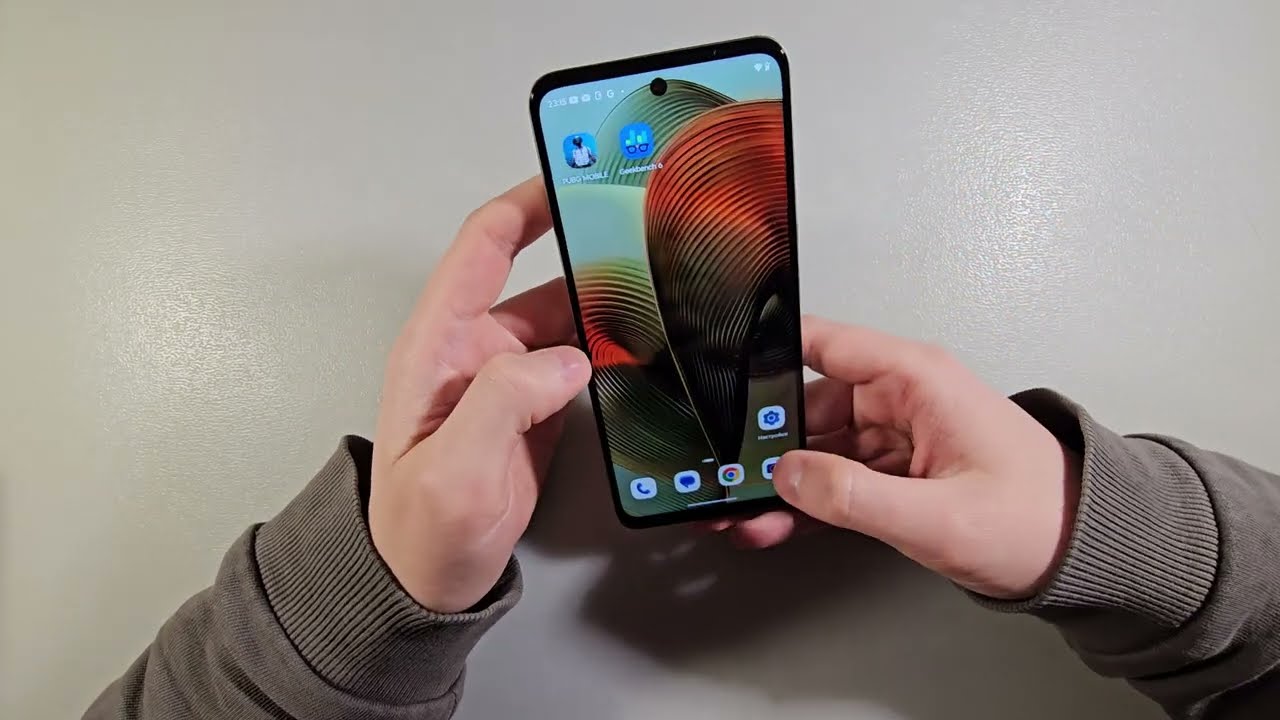
Motorola Moto G55 - First Things To Do After Setup
Автор: HardReset.Info
Загружено: 2025-08-17
Просмотров: 354
Описание:
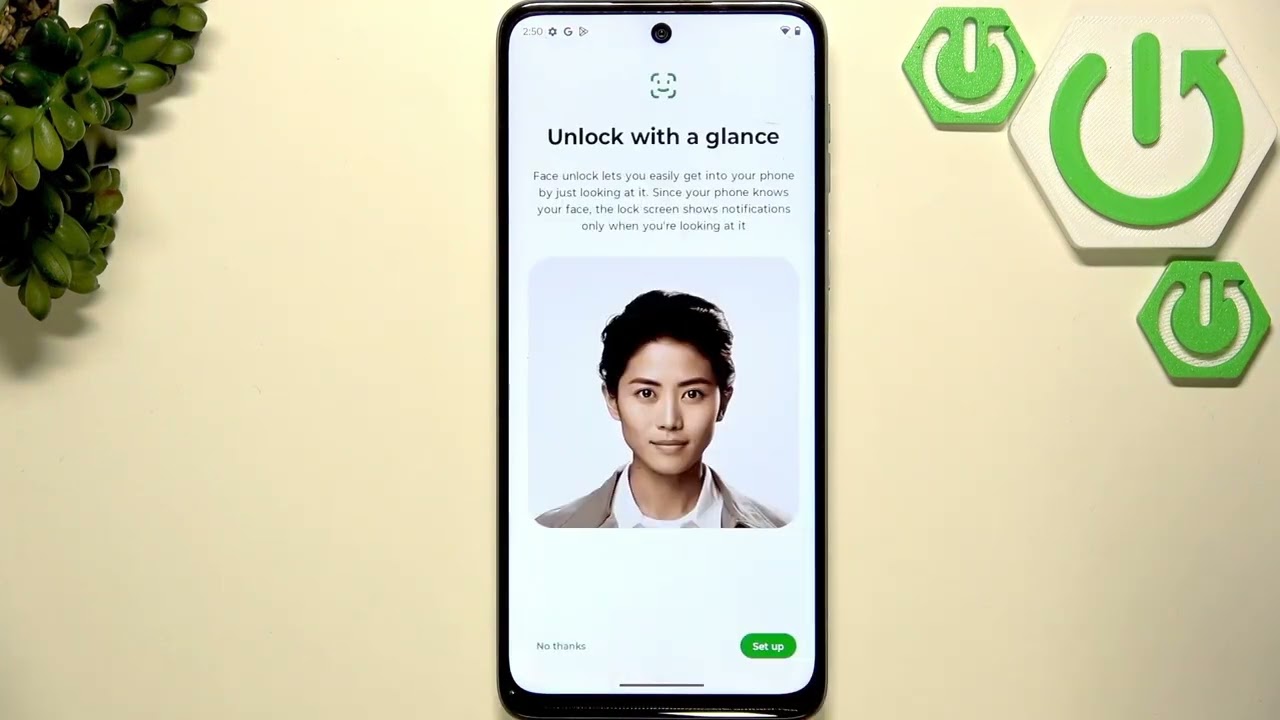
Just finished setting up your MOTOROLA Moto G55? In this video, we walk you through the essential first steps to take after initial setup. Learn how to connect your Moto G55 to Wi-Fi, check for system updates, add your Google account, update and install apps, choose your default browser, and set up important security features like screen lock, fingerprint, and face unlock. We also cover how to set up Google Wallet for payments and optimize your battery settings for better performance and longer life. Whether you’re new to Motorola phones or want to make sure your Moto G55 is ready to use, this guide will help you get started quickly and easily.
How to set up security features on MOTOROLA Moto G55?
How to optimize battery on MOTOROLA Moto G55 after setup?
How to add Google account and update apps on MOTOROLA Moto G55?
0:00 Introduction and welcome
0:16 Connecting to Wi-Fi
0:56 Checking for system updates
1:41 Adding Google account via Play Store
2:44 Updating and installing apps
3:40 Choosing and setting default browser
5:13 Setting up screen lock and fingerprint
7:19 Setting up face unlock and depth protection
9:11 Enabling remote lock
9:18 Setting up Google Wallet
12:02 Optimizing battery settings
13:37 Checking battery health info
13:49 Final tips and outro
#Motorola #MotoG55 #FirstThingsToDo #AndroidSetup
Find out more:
https://www.hardreset.info/devices/mo...
Follow us on Instagram ► / hardreset.info
Like us on Facebook ► / hardresetinfo
Tweet us on Twitter ► / hardreseti
Support us on TikTok ► / hardreset.info
Use Reset Guides for many popular Apps ► https://www.hardreset.info/apps/apps/
Повторяем попытку...

Доступные форматы для скачивания:
Скачать видео
-
Информация по загрузке: