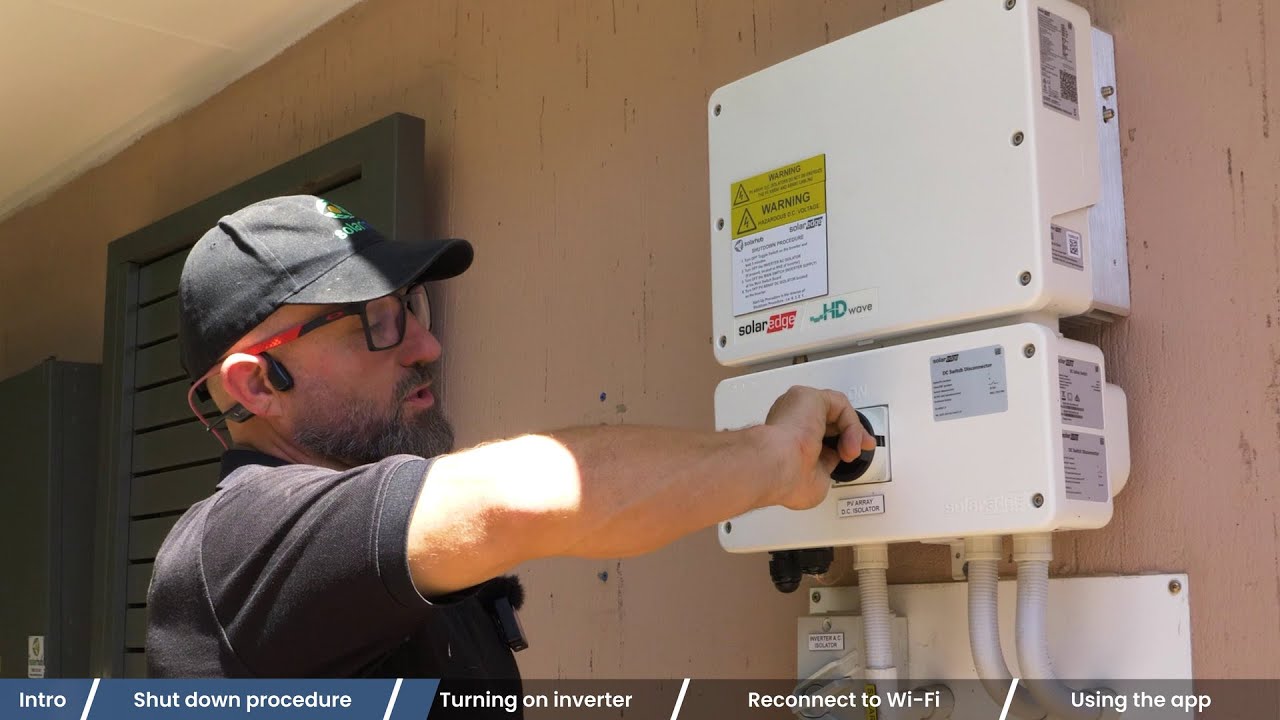
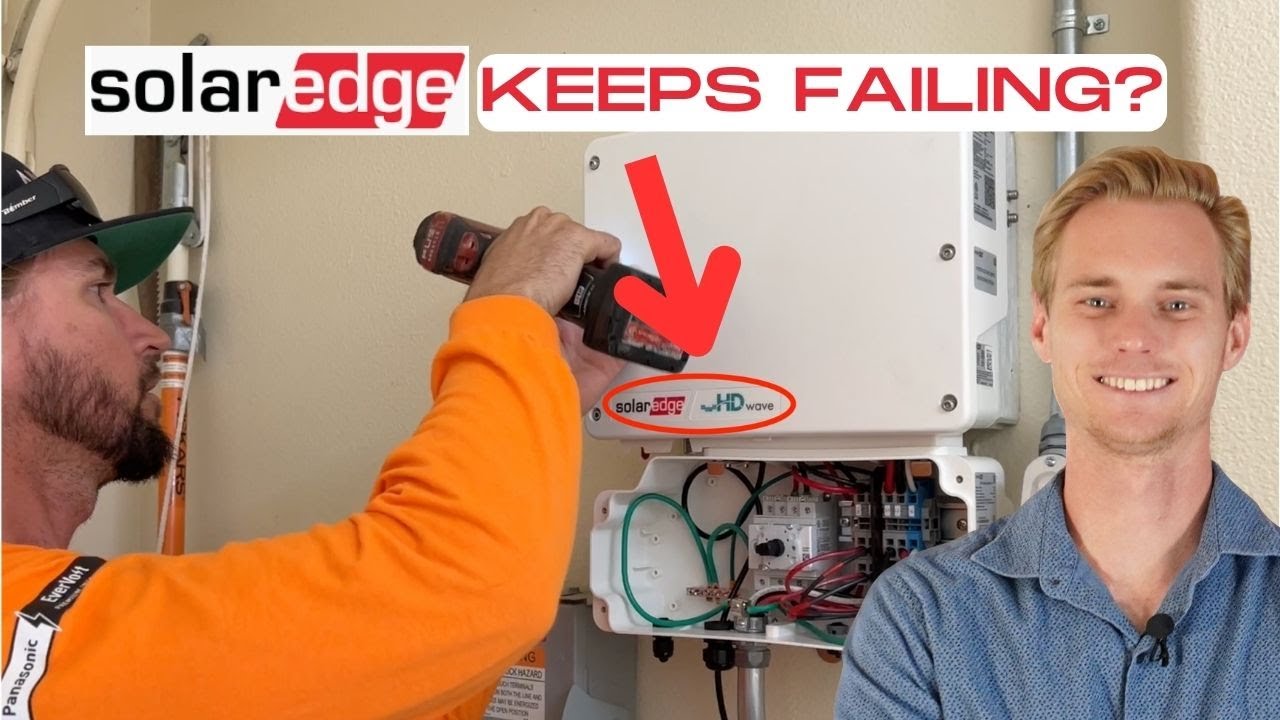
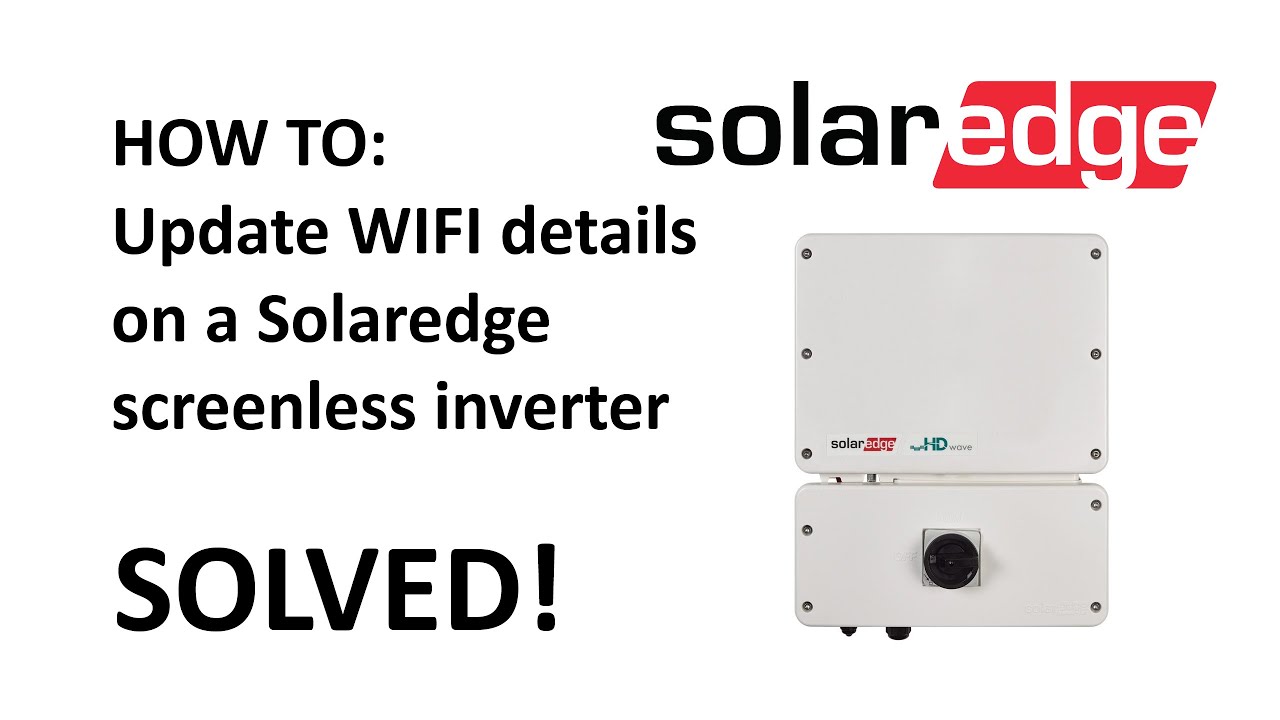
How to Update Wifi details on a SolarEdge Screenless inverter
Автор: Gold Coast Solar Power Solutions
Загружено: 2020-06-12
Просмотров: 108086
Описание:
Have you changed your wifi details and you're wondering the best way to update the wifi details on your SolarEdge screenless inverter? If so you've come to the right place!
To update the wifi details you will require the following:
1. Smart phone or tablet
2. The new Wifi network details (name & password)
3. Your SolarEdge account login details
4. The My Solaredge app on your smartphone or tablet
*PLEASE NOTE*
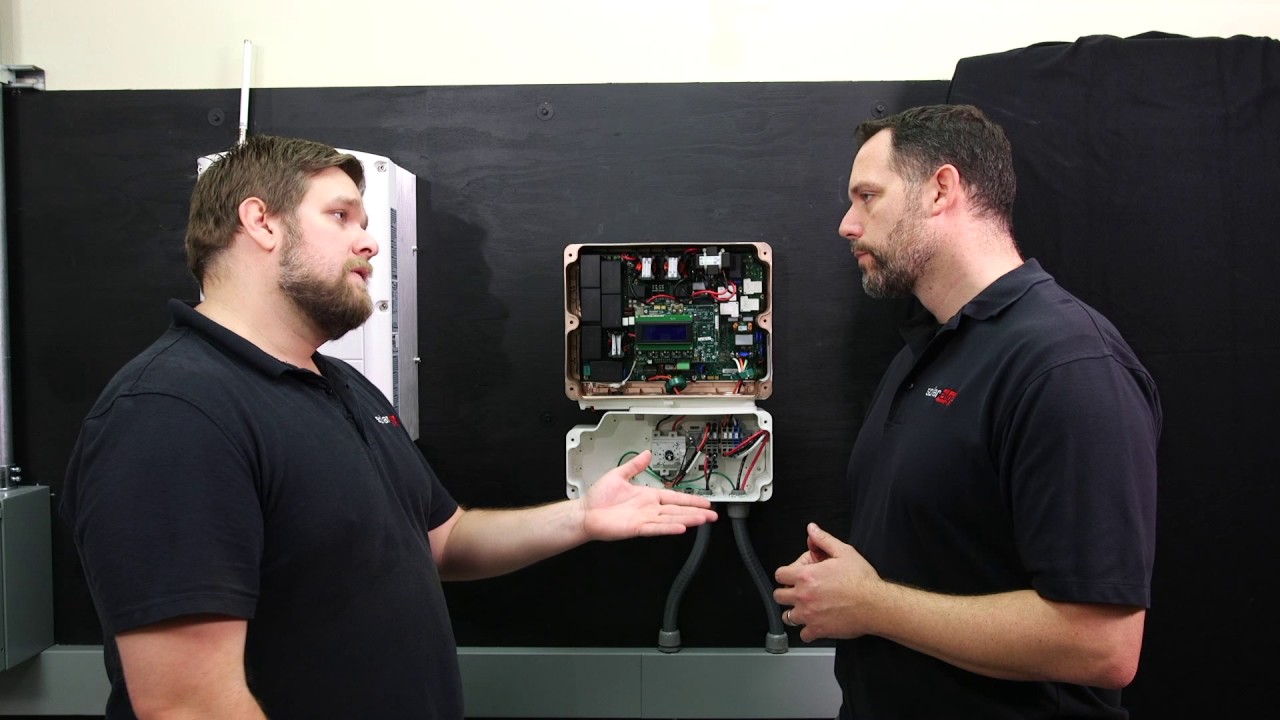
If your SolarEdge inverter has a screen then this video is not applicable for you. Please checkout the following videos to assist with updating Wifi details on a SolarEdge inverter with a screen:
1. Video for HD Wave inverter with a screen: • How to setup WiFi on Solaredge HD Wave Sol...
2. Video for non HD Wave SolarEdge inverter with a screen:
• How to setup WiFi on a Solaredge Inverter ...
Повторяем попытку...
Доступные форматы для скачивания:
Скачать видео
-
Информация по загрузке: